// visual production line for e-commerce
Upload once.
Ship a season of product shots.
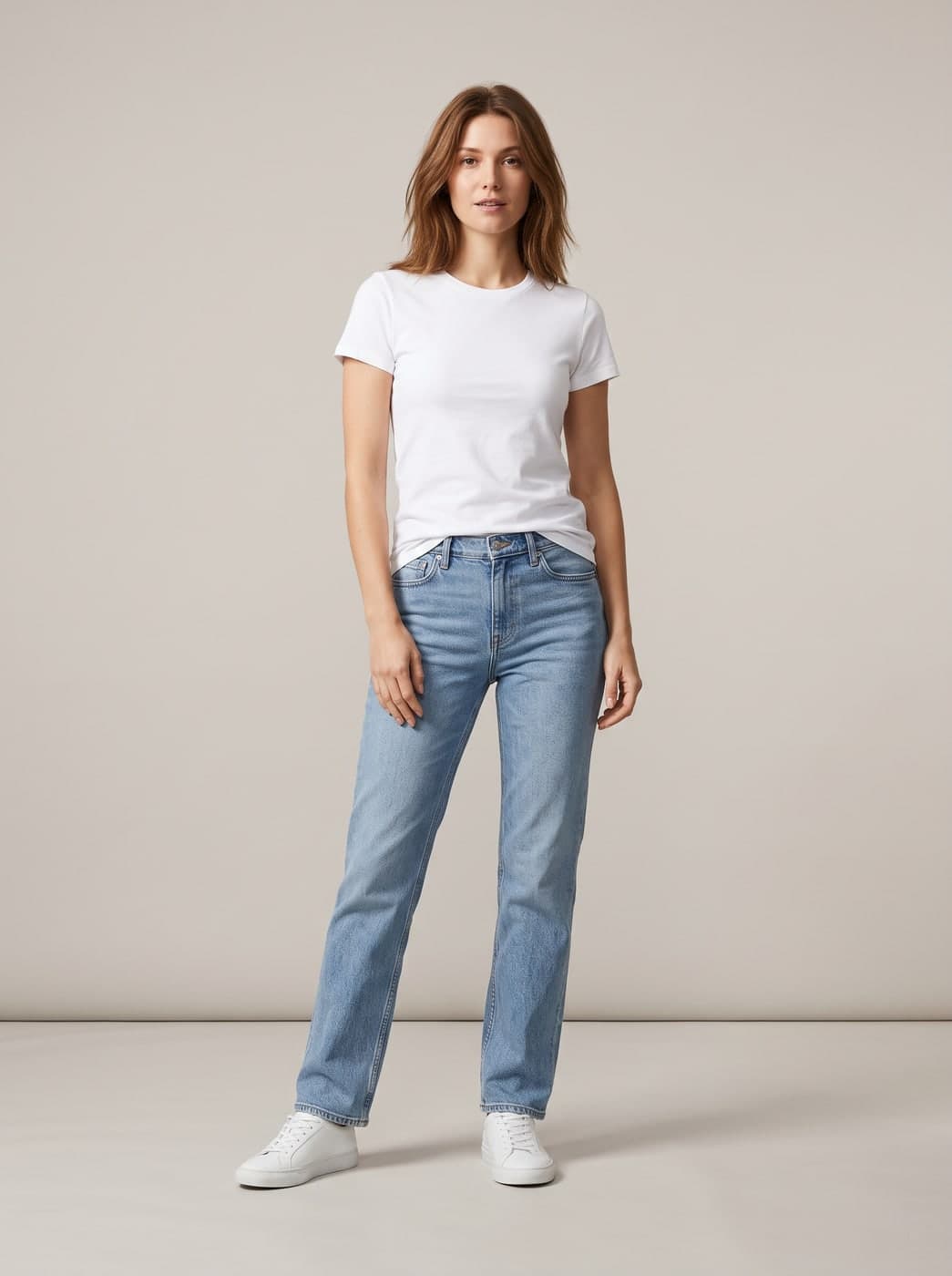
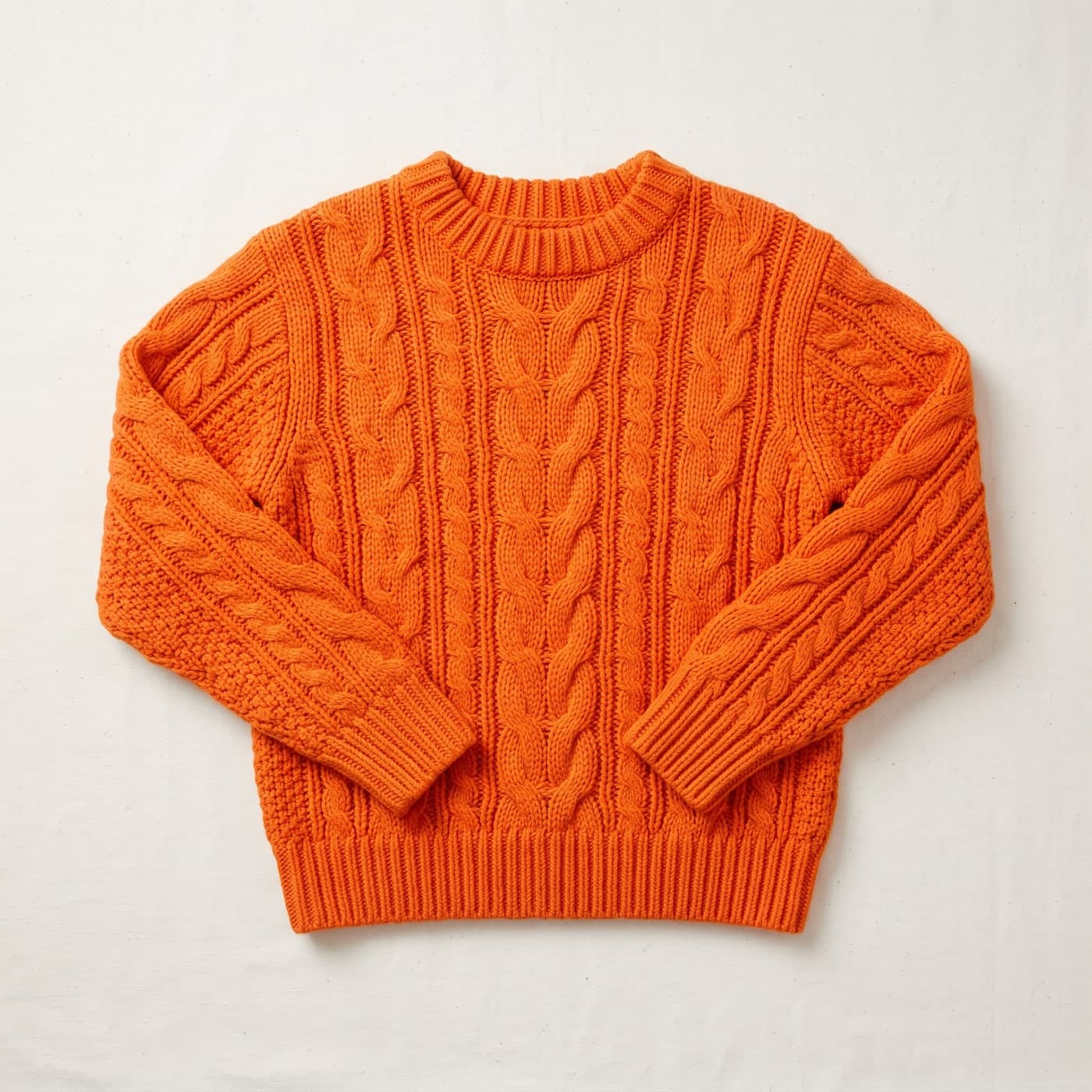
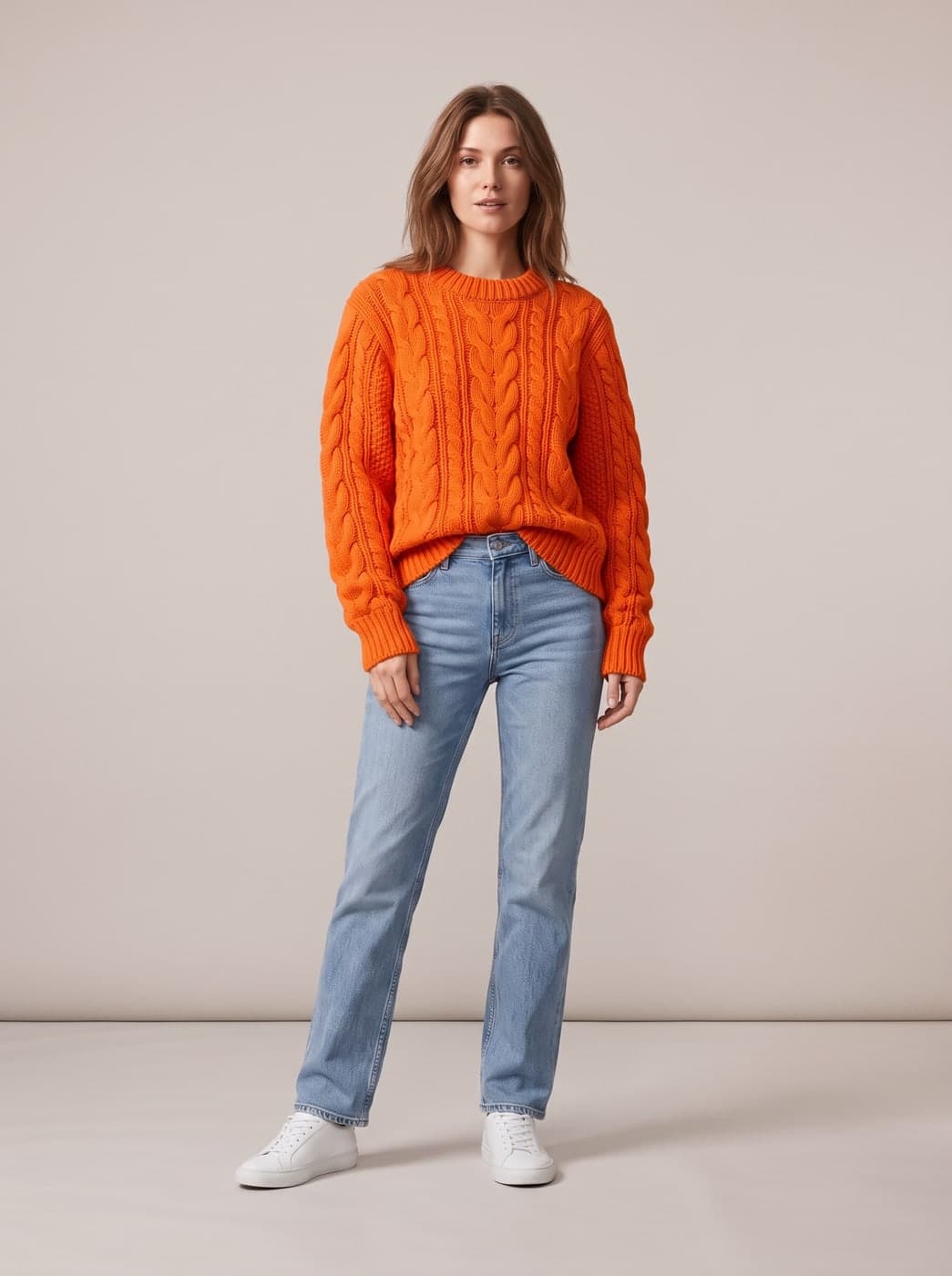
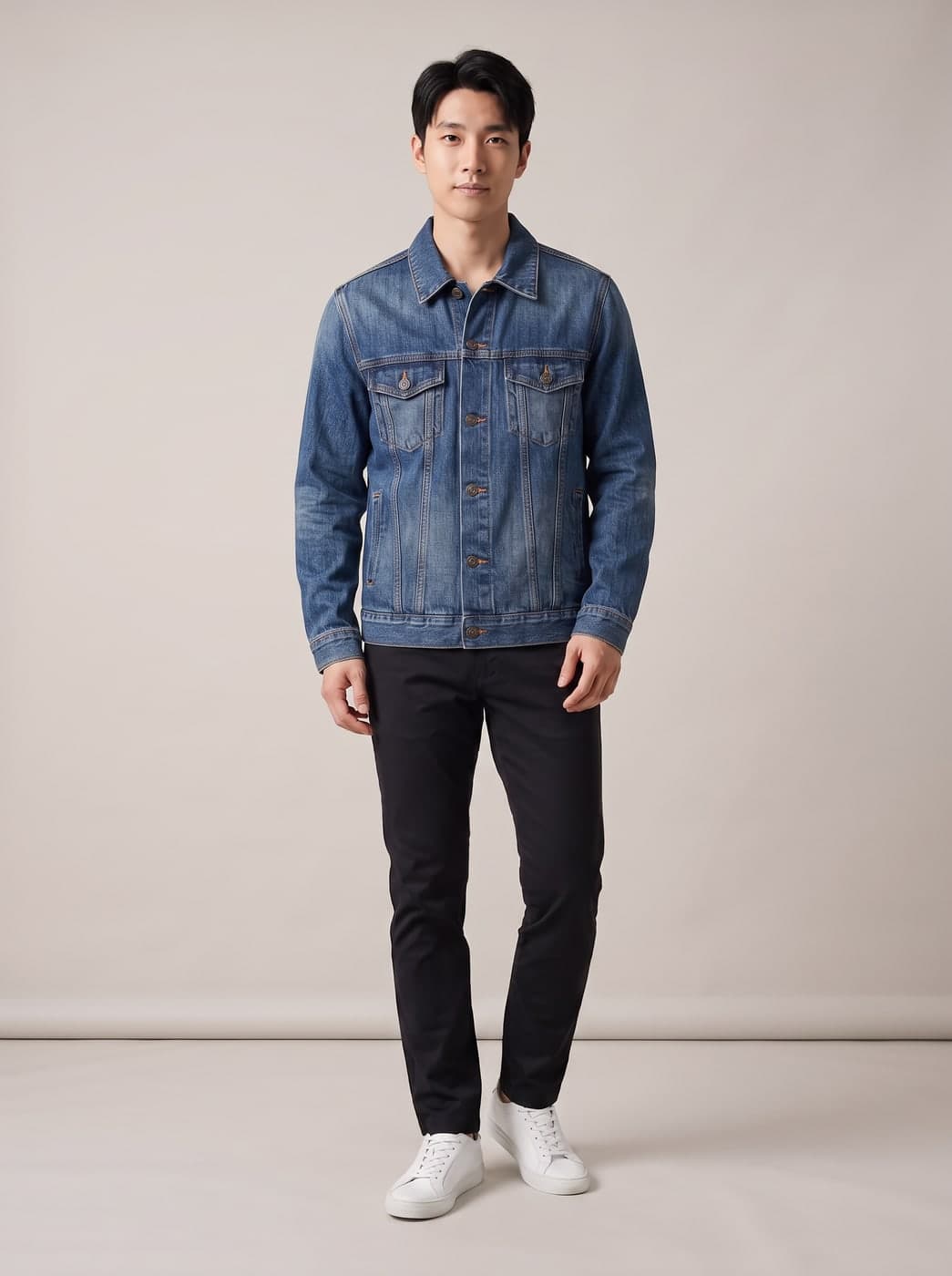
Try-on, face swap, product photography, background removal, upscaling and short videos — ten tools on one shared library, every result one click from the next step.
INPUT
PARAMS
10
AI tools
×4
variations per run
4K
max output resolution
↺
auto refund on failures
10 tools, one workflow
Business 7 · Personal 301 · TRY-ON
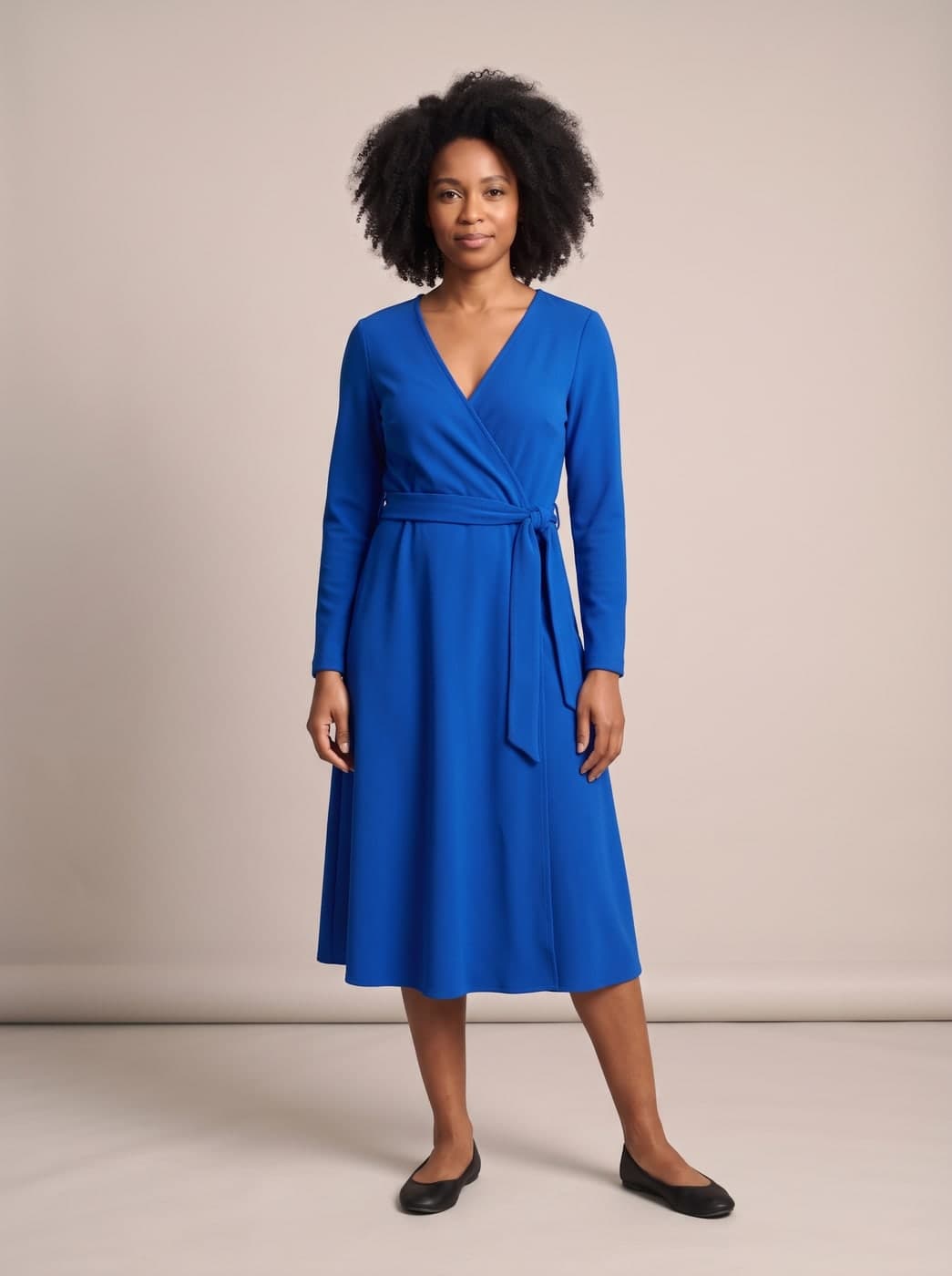
Virtual Try-On
2 cr / image
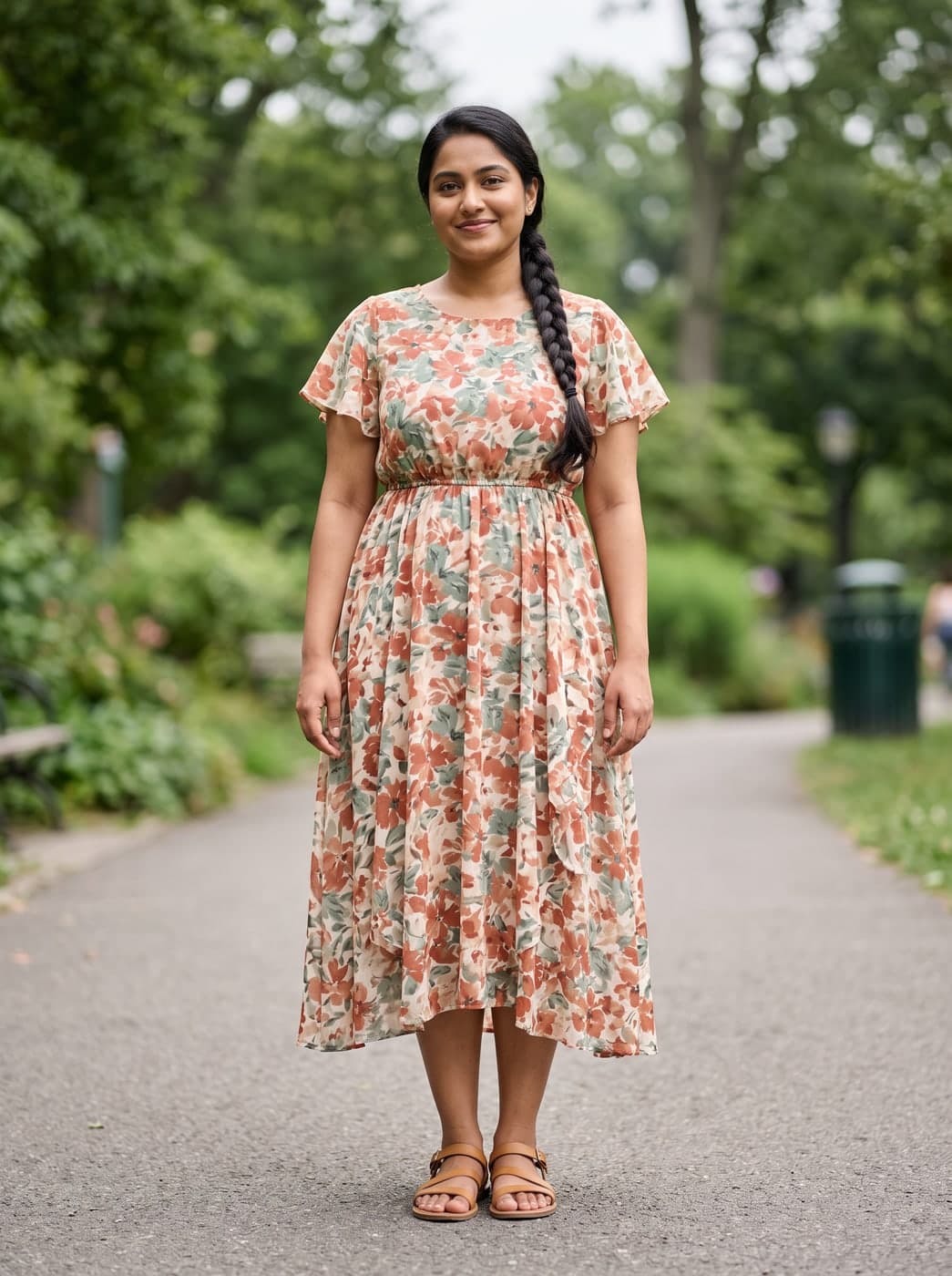
02 · FACE-SWAP
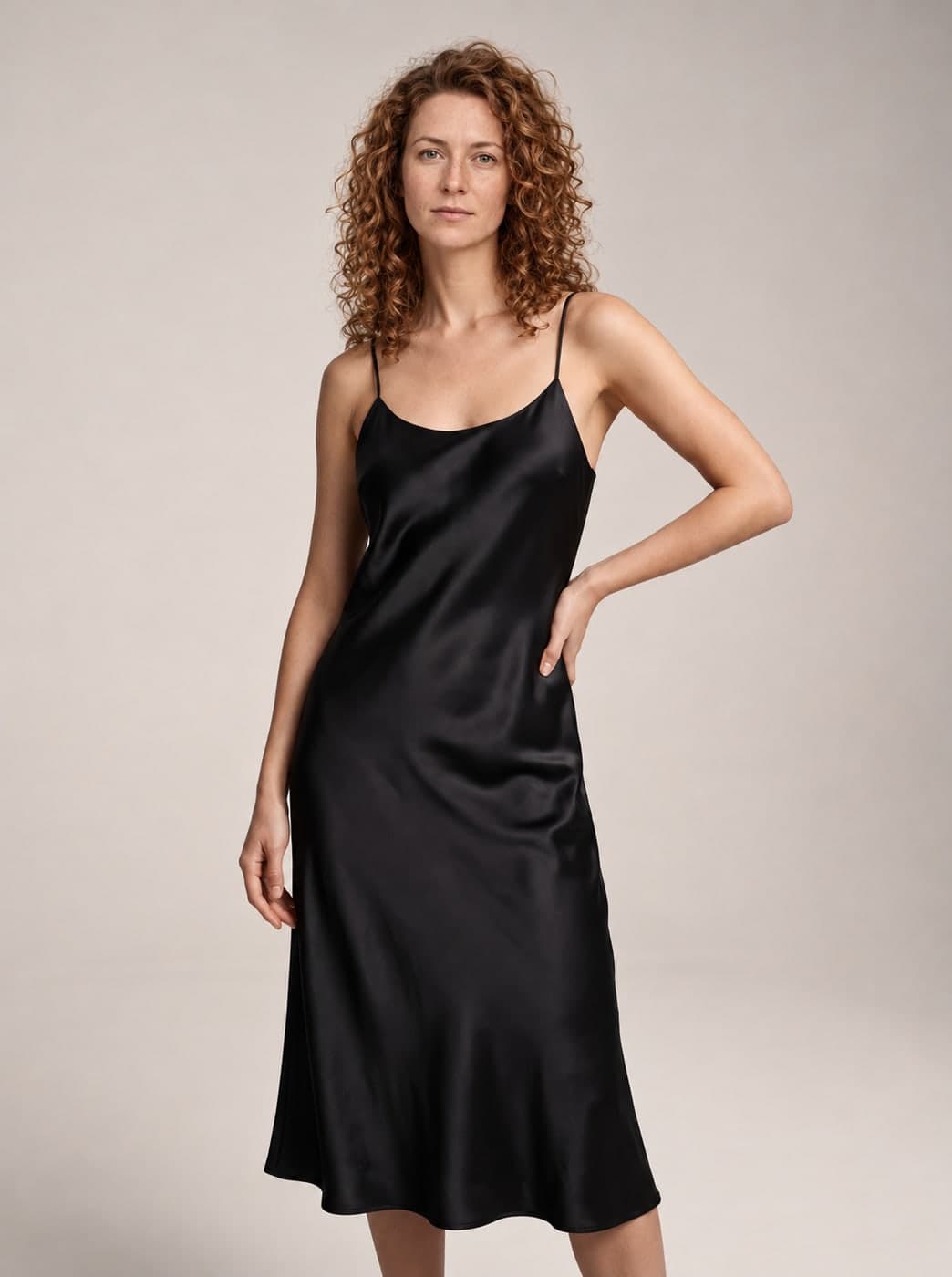
Model Swap
3 cr / image
03 · AI-MODEL
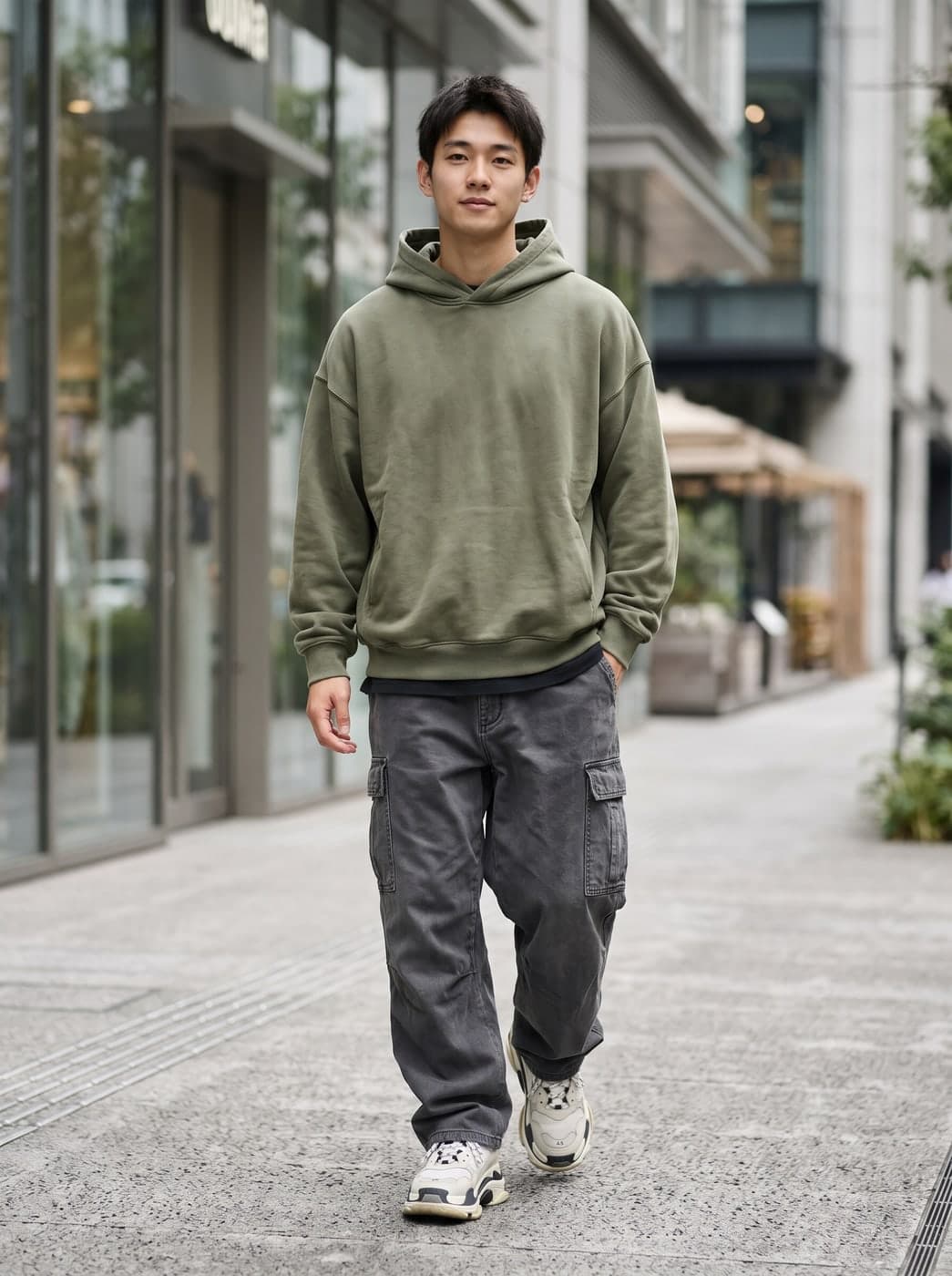
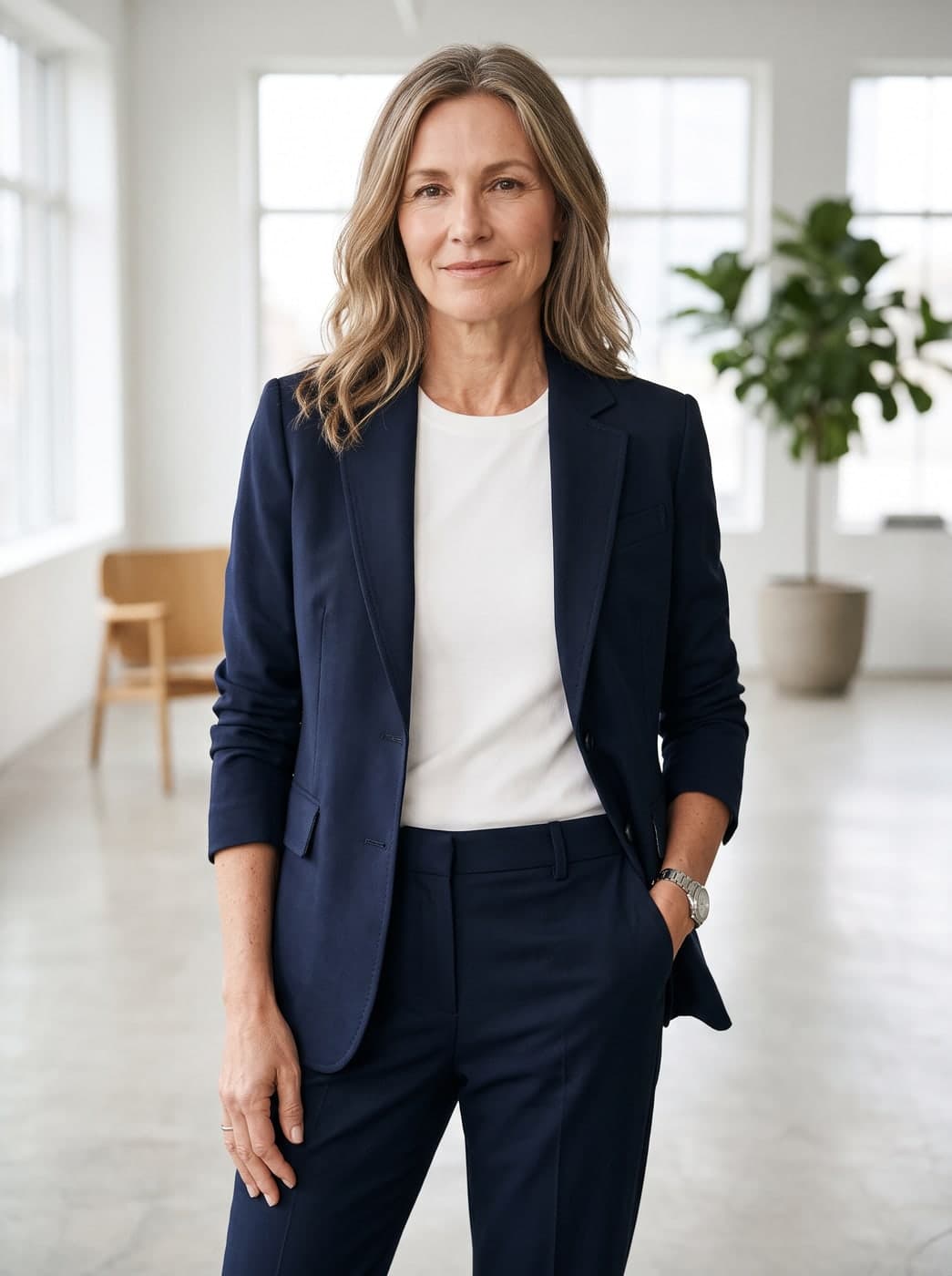
AI Fashion Models
2 cr / image
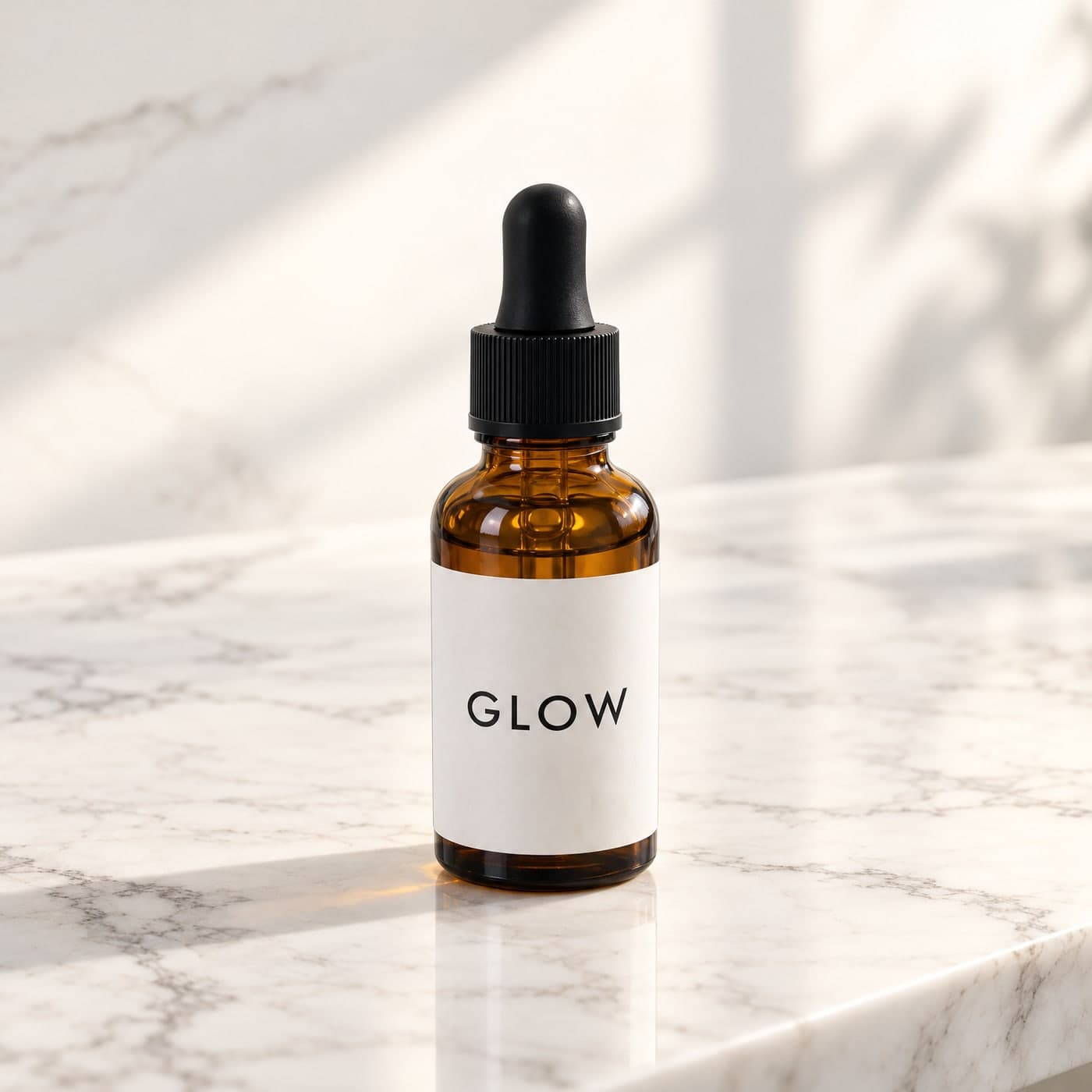
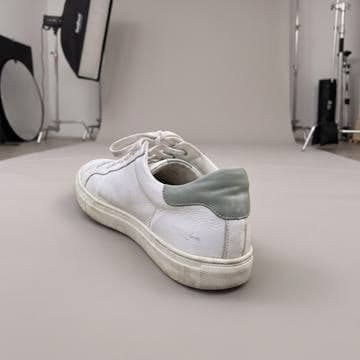
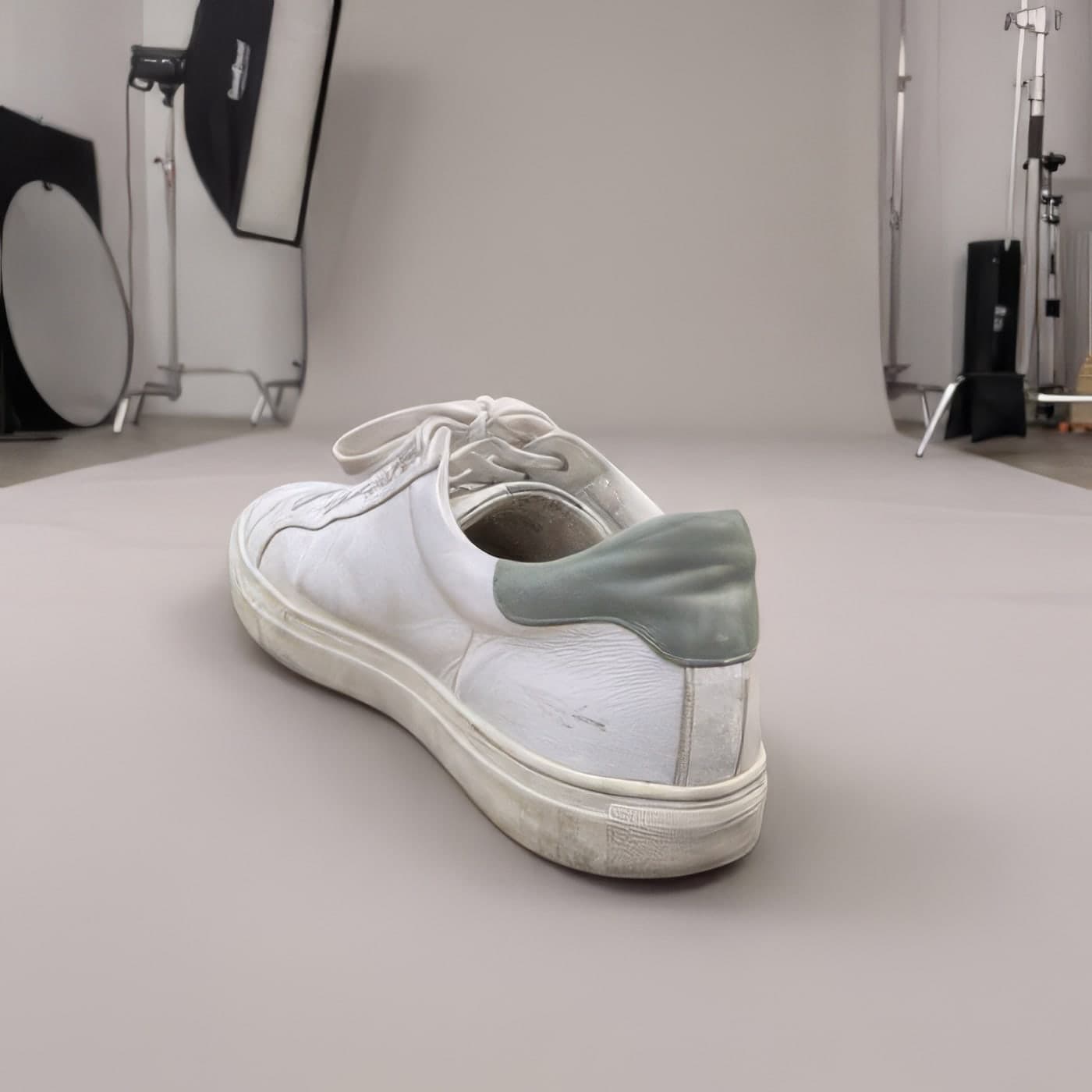
04 · PRODUCT-PHOTO
AI Product Photography
3 cr / image
05 · BACKGROUND
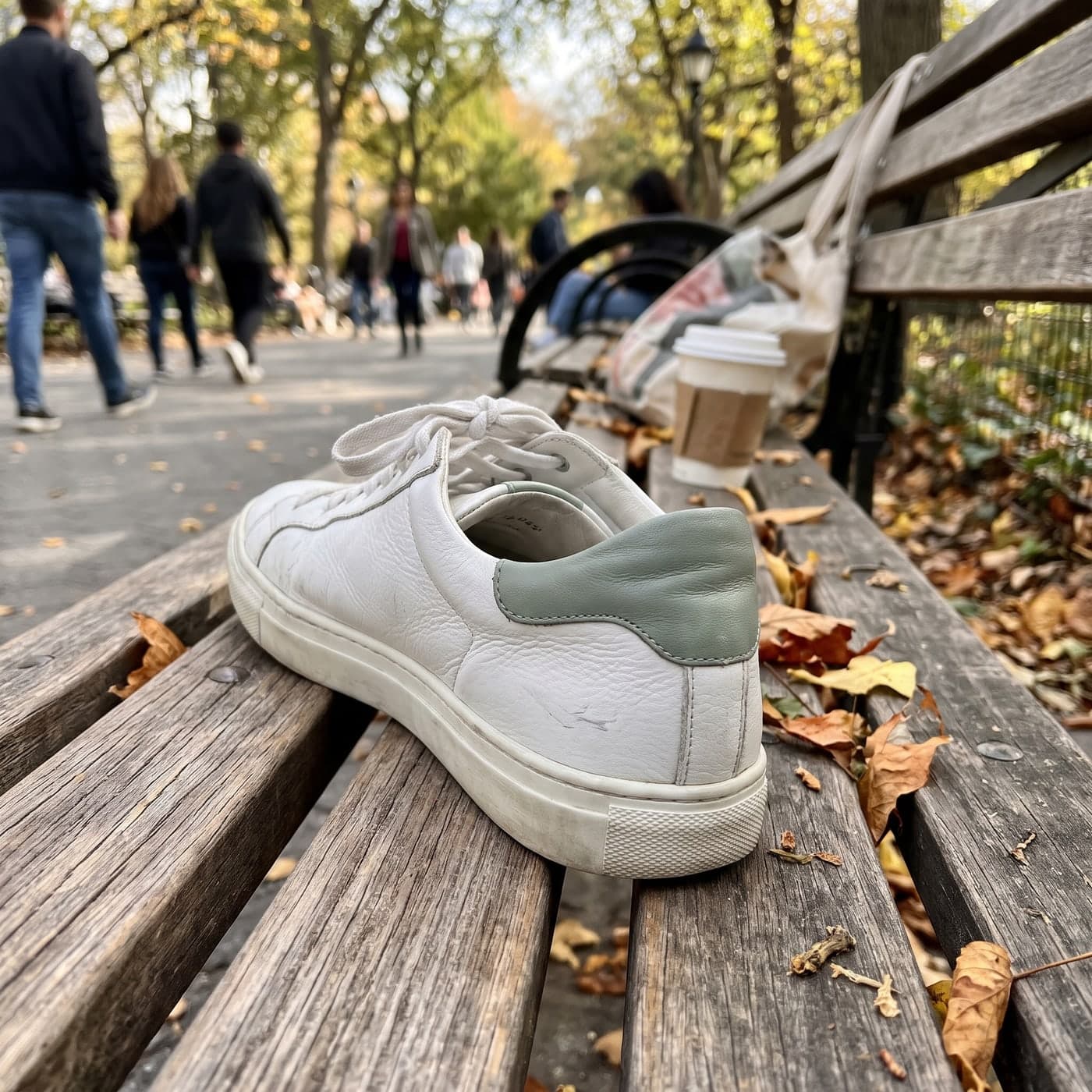
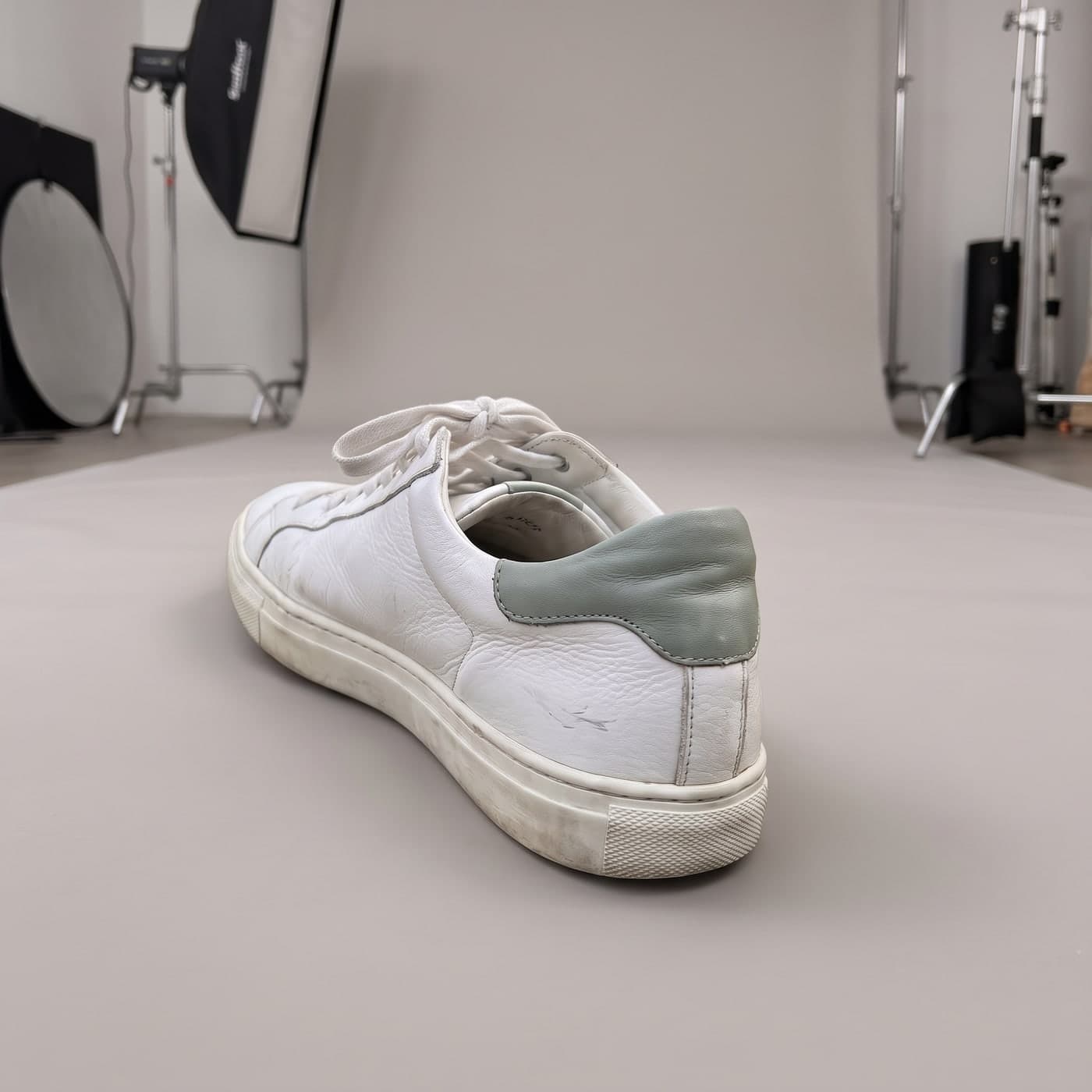
Background Remover
1 cr / image
06 · UPSCALE
Image Upscaler
2 cr / image
07 · PRODUCT-VIDEO
AI Product Video
from 10 cr / video

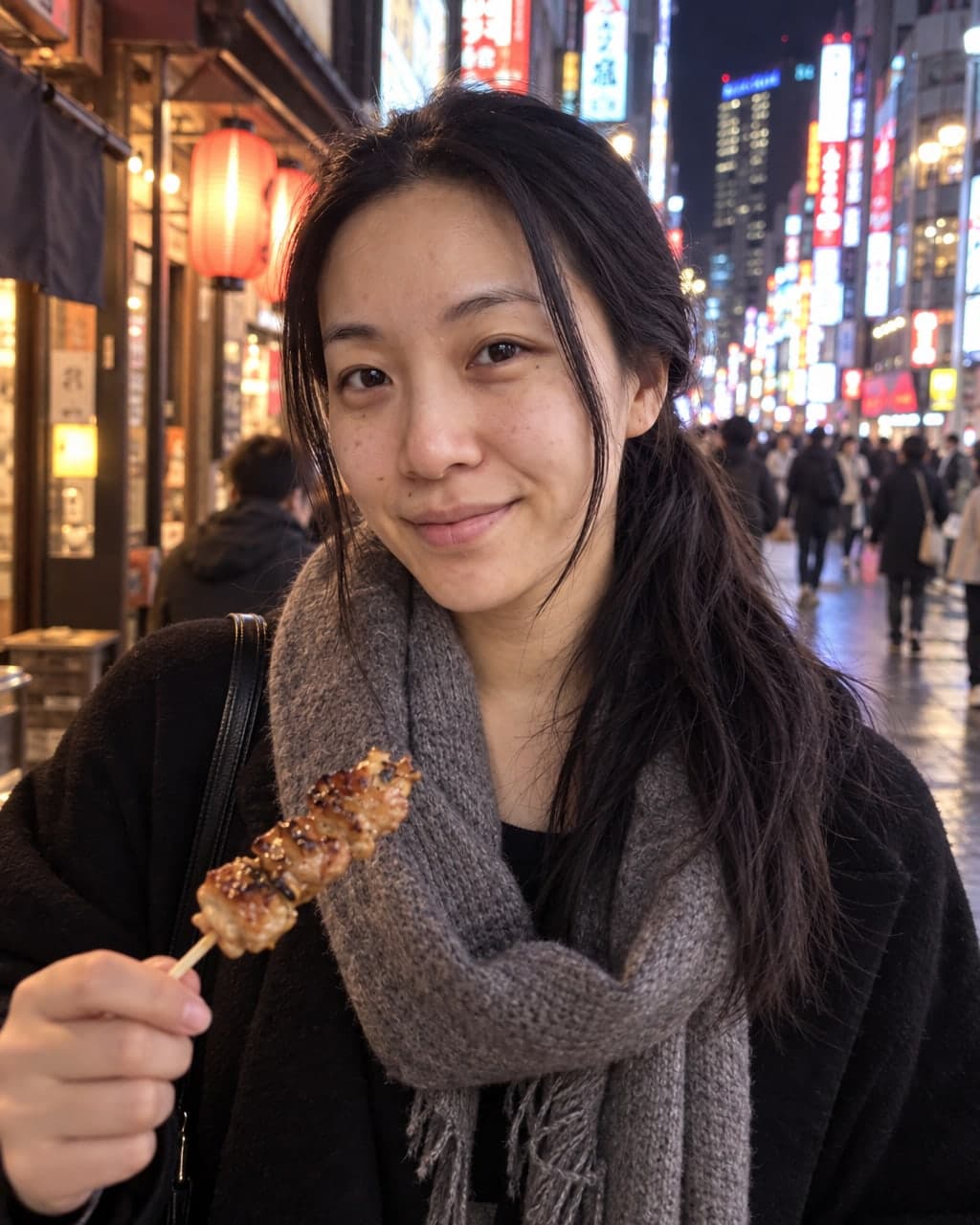
08 · HEADSHOT
AI Headshots
3 cr / image
09 · LIFESTYLE
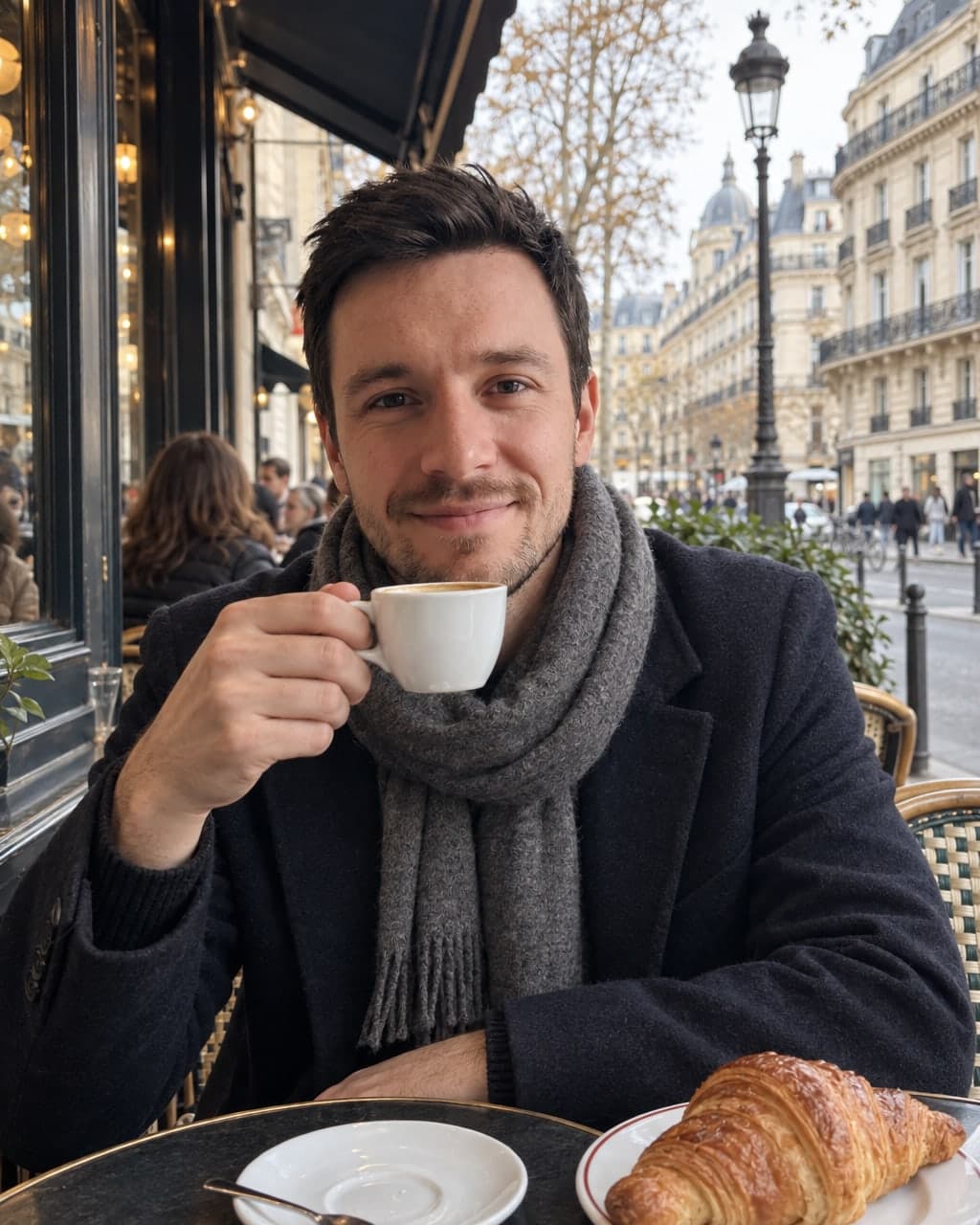
AI Lifestyle Photos
3 cr / image
10 · FASHION-VIDEO
AI Fashion Video
from 10 cr / video
// WORKFLOW
Send results straight to the next step
Every result can be processed further — no downloading and re-uploading. Three common pipelines:
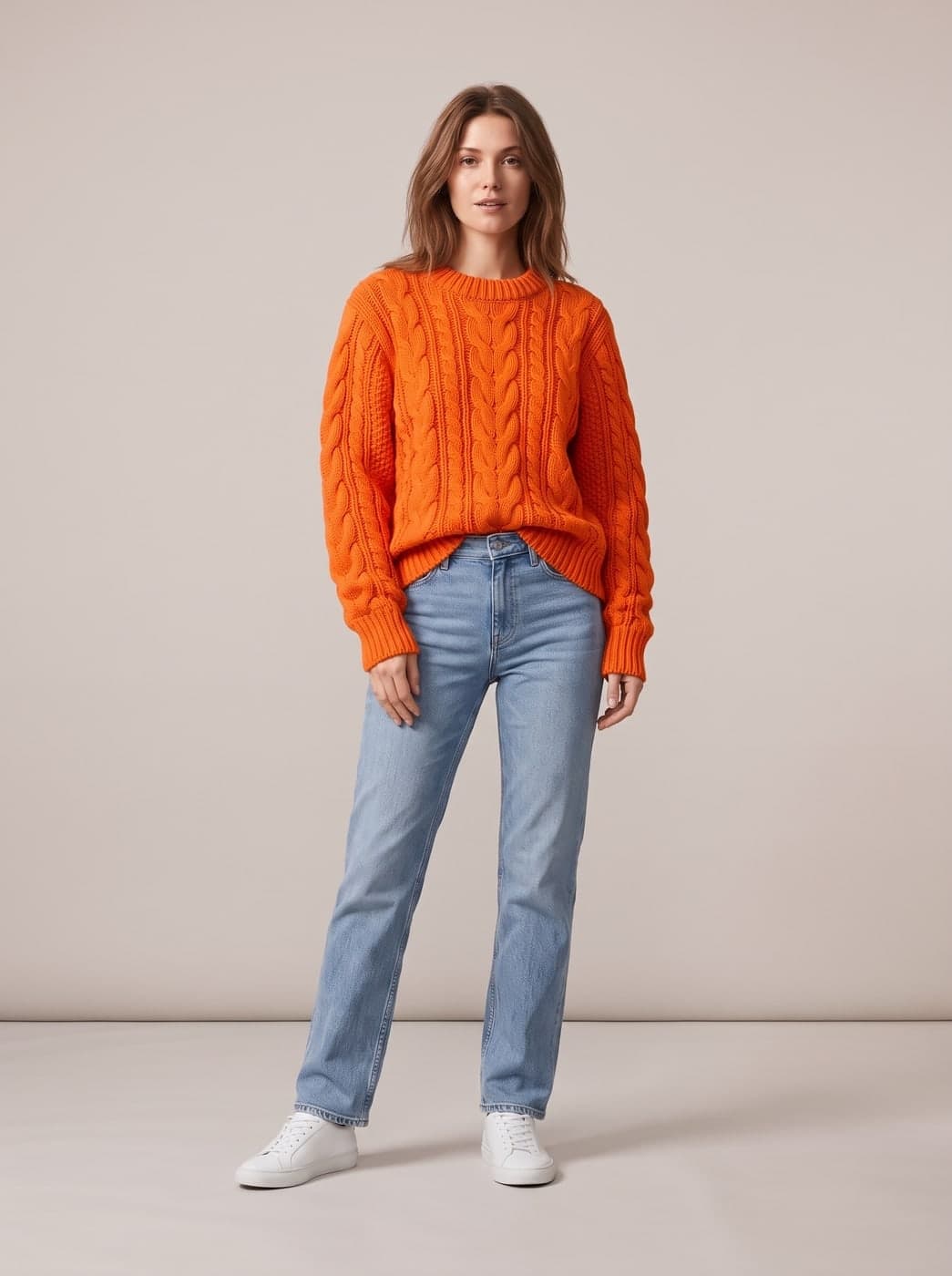
Finish next season’s product shots today
20 free credits on sign-up. No card required.
FAQ
Frequently asked questions
What is PhotoBgAi?
PhotoBgAi is an AI photo studio. For brands it offers virtual try-on, model swap, AI fashion models, product photography, background removal, upscaling and product video. For individuals it creates professional headshots, lifestyle photos and fashion videos.
What photos work best?
Use clear, well-lit images. For the model, a front-facing full or half-body photo with visible clothing works best. For garments, flat-lays, ghost mannequin, hanger or on-model shots all work, as long as the garment is fully visible and not heavily cropped.
Will the garment look exactly like my product?
PhotoBgAi is tuned to preserve color, print, logos and fabric texture. Results can occasionally differ in small details, so we recommend generating a few variations and picking the most accurate one.
How many credits does a generation use?
Credits depend on the tool: background removal costs 1 credit, most images cost 2–3 credits, and videos are charged per second. You always see the exact cost before generating, and credits for failed generations are refunded automatically.
Can I use the images commercially?
Yes. You own the images you generate and can use them on your store, marketplaces, ads and social media, provided you have the rights to the photos you upload.
Can I use any face?
Only your own face or a face you have permission to use. You must have consent from every person in the photos you upload, and images of public figures are not allowed.
Are my uploads private?
Yes. Your uploads and results are only visible in your own account and are never used to train AI models.
What resolution are the results?
Most images are generated at around 2K. Use the Image Upscaler to enlarge any result up to 4×. Videos can be 480p, 720p or 1080p.
Still have questions? Contact us