AI virtual try-on
Put any garment
on any model
Upload a model photo and a product image. PhotoBgAi dresses the model in your garment with realistic drape, folds and shadows, while the color, print and fabric stay true to the original.
20 free credits · No credit card required
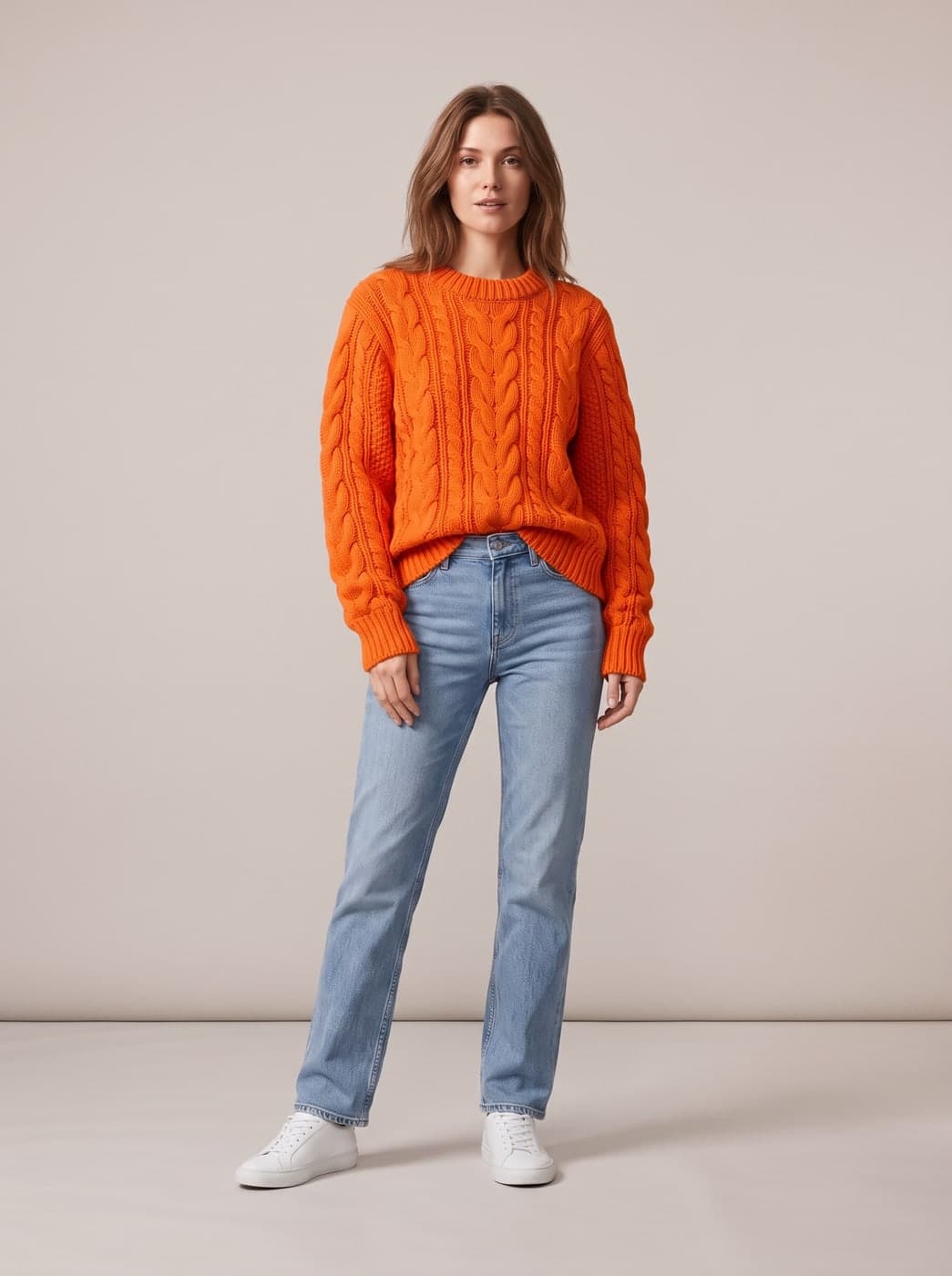 Result
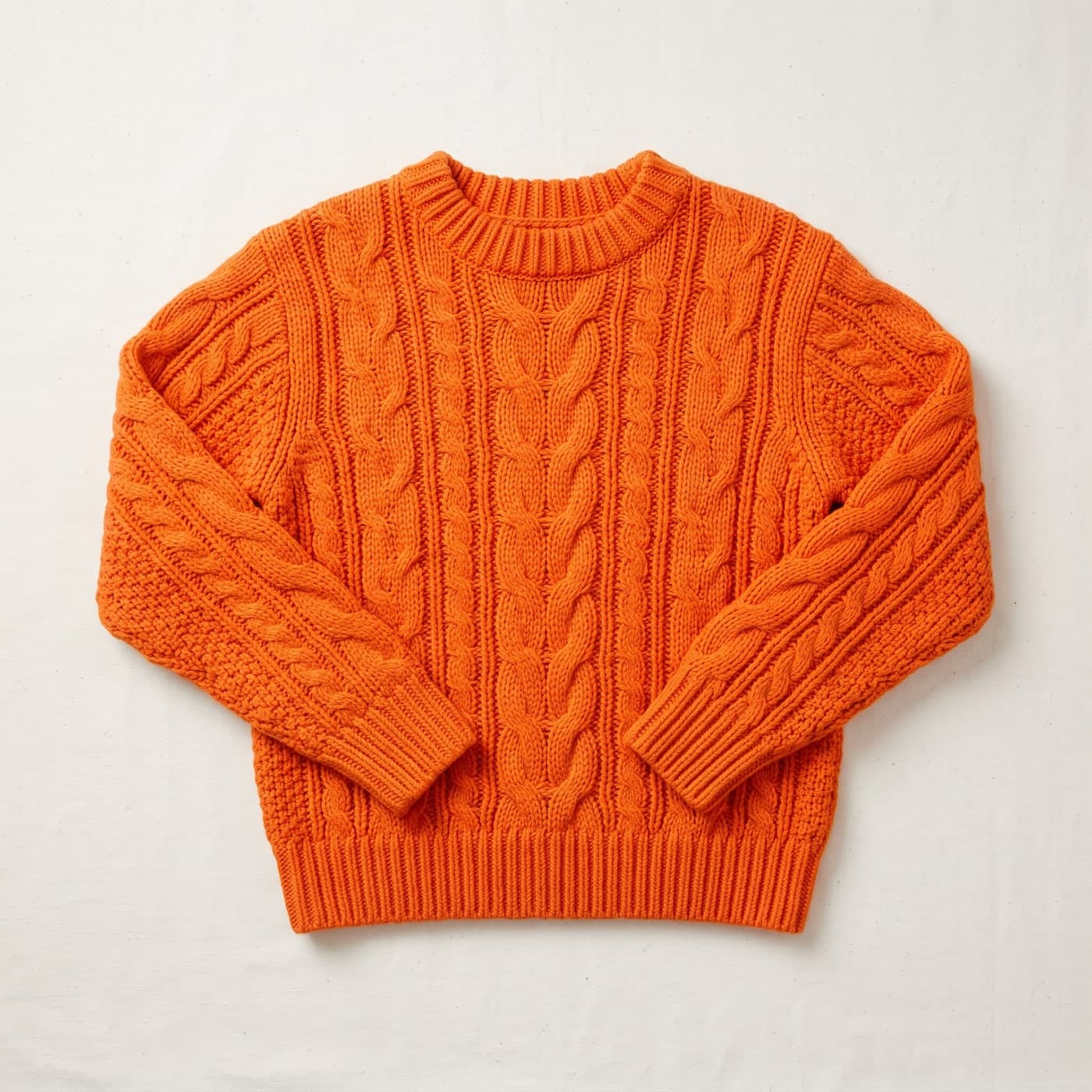 Garment
Start with the product photos you already have
If you can photograph the product clearly, PhotoBgAi can put it on a person.
Flat-lay
Garments photographed from above on a plain surface.
Ghost mannequin
Invisible-mannequin packshots from your existing catalog.
On-hanger
Quick hanger shots from the studio, showroom or warehouse.
On-model
Take a garment from one photo and put it on a different model.
How to put clothes on a model with AI
Go from a single product image to on-model shots in three steps.
01
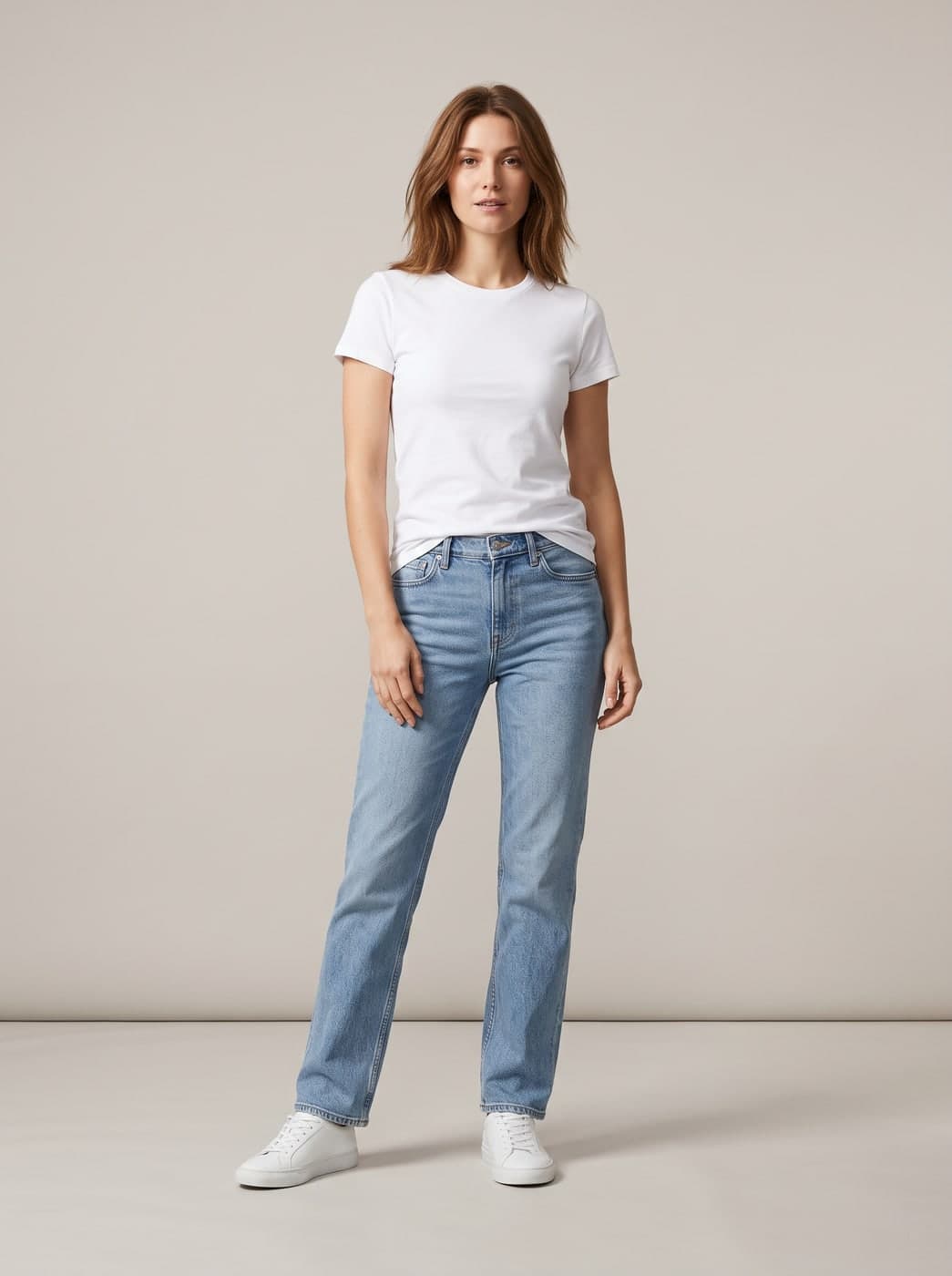
Add your model
Upload a clear, well-lit photo of the model. Full-body or half-body shots both work.
Upload up to three garments, such as a top and trousers, and choose what to replace.
02
Add the garment
Upload up to three garments, such as a top and trousers, and choose what to replace.
03
Pick your favorites
Generate up to four variations at once, then download the best in high resolution.
More examples
Every example was generated with PhotoBgAi. The small thumbnails show what went in.
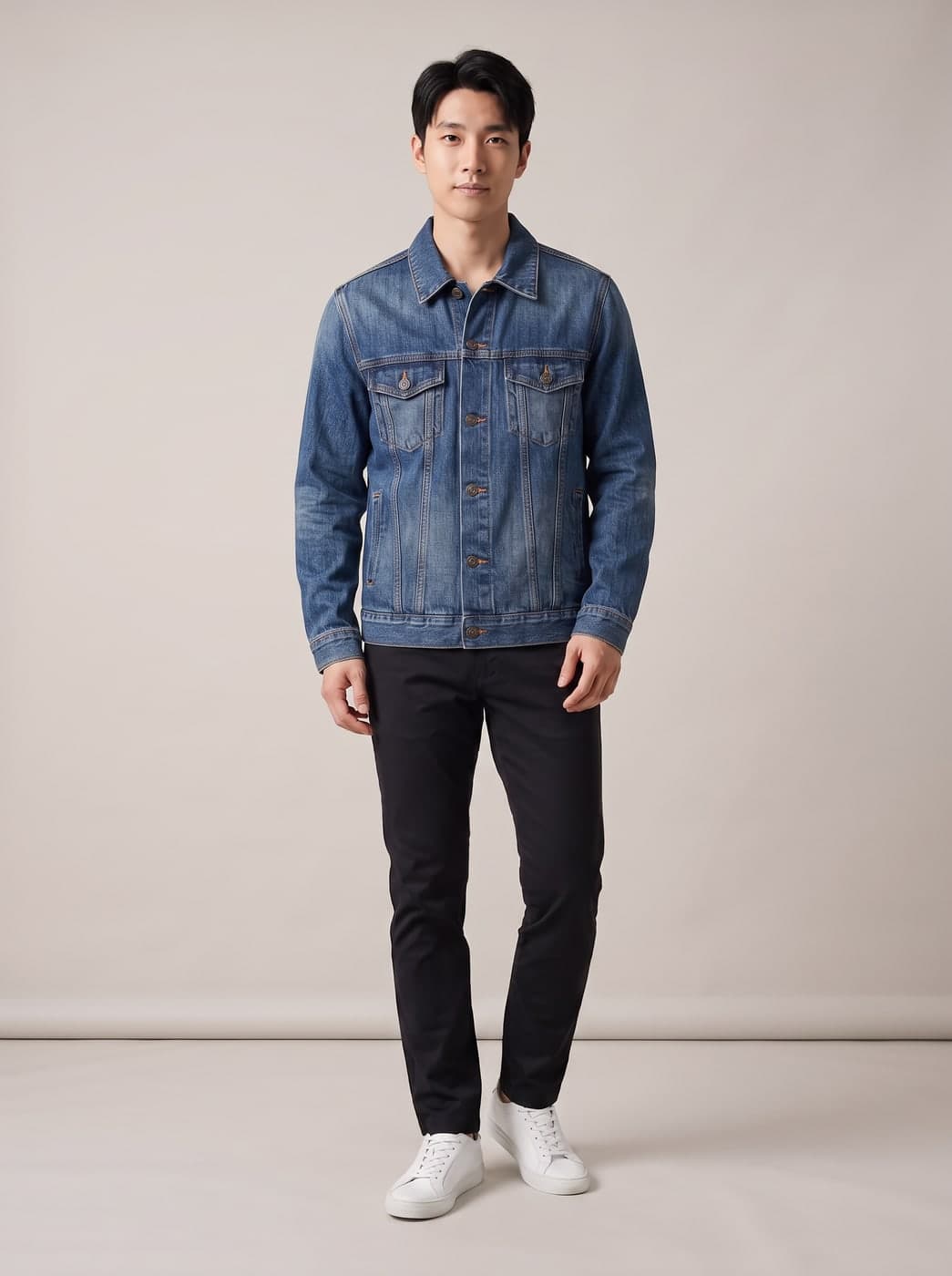
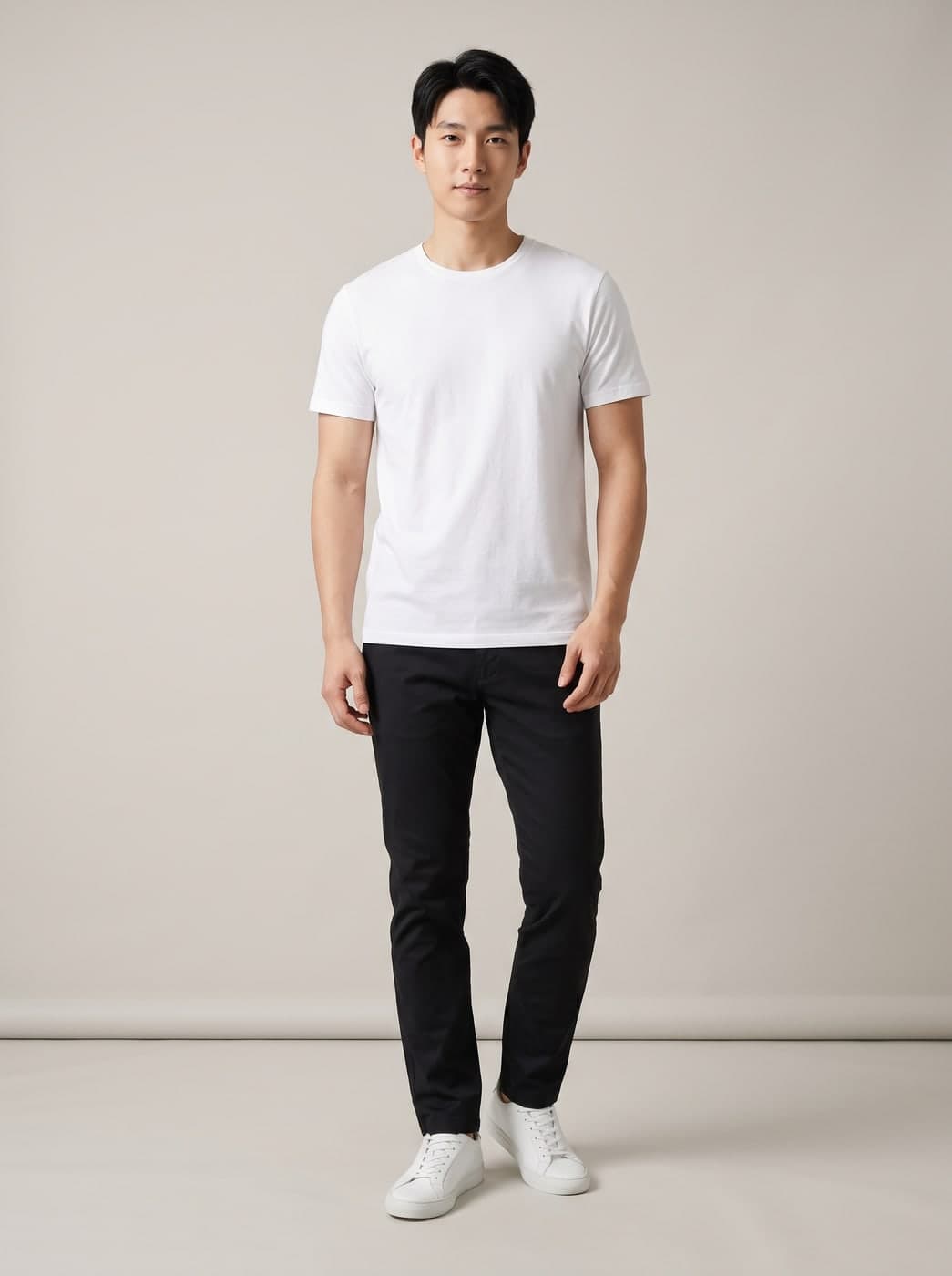
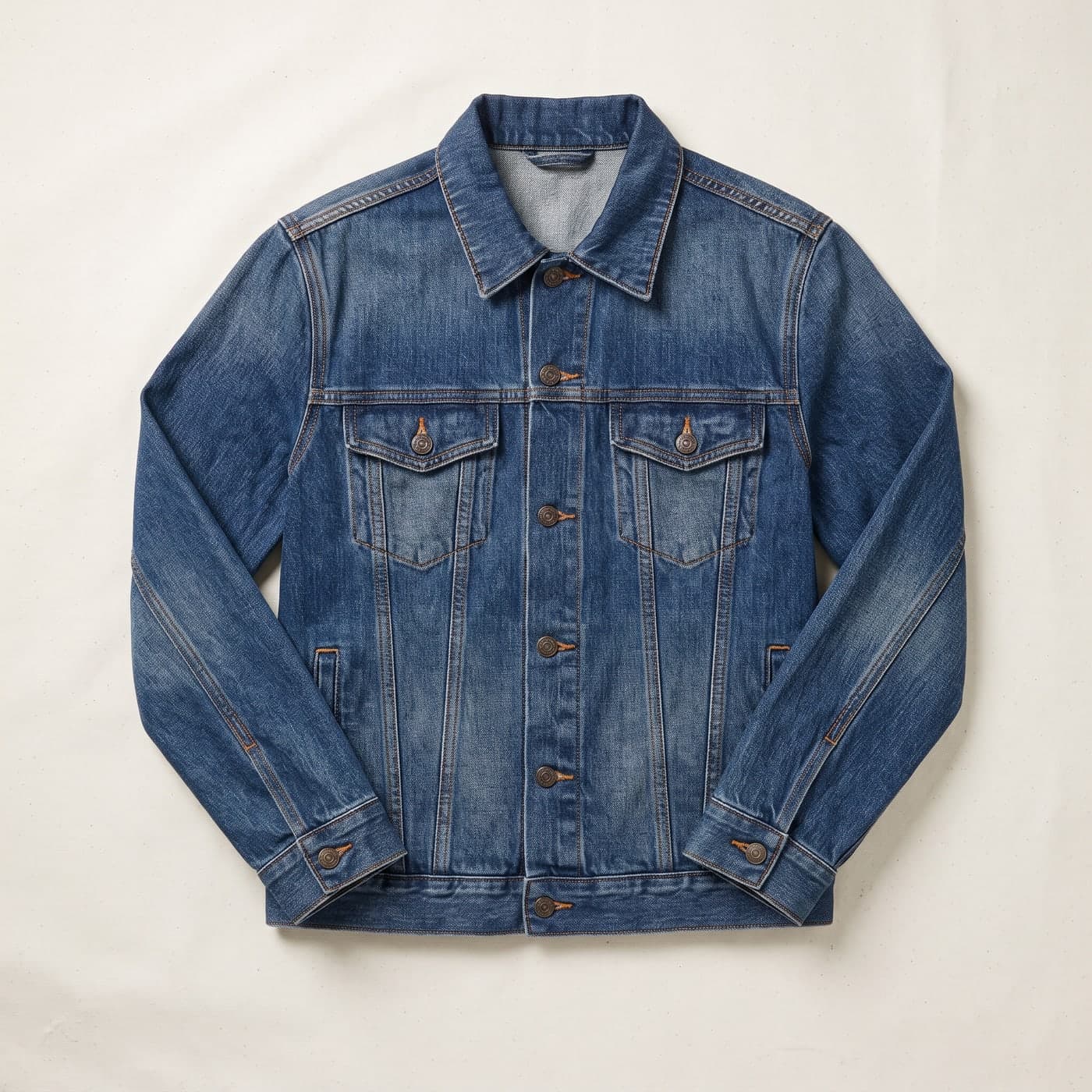
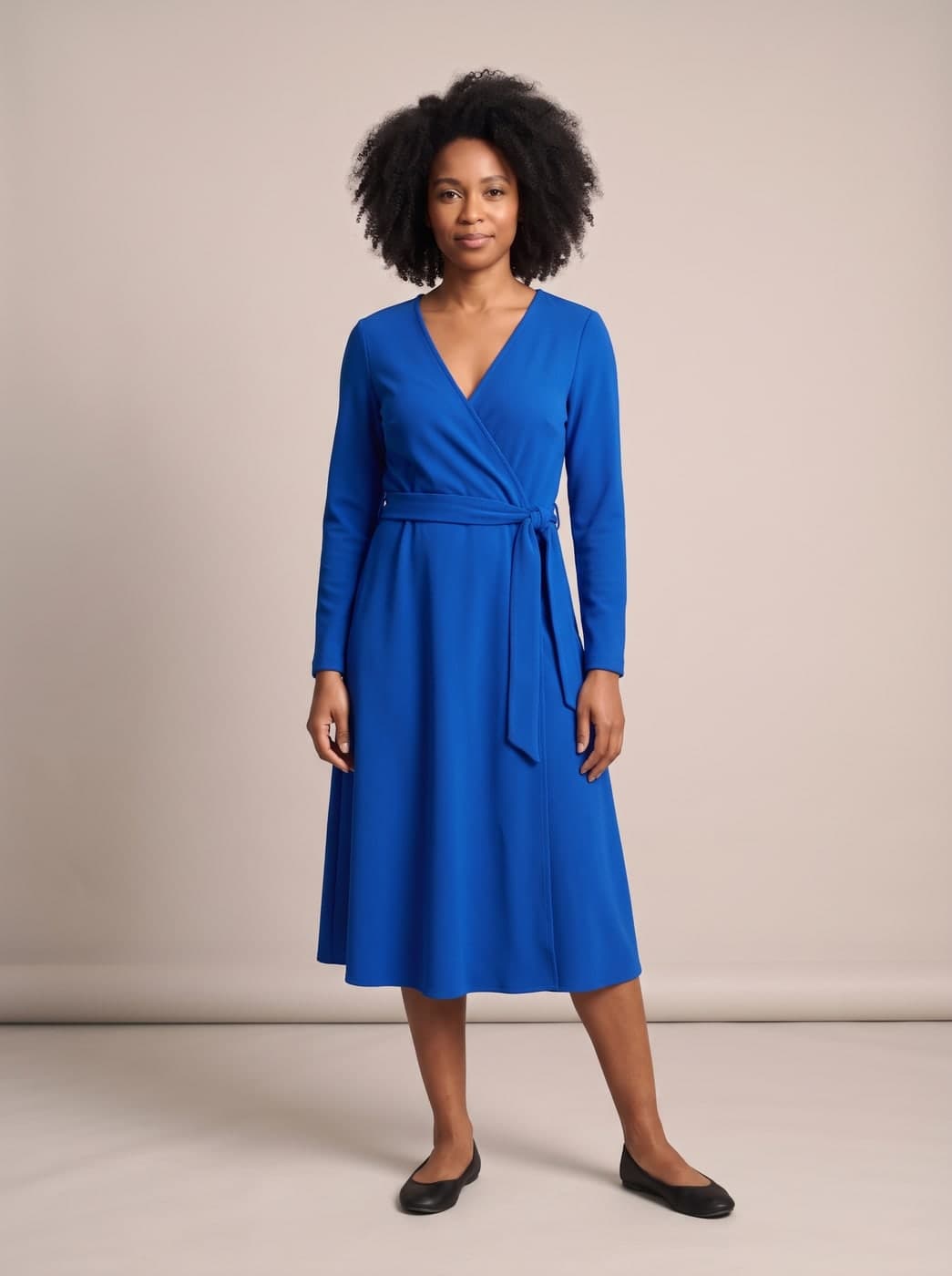
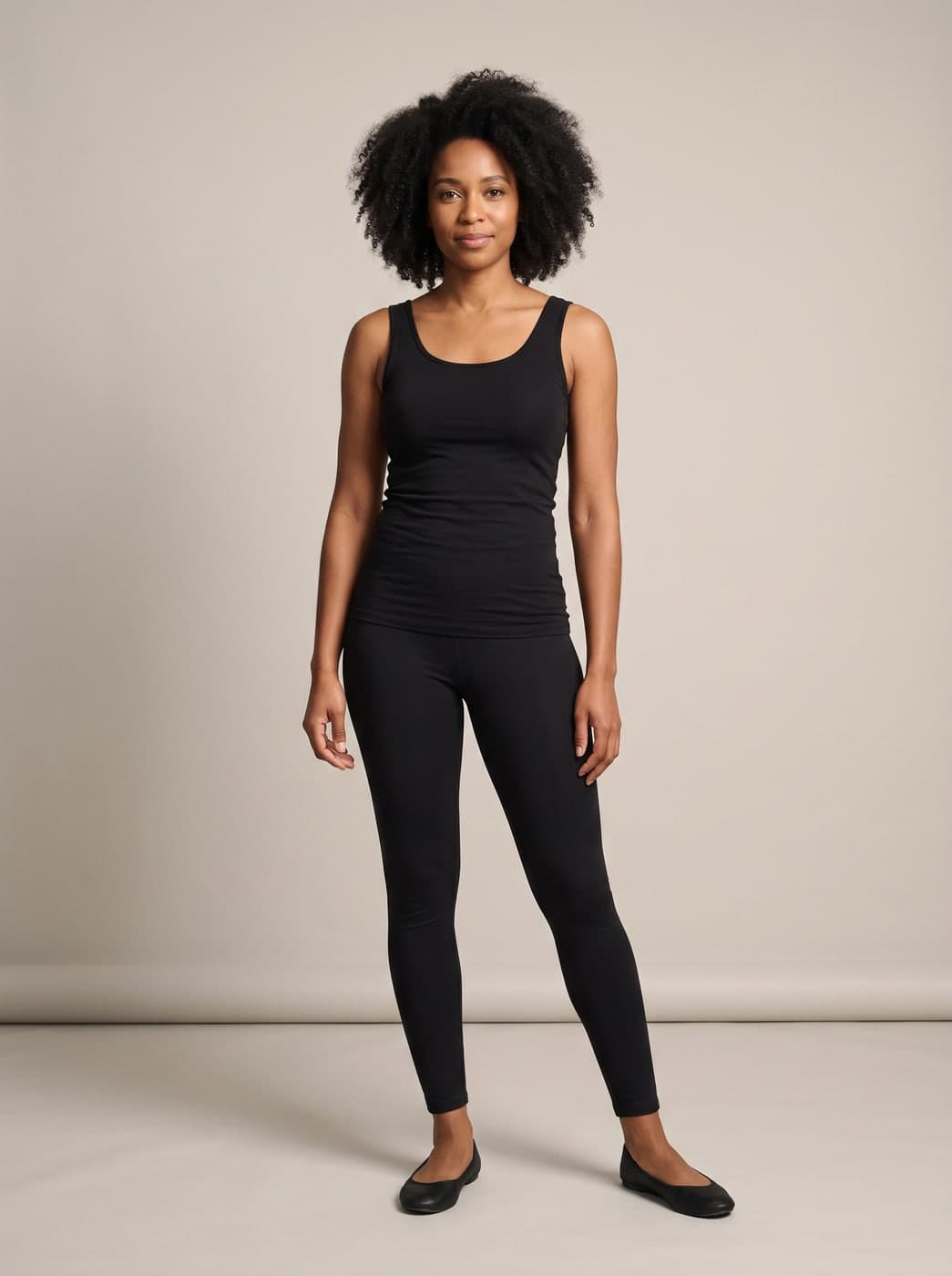
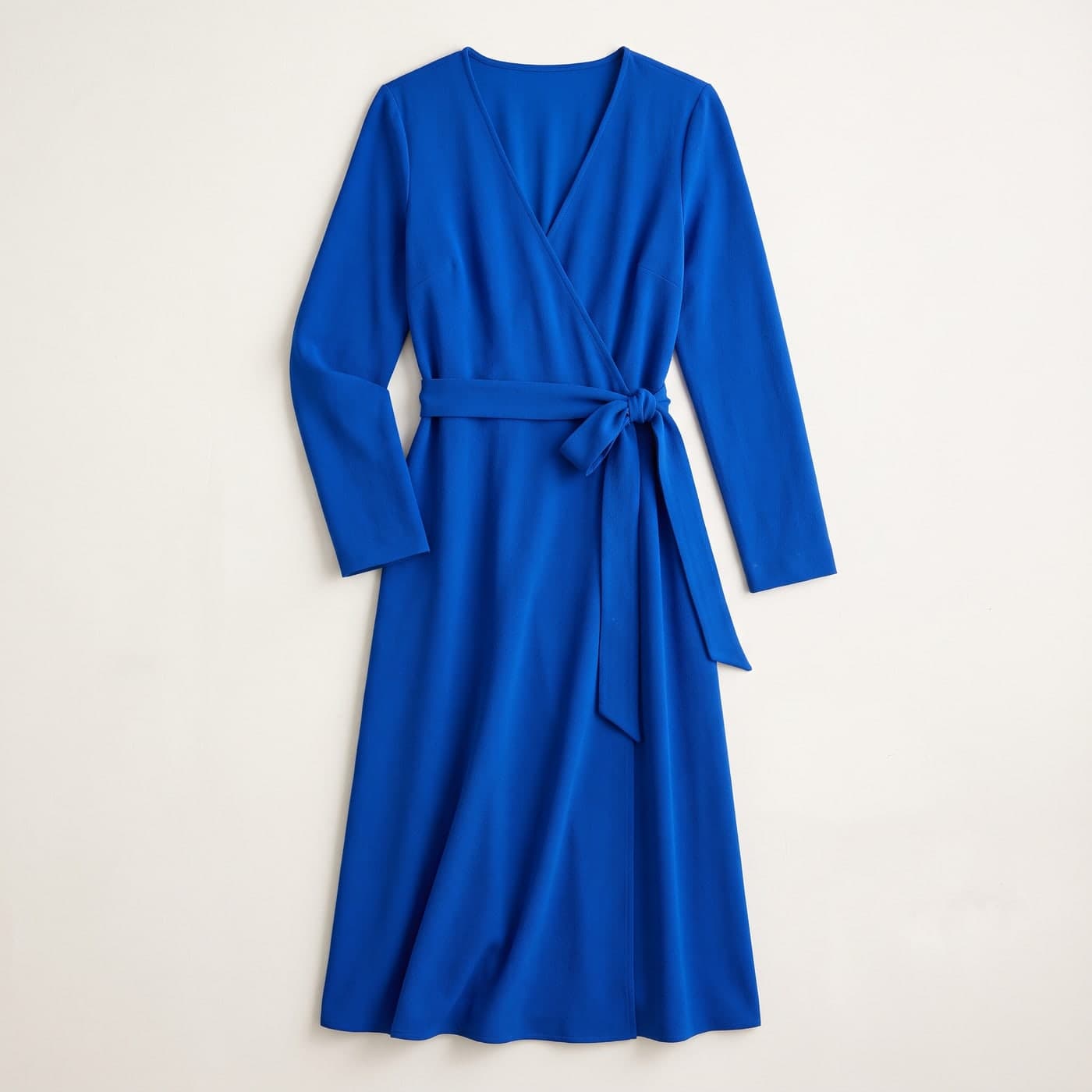 GarmentResult
Product accuracy
Every print and seam stays true
Logos, patterns, buttons and fabric texture are reproduced from your product photo, so what shoppers see is what they receive.
The garment adapts to the model's body with natural drape and lighting that matches the scene.
Garment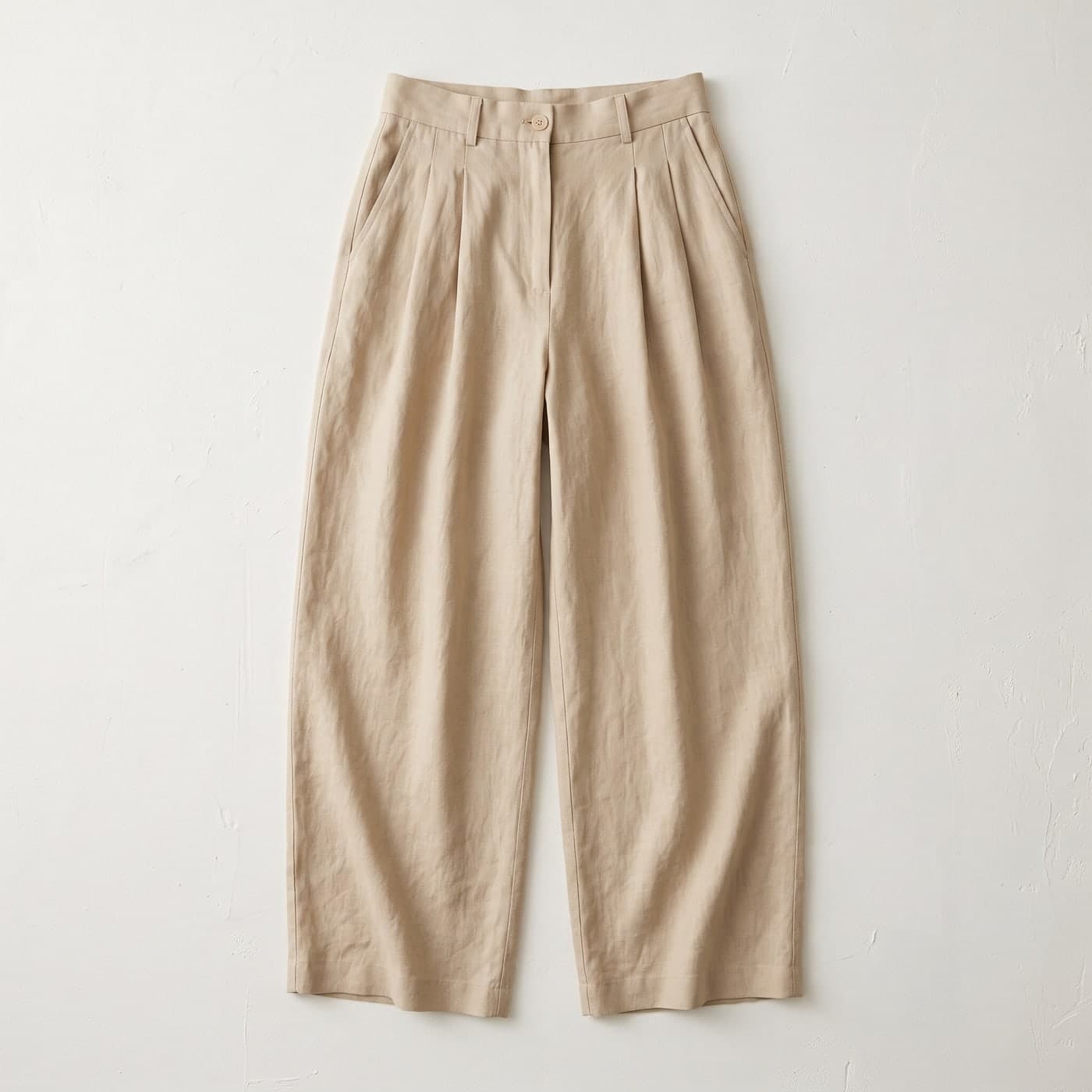 Garment
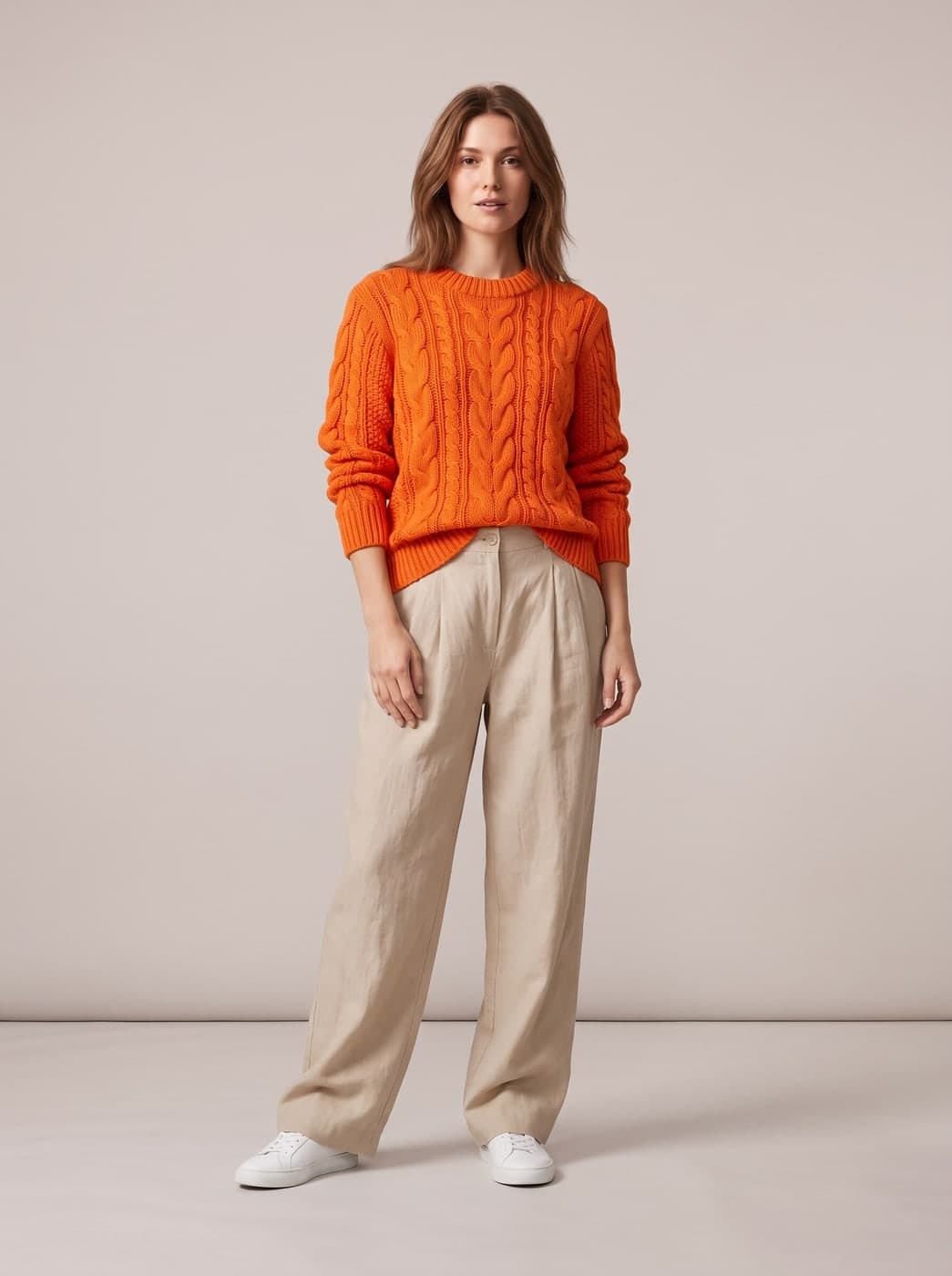 Result
Complete looks
Style full outfits in one generation
Combine a top, bottoms and outerwear to build a complete look on the same model.
Replace only the top, only the bottoms, or the whole outfit. You stay in control.
More tools in this studio
Send any result straight to the next tool.
Ready to take control of your
fashion imagery?
Create photorealistic on-model images in seconds, from the photos you already have.
FAQ
Frequently asked questions
What photos work best?
Use clear, well-lit images. For the model, a front-facing full or half-body photo with visible clothing works best. For garments, flat-lays, ghost mannequin, hanger or on-model shots all work, as long as the garment is fully visible and not heavily cropped.
Will the garment look exactly like my product?
PhotoBgAi is tuned to preserve color, print, logos and fabric texture. Results can occasionally differ in small details, so we recommend generating a few variations and picking the most accurate one.
How many credits does a generation use?
Credits depend on the tool: background removal costs 1 credit, most images cost 2–3 credits, and videos are charged per second. You always see the exact cost before generating, and credits for failed generations are refunded automatically.
What resolution are the results?
Most images are generated at around 2K. Use the Image Upscaler to enlarge any result up to 4×. Videos can be 480p, 720p or 1080p.
Can I use the images commercially?
Yes. You own the images you generate and can use them on your store, marketplaces, ads and social media, provided you have the rights to the photos you upload.
Are my uploads private?
Yes. Your uploads and results are only visible in your own account and are never used to train AI models.
Still have questions? Contact us