AI fashion video
Outfit photos
that come to life
Turn a single outfit photo into a short fashion clip with a runway walk, a slow turn or a twirl. Made vertical for Reels, TikTok and Stories.
20 free credits · No credit card required
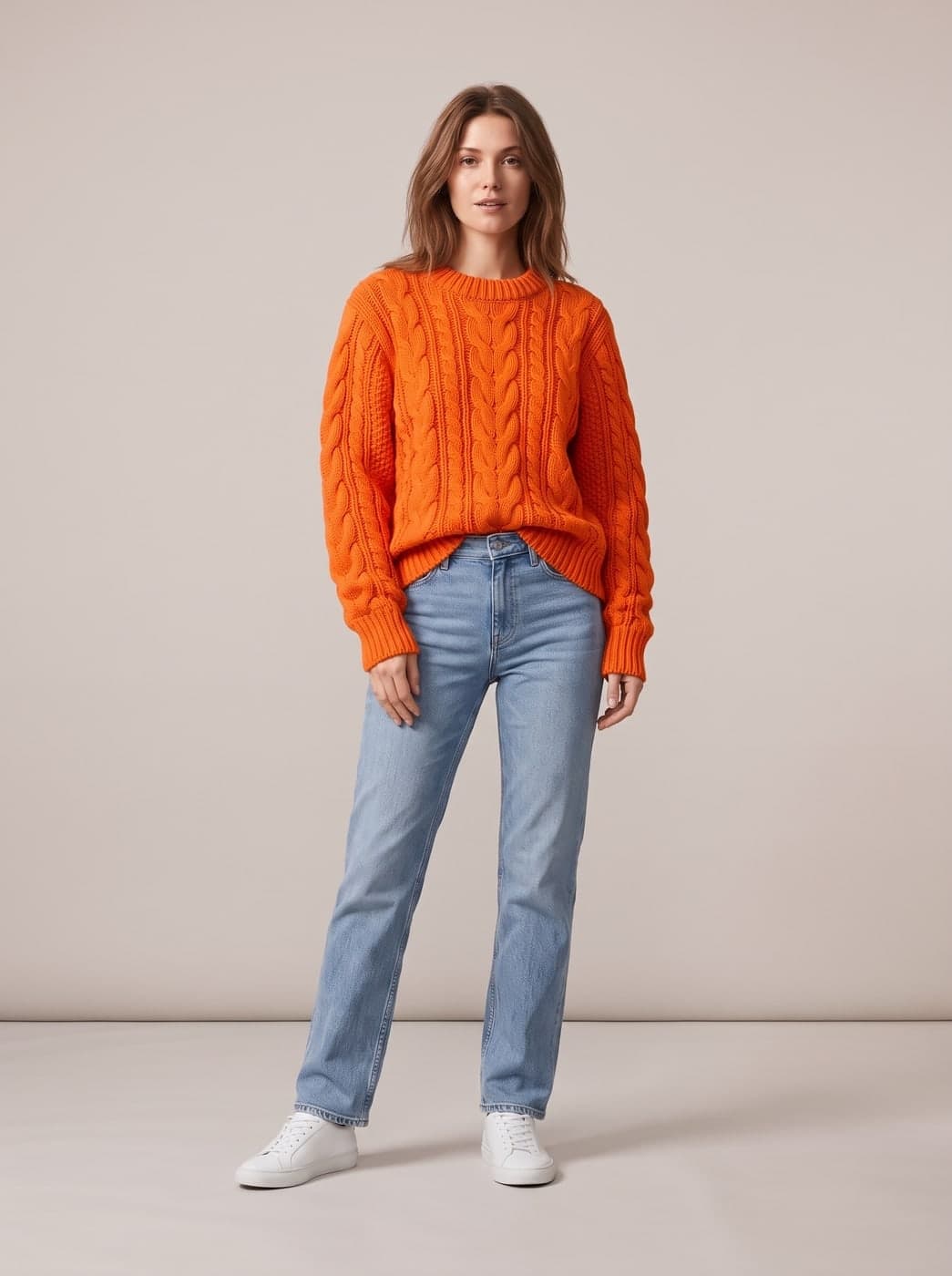 Photo
Motion that shows the outfit
Let followers and shoppers see how clothes move.
Five motions
Runway walk, slow turn, natural poses, twirl and a soft breeze.
Made for Reels
9:16 by default, with 1:1 and 16:9 when you need them.
Consistent look
The face and every detail of the outfit stay consistent with your photo.
From any photo
Your own outfit photos, or results from Virtual Try-On and AI Lifestyle Photos.
How to make a fashion video
One photo is all it takes.
01
Choose a photo
A full-body or 3/4 photo of one person works best.
Choose how the model moves, plus length and format.
02
Pick the motion
Choose how the model moves, plus length and format.
03
Share
Download the clip and post it to Reels, TikTok or Stories.
More examples
Every example was generated with PhotoBgAi. The small thumbnails show what went in.
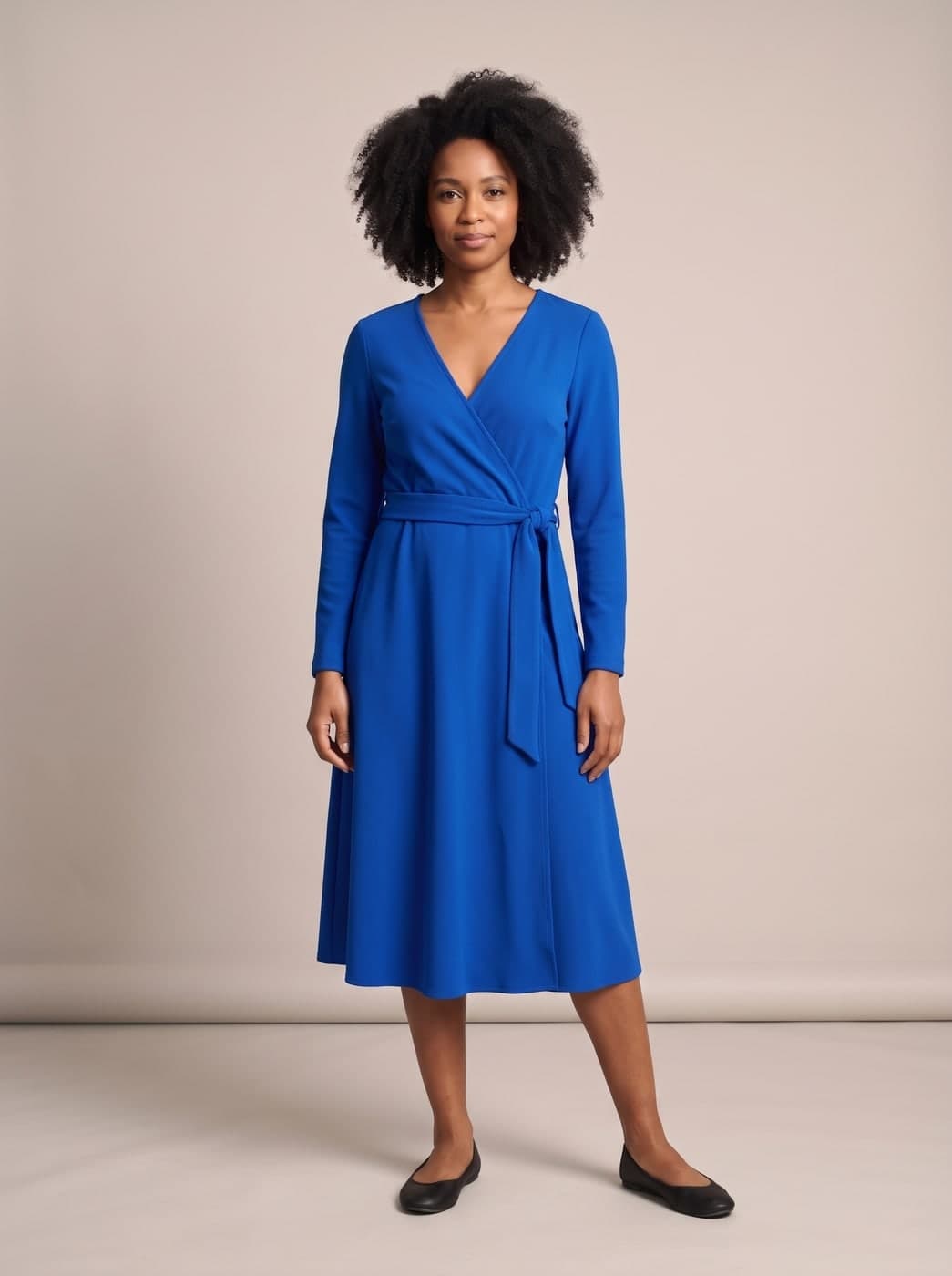
Creators and brands
Your lookbook, now in motion
Show how a dress flows or a jacket fits with a short clip that stops the scroll.
Pair it with Virtual Try-On to turn every new arrival into a video.
More tools in this studio
Send any result straight to the next tool.
Ready to take control of your
fashion imagery?
Create photorealistic on-model images in seconds, from the photos you already have.
FAQ
Frequently asked questions
How long does a video take?
Usually 1–5 minutes. You can leave the page; the video is saved to your library.
How are videos priced?
Per second of video: 2 credits at 480p, 4 at 720p and 8 at 1080p. A 5-second 720p clip costs 20 credits.
Can I use a photo of someone else?
Only with their permission. Make sure you have the rights to every photo you upload.
Can I use the images commercially?
Yes. You own the images you generate and can use them on your store, marketplaces, ads and social media, provided you have the rights to the photos you upload.
How many credits does a generation use?
Credits depend on the tool: background removal costs 1 credit, most images cost 2–3 credits, and videos are charged per second. You always see the exact cost before generating, and credits for failed generations are refunded automatically.
Are my uploads private?
Yes. Your uploads and results are only visible in your own account and are never used to train AI models.
Still have questions? Contact us