AI model swap
Swap the face,
keep the outfit
Replace the person in any fashion photo without a reshoot. Add a face reference, and PhotoBgAi changes who's wearing it while the outfit, pose and lighting stay as they are.
20 free credits · No credit card required
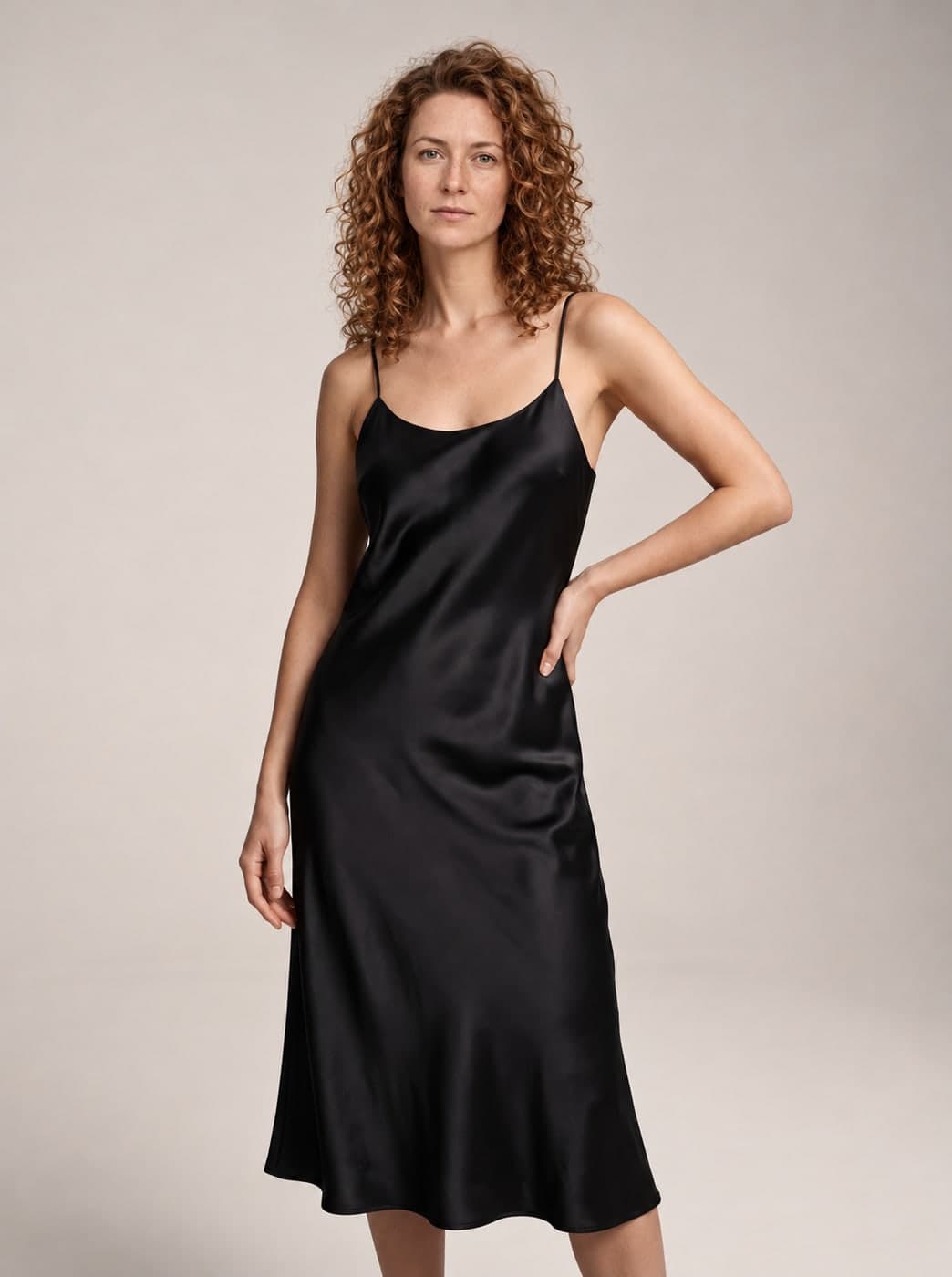 After
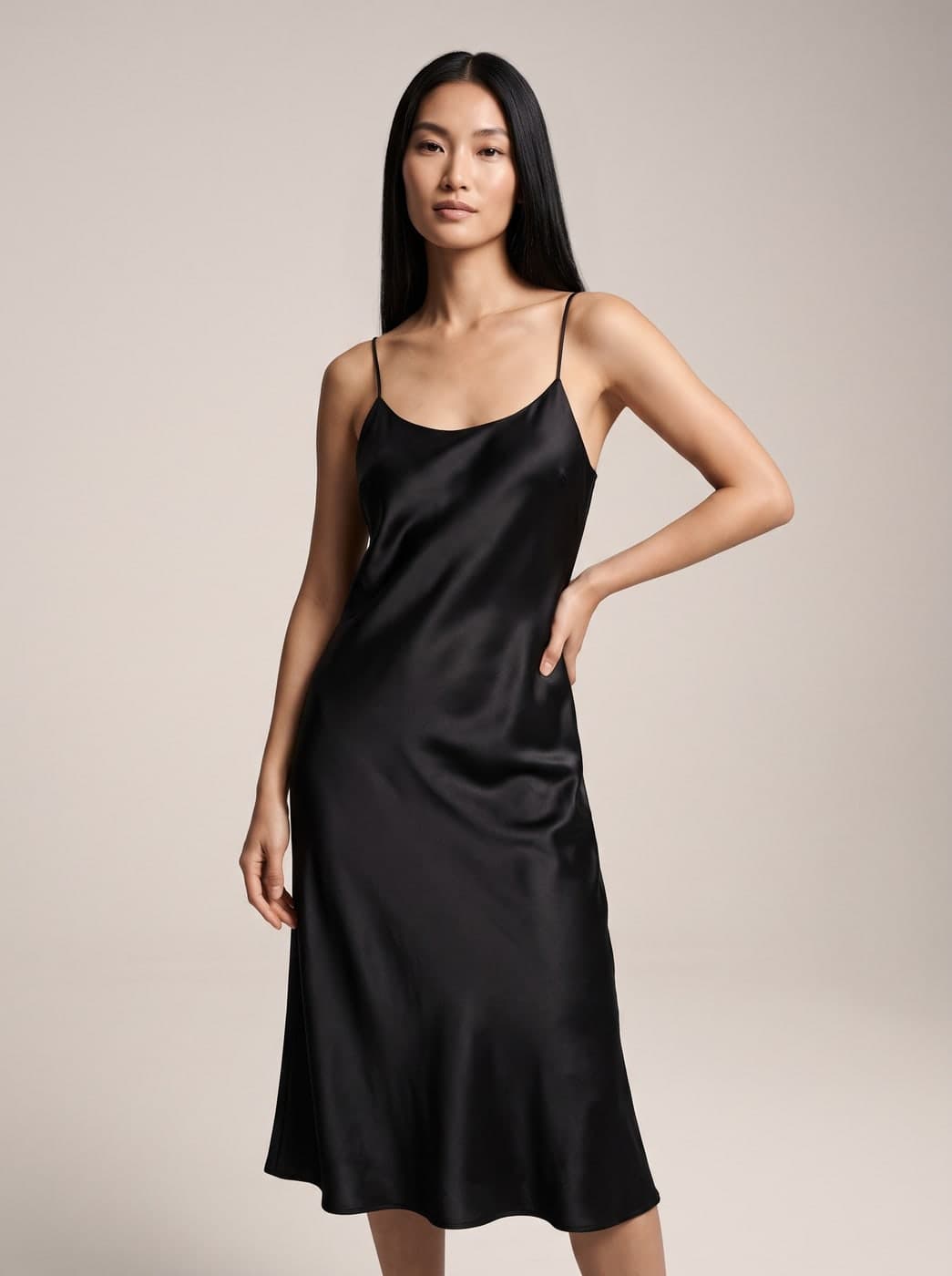 Original
One photoshoot, any model
Get more from the photos you already have. Change who's wearing your products for every audience and campaign.
Diverse catalogs
Show every product on models of different ages, ethnicities and looks.
Local markets
Adapt the same campaign to the shoppers in each region you sell to.
Past shoots
Give existing photos a fresh face without booking a new shoot.
Brand faces
Keep one consistent face across your whole catalog and every season.
How to change the model in a photo
Go from an existing photo to a new model in three steps.
01
Upload the original
Start with any fashion photo: a lookbook shot, a campaign image or a product page photo.
02
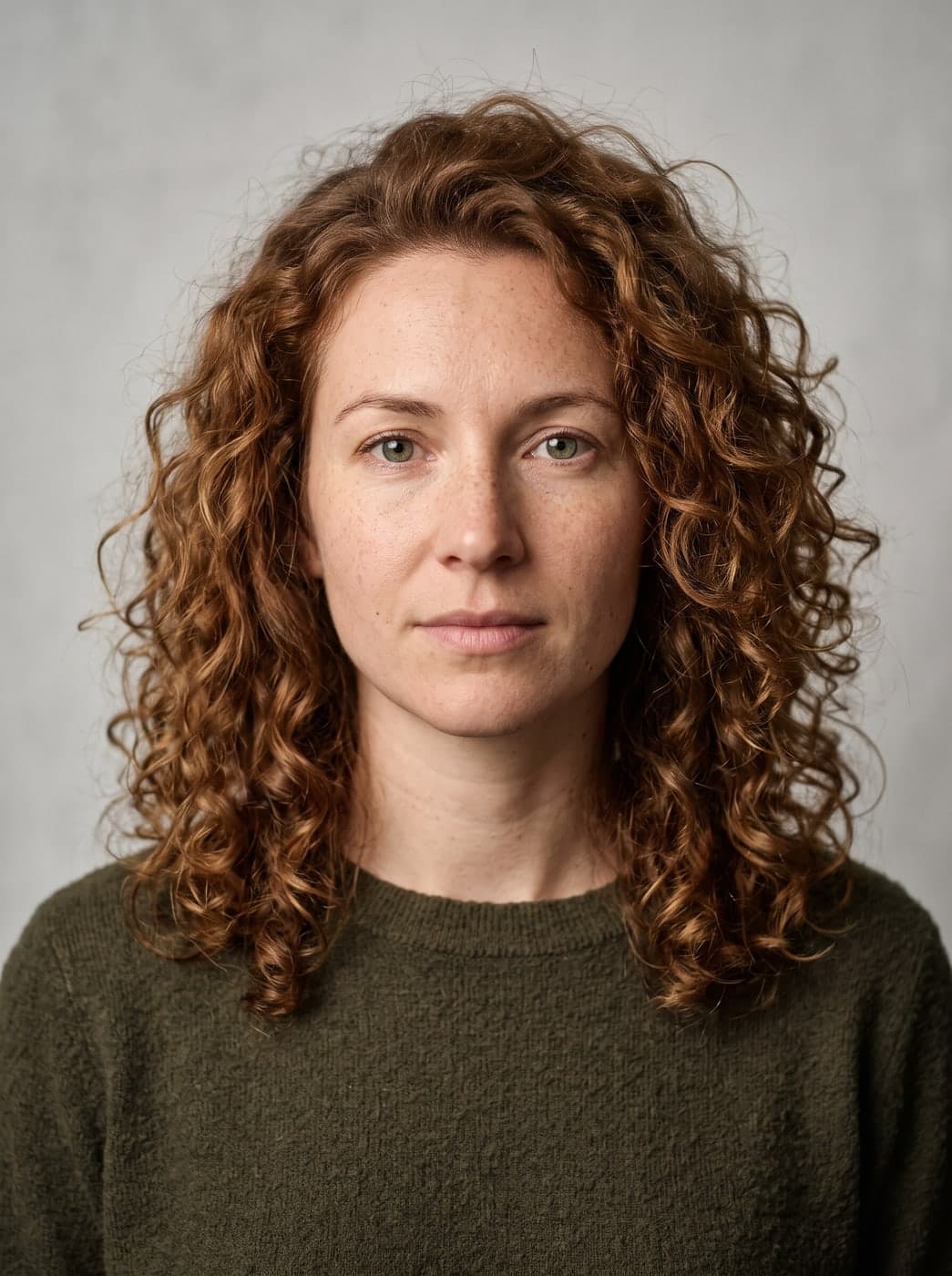
Add a face reference
Upload a clear photo of the face you want, and choose whether to keep the original hairstyle.
03
Download the new look
The outfit, pose and background stay identical. Only the face changes.
More examples
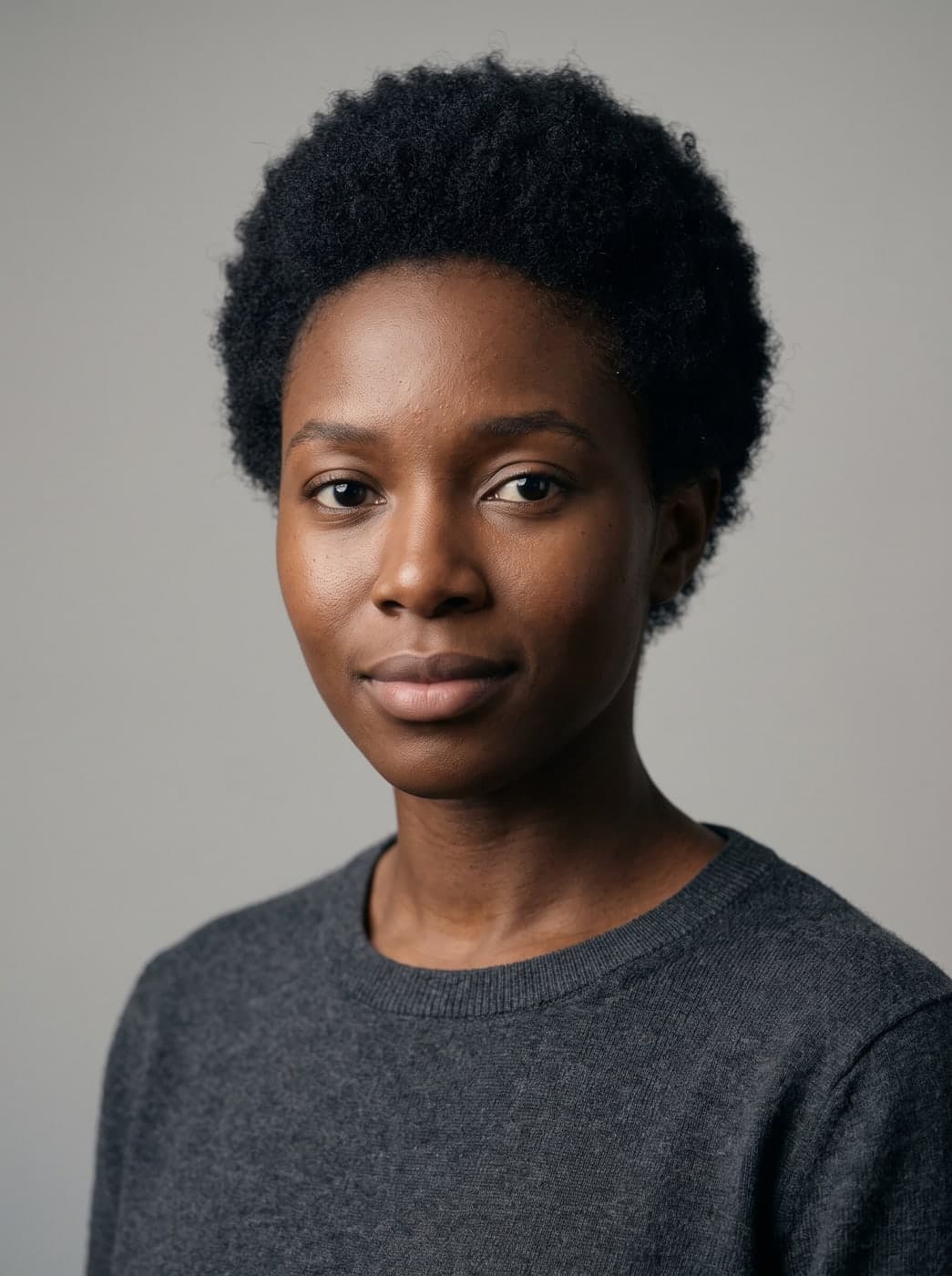
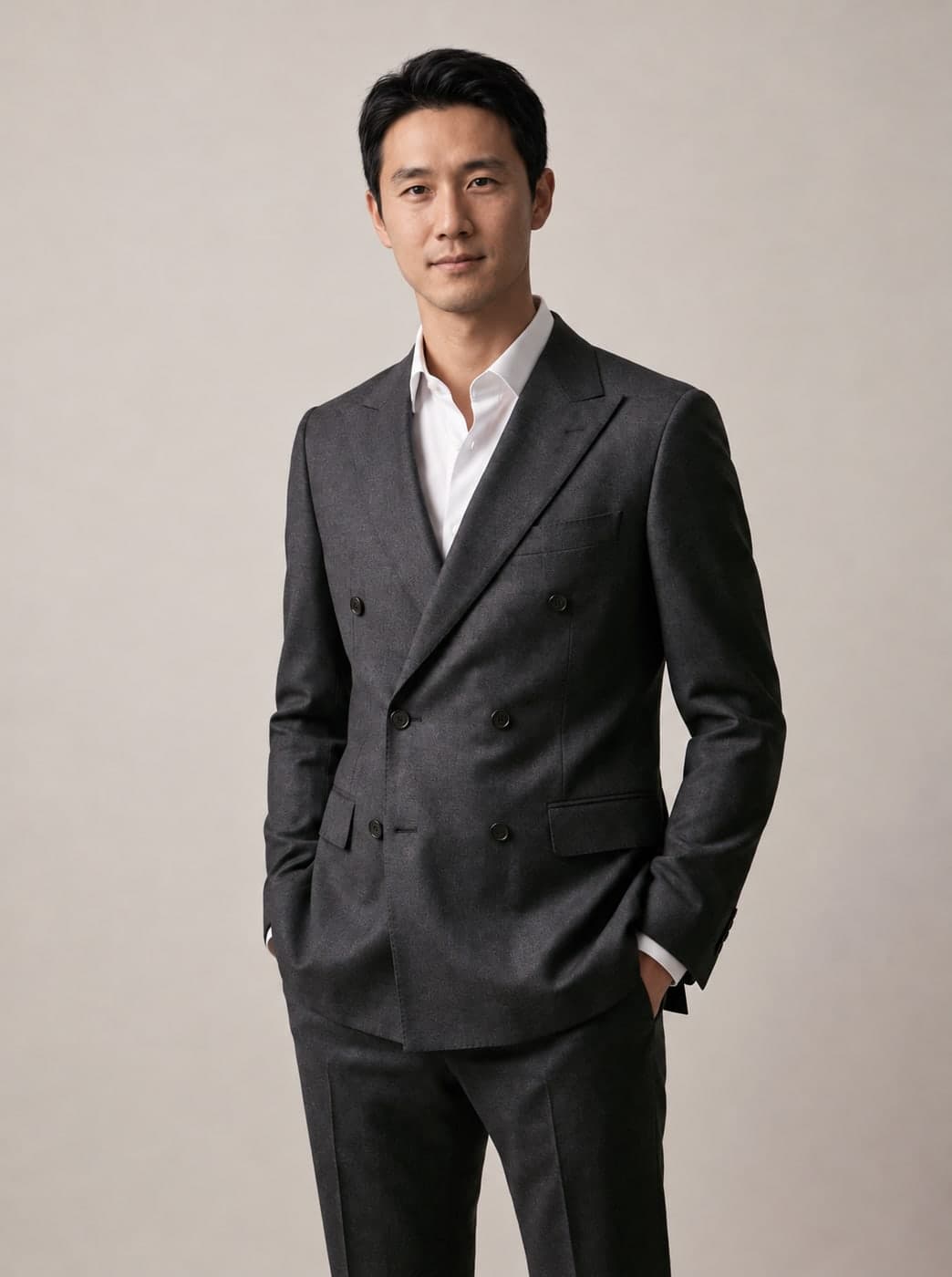
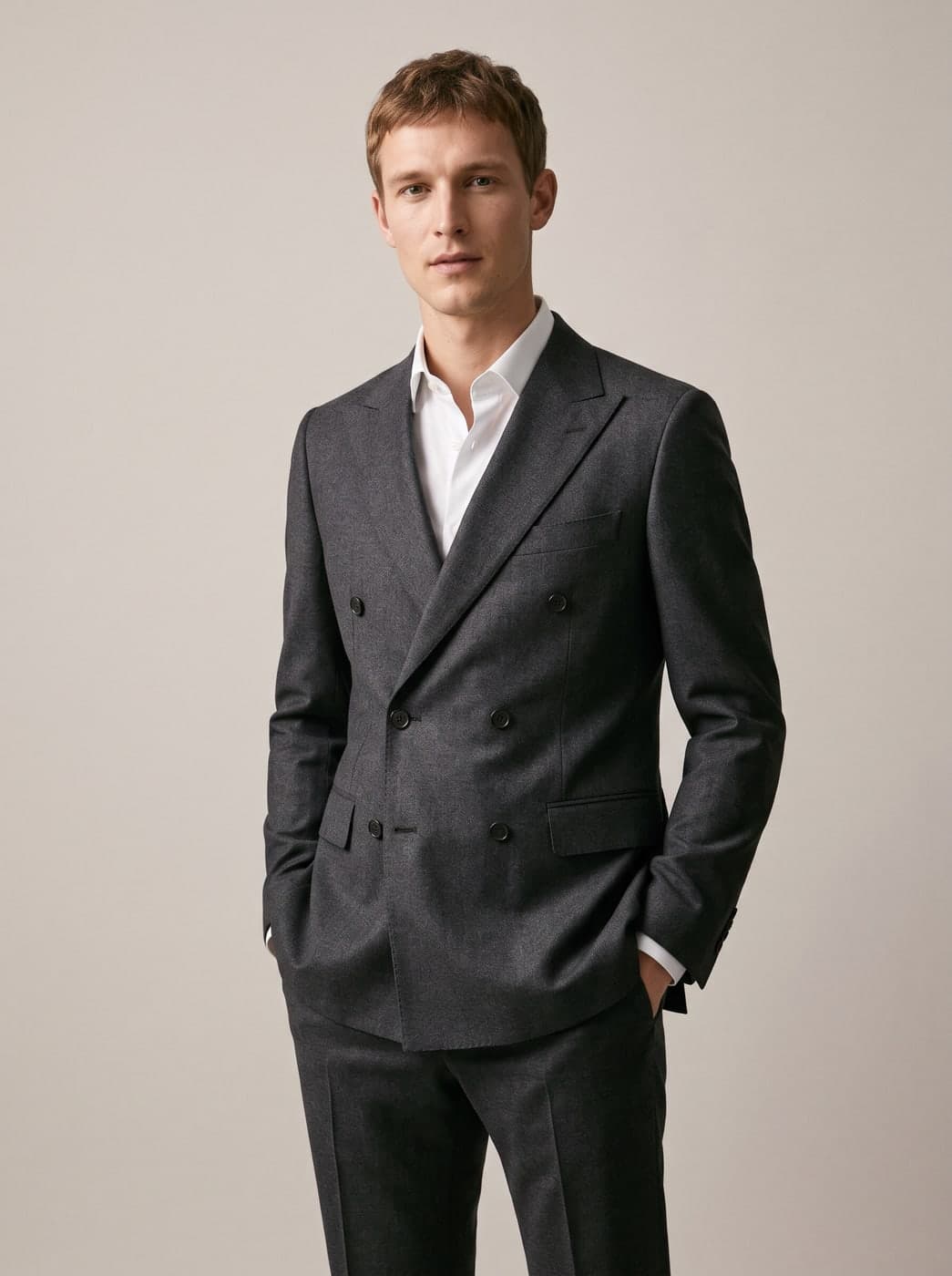
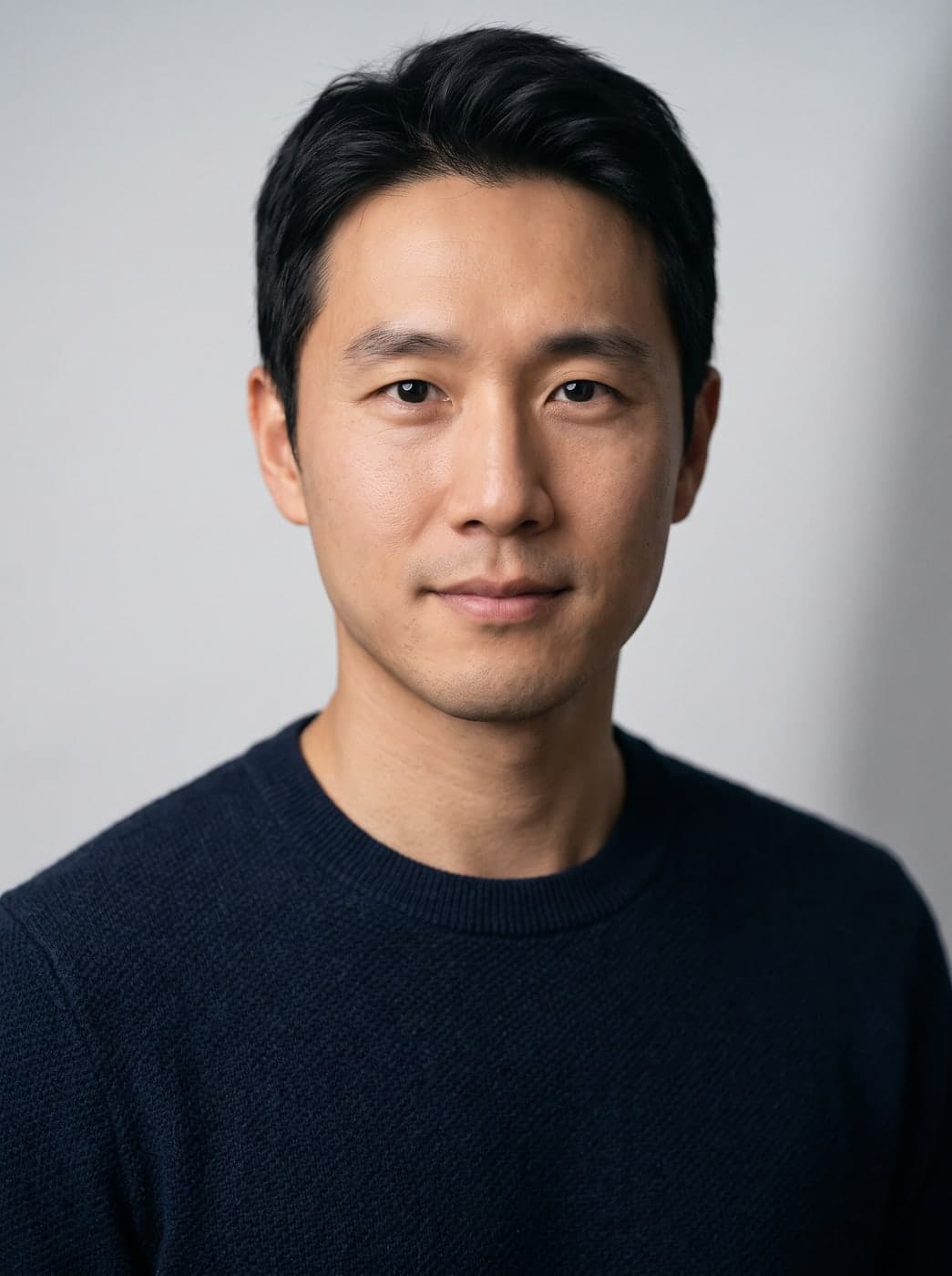
Every example was generated with PhotoBgAi. The small thumbnails show what went in.
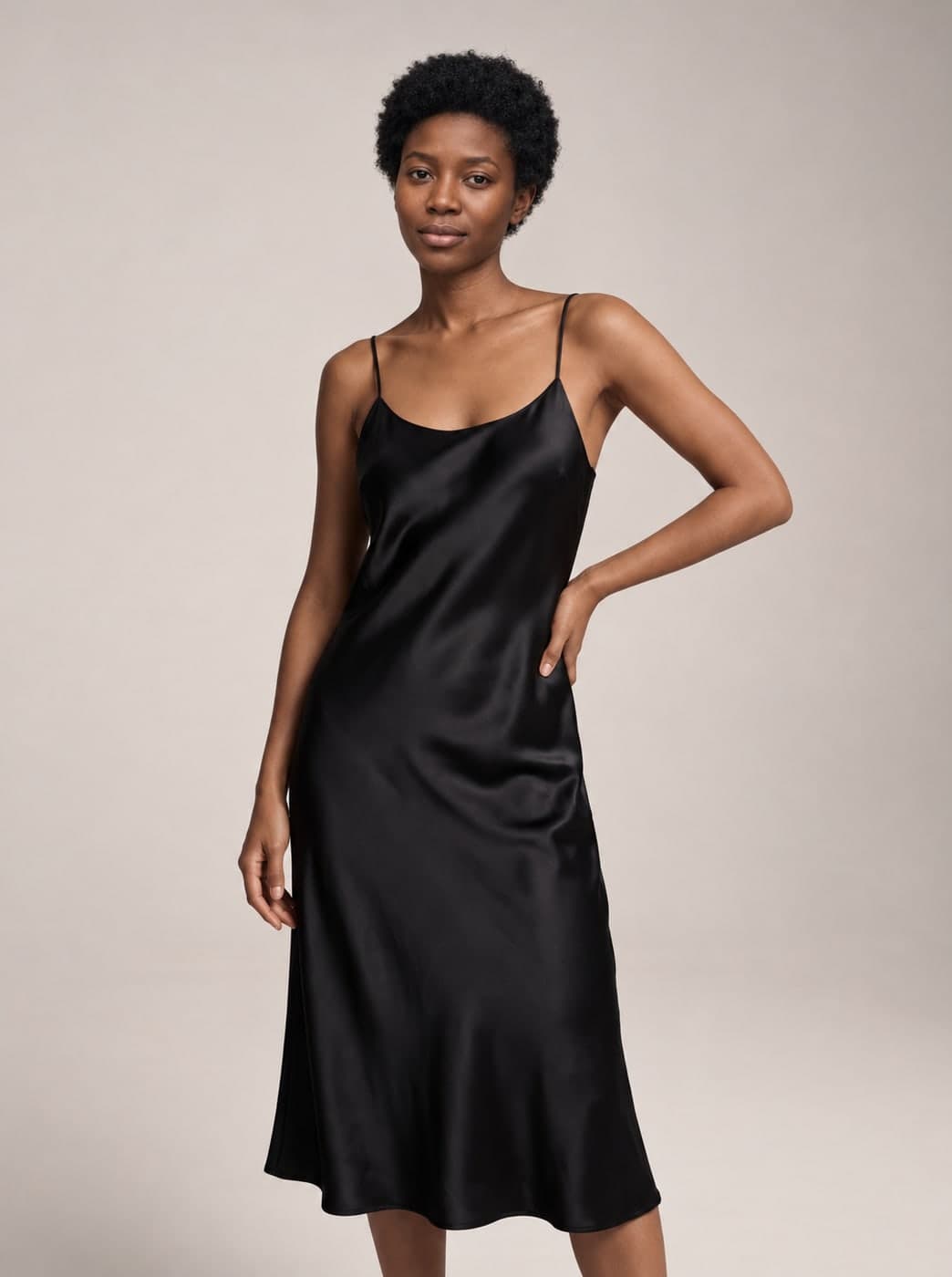
 BeforeAfter
Seamless results
Lighting and skin tone that match the scene
The new face is blended with the original lighting, color grading, head angle and expression, so the photo looks like it was shot that way.
Clothing details are left untouched, so your product is never altered.
✓I have the right and the consent of the person to use this face.
Responsible use
Only use faces you have the right to use
Face swap is built for brands working with their own models and licensed faces. You must have consent from every person whose face you upload.
Images of public figures or anyone without consent are not allowed under our Terms of Service.
More tools in this studio
Send any result straight to the next tool.
Ready to take control of your
fashion imagery?
Create photorealistic on-model images in seconds, from the photos you already have.
FAQ
Frequently asked questions
Can I use any face?
Only your own face or a face you have permission to use. You must have consent from every person in the photos you upload, and images of public figures are not allowed.
What photos work best?
Use clear, well-lit images. For the model, a front-facing full or half-body photo with visible clothing works best. For garments, flat-lays, ghost mannequin, hanger or on-model shots all work, as long as the garment is fully visible and not heavily cropped.
How many credits does a generation use?
Credits depend on the tool: background removal costs 1 credit, most images cost 2–3 credits, and videos are charged per second. You always see the exact cost before generating, and credits for failed generations are refunded automatically.
Can I use the images commercially?
Yes. You own the images you generate and can use them on your store, marketplaces, ads and social media, provided you have the rights to the photos you upload.
Are my uploads private?
Yes. Your uploads and results are only visible in your own account and are never used to train AI models.
What resolution are the results?
Most images are generated at around 2K. Use the Image Upscaler to enlarge any result up to 4×. Videos can be 480p, 720p or 1080p.
Still have questions? Contact us