Image upscaler
Sharper, bigger,
ready for print
Enlarge any image 2× or 4× and recover detail that wasn't there before. Restore small, blurry or compressed photos, and make product shots sharp enough for zoom and print.
20 free credits · No credit card required
Four modes for every image
Choose the enhancement that fits your photo.
Standard
Balanced sharpening and detail for most photos.
Restore
Rescues small, blurry, old or heavily compressed images.
High fidelity
Keeps fine texture exactly as it is for photos that are already good.
Text
Keeps labels, packaging and logos crisp and readable.
How to upscale an image
Three clicks to a sharper picture.
01
Upload
Any JPG, PNG or WebP up to 15 MB.
Then choose Standard, Restore, High fidelity or Text.
02
Pick 2× or 4×
Then choose Standard, Restore, High fidelity or Text.
03
Download
Outputs up to 64 megapixels, ready for zoom, print and large screens.
More examples
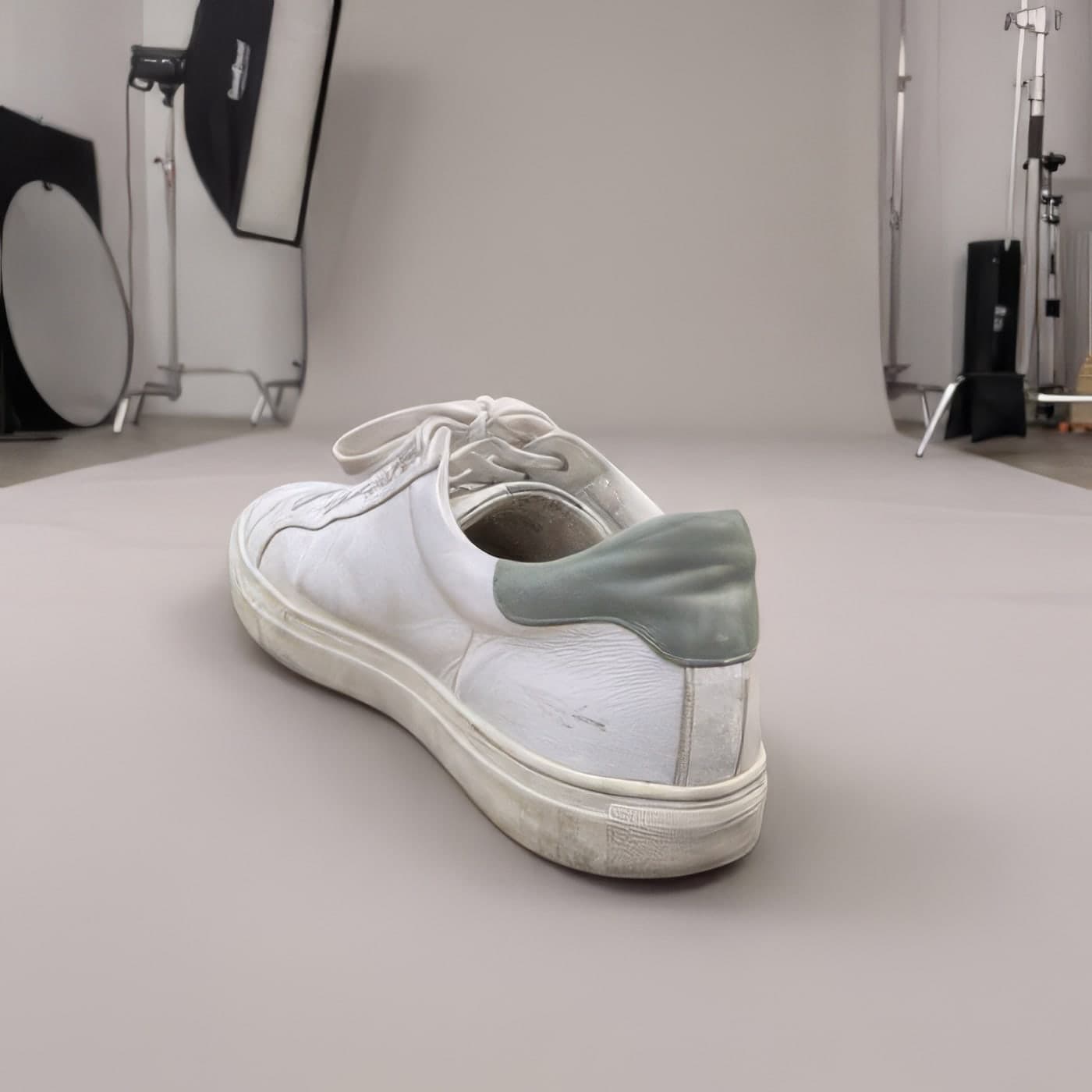
Every example was generated with PhotoBgAi. Drag the slider to compare before and after.



 BeforeAfter
Product zoom
Detail shoppers can zoom into
Marketplaces reward images that support zoom. Upscale your product shots so fabric, stitching and texture hold up.
Every result in PhotoBgAi can be sent straight to the upscaler with one click.
More tools in this studio
Send any result straight to the next tool.
Ready to take control of your
fashion imagery?
Create photorealistic on-model images in seconds, from the photos you already have.
FAQ
Frequently asked questions
How large can the output be?
Up to 64 megapixels. For very large originals, we scale the input down first so the result stays within that limit.
Which mode should I choose?
Standard for most photos, Restore for low-quality images, High fidelity for photos that are already sharp, and Text for packaging and labels.
How many credits does it cost?
2× costs 2 credits and 4× costs 4 credits per image.
Can I use the images commercially?
Yes. You own the images you generate and can use them on your store, marketplaces, ads and social media, provided you have the rights to the photos you upload.
How many credits does a generation use?
Credits depend on the tool: background removal costs 1 credit, most images cost 2–3 credits, and videos are charged per second. You always see the exact cost before generating, and credits for failed generations are refunded automatically.
Are my uploads private?
Yes. Your uploads and results are only visible in your own account and are never used to train AI models.
Still have questions? Contact us