AI product photography
From phone snap
to studio shot
Upload a quick photo of your product and PhotoBgAi recreates it as a professional product photo, on pure white for your main image or in a styled scene for ads and social. The product itself stays exactly as it is.
20 free credits · No credit card required
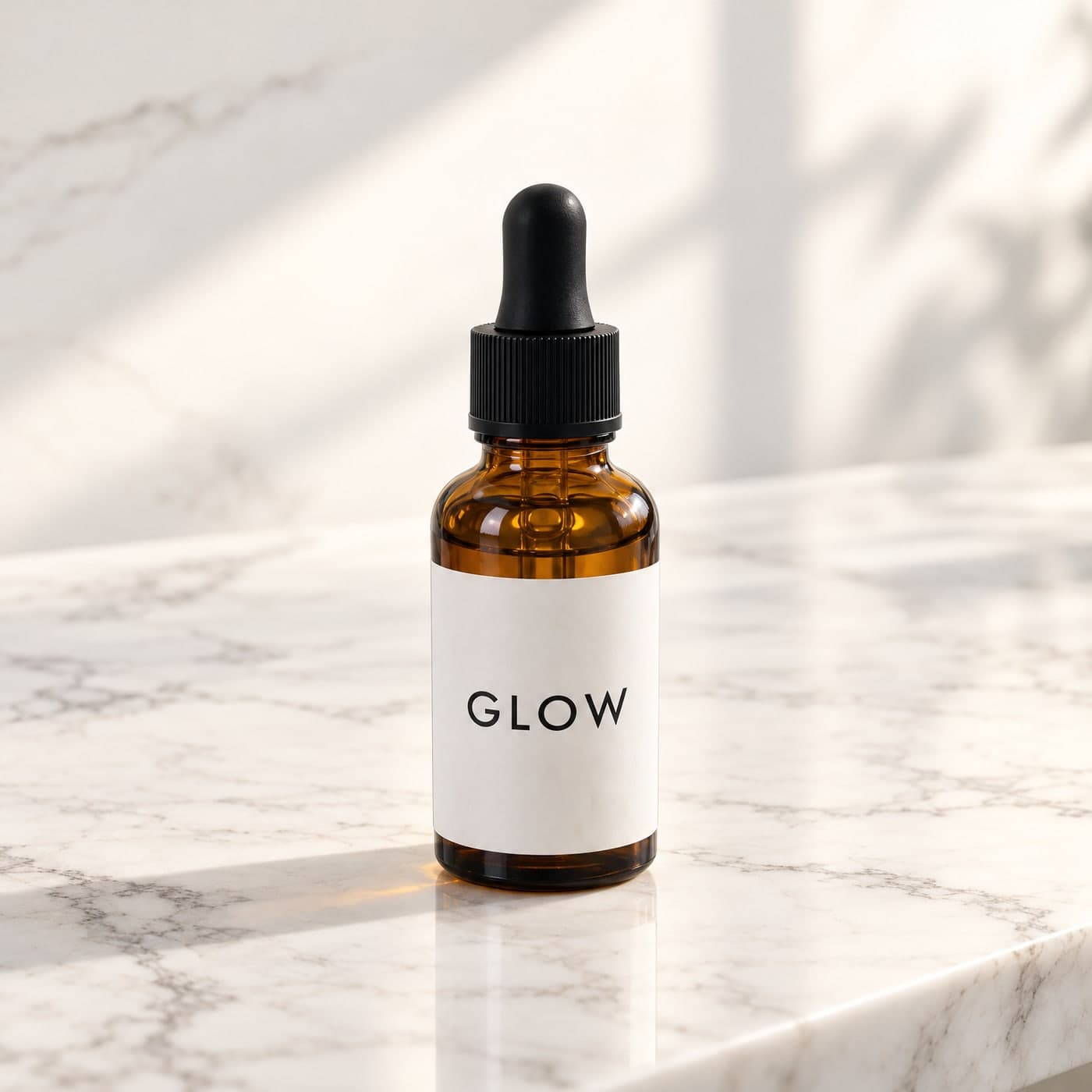 Result
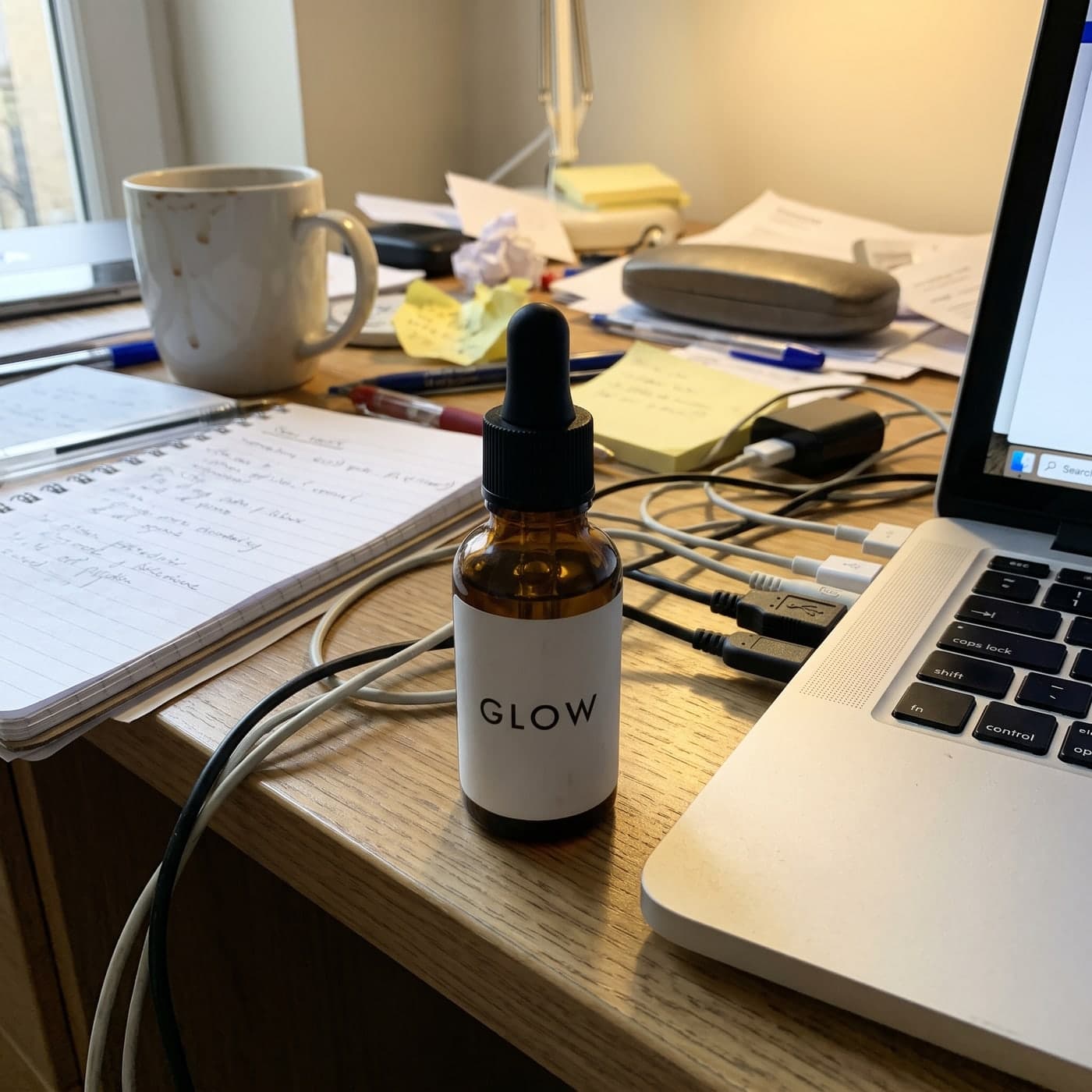 Photo
Every shot your store needs
One product photo becomes a full set of listing, ad and social images.
Marketplace-ready white
Pure #FFFFFF backgrounds with natural shadows for Amazon, eBay and Etsy main images.
Styled scenes
Marble, wood, kitchen, spa, outdoor, holiday and more, or describe your own.
Product stays true
Shape, colors, labels and logos are kept exactly as in your photo.
Sized for every channel
1:1, 4:5, 9:16 and 16:9 for listings, Shopify, Instagram, TikTok and banners.
How to create product photos with AI
No lightbox, no studio, no editing.
01
Snap your product
Take a clear photo with your phone. A messy background is fine.
Choose pure white for your main image or a lifestyle scene for ads and social.
02
Pick a scene and format
Choose pure white for your main image or a lifestyle scene for ads and social.
03
Download and list
Generate a few variations and upload the best ones to your store.
More examples
Every example was generated with PhotoBgAi. The small thumbnails show what went in.
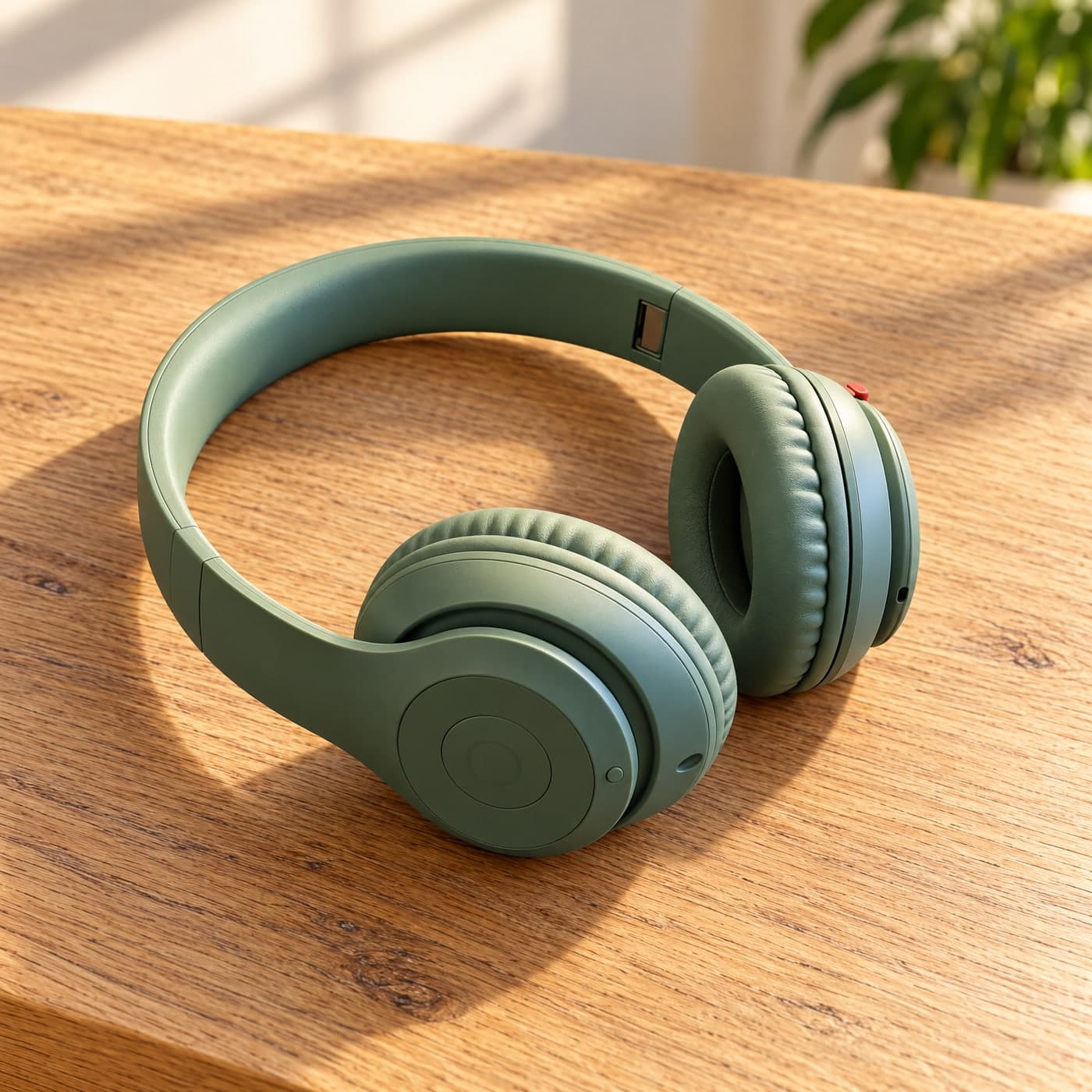
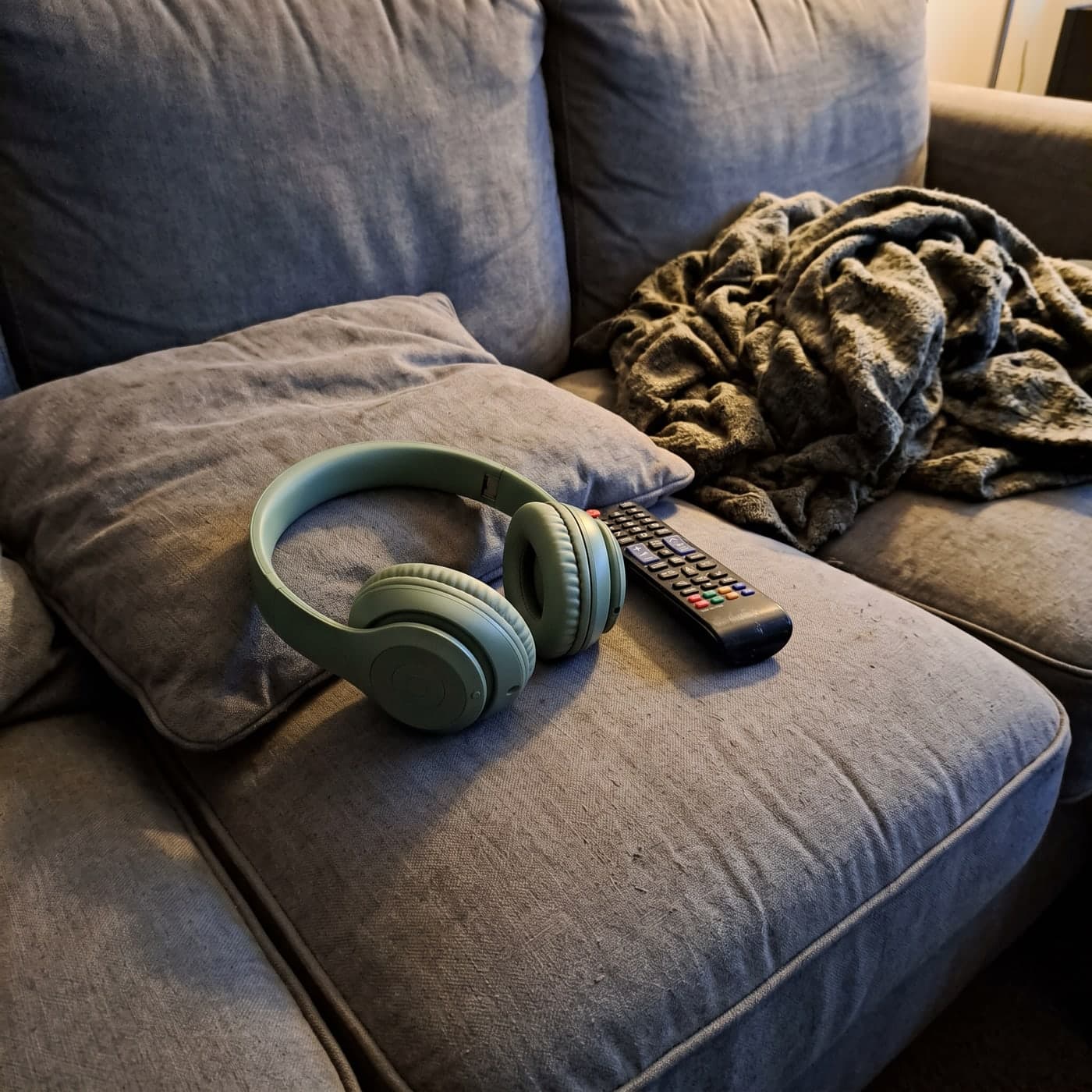
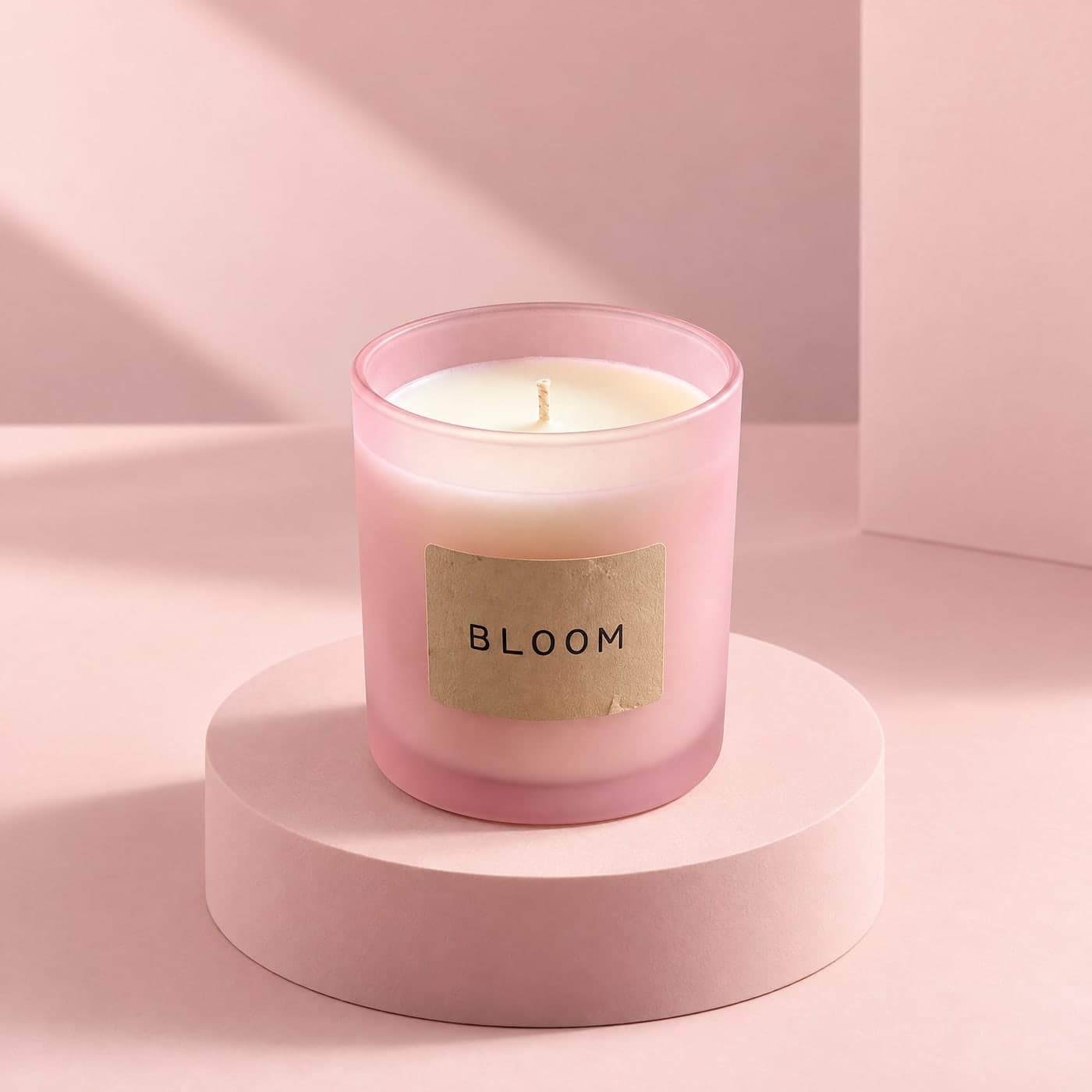
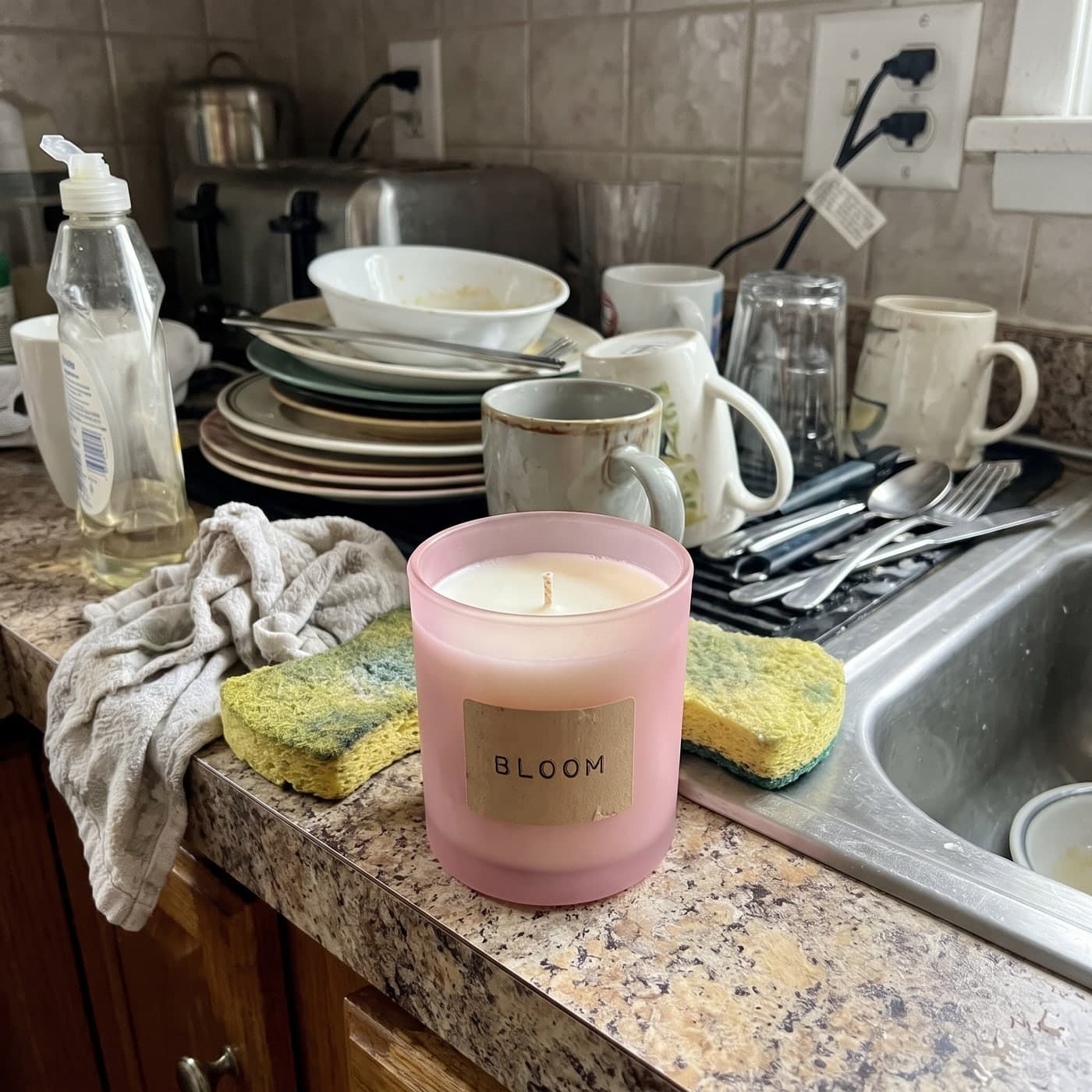 Before
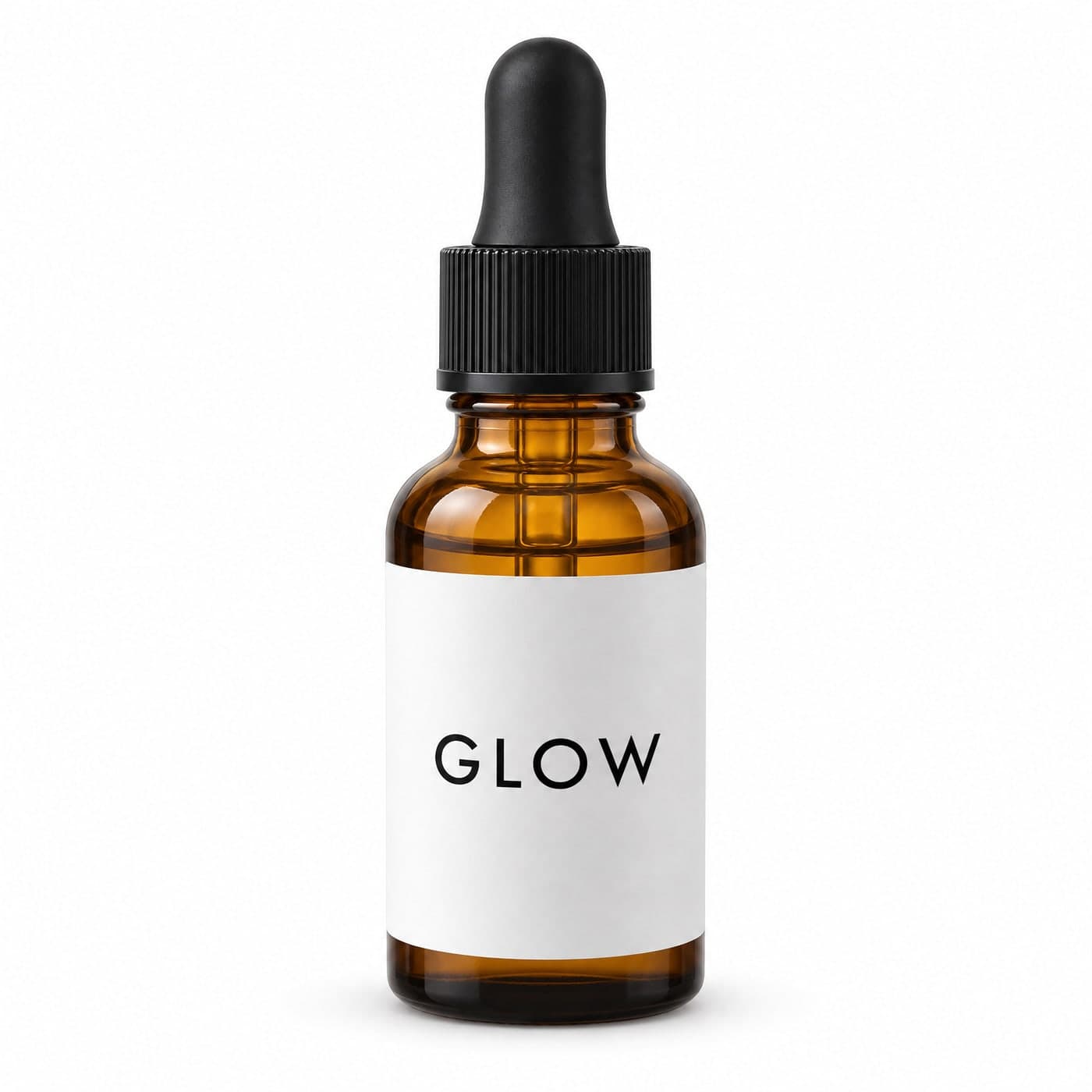 After
Launch faster
List new products the day they arrive
Skip the product shoot. Photograph new stock on your desk and publish professional images the same day.
Refresh your listings for every season and campaign without reshooting a single product.
More tools in this studio
Send any result straight to the next tool.
Ready to take control of your
fashion imagery?
Create photorealistic on-model images in seconds, from the photos you already have.
FAQ
Frequently asked questions
Will AI change my product?
The prompt tells the AI to keep shape, colors, labels and logos exactly as they are. Check fine print and small text before publishing, and generate another variation if anything is off.
Are the white backgrounds Amazon-compliant?
The “Pure white” scene targets Amazon's main-image style: a pure white background with the product filling most of the frame.
What photos work best?
One product, fully in frame, in focus and reasonably well lit. Avoid heavy reflections and hands covering the product.
Can I use the images commercially?
Yes. You own the images you generate and can use them on your store, marketplaces, ads and social media, provided you have the rights to the photos you upload.
How many credits does a generation use?
Credits depend on the tool: background removal costs 1 credit, most images cost 2–3 credits, and videos are charged per second. You always see the exact cost before generating, and credits for failed generations are refunded automatically.
Are my uploads private?
Yes. Your uploads and results are only visible in your own account and are never used to train AI models.
Still have questions? Contact us