Background remover
Remove any background,
or pick a new one
Get a clean transparent PNG in seconds, or keep your subject exactly as it is and place it on a solid color, a studio backdrop or a realistic new scene.
20 free credits · No credit card required
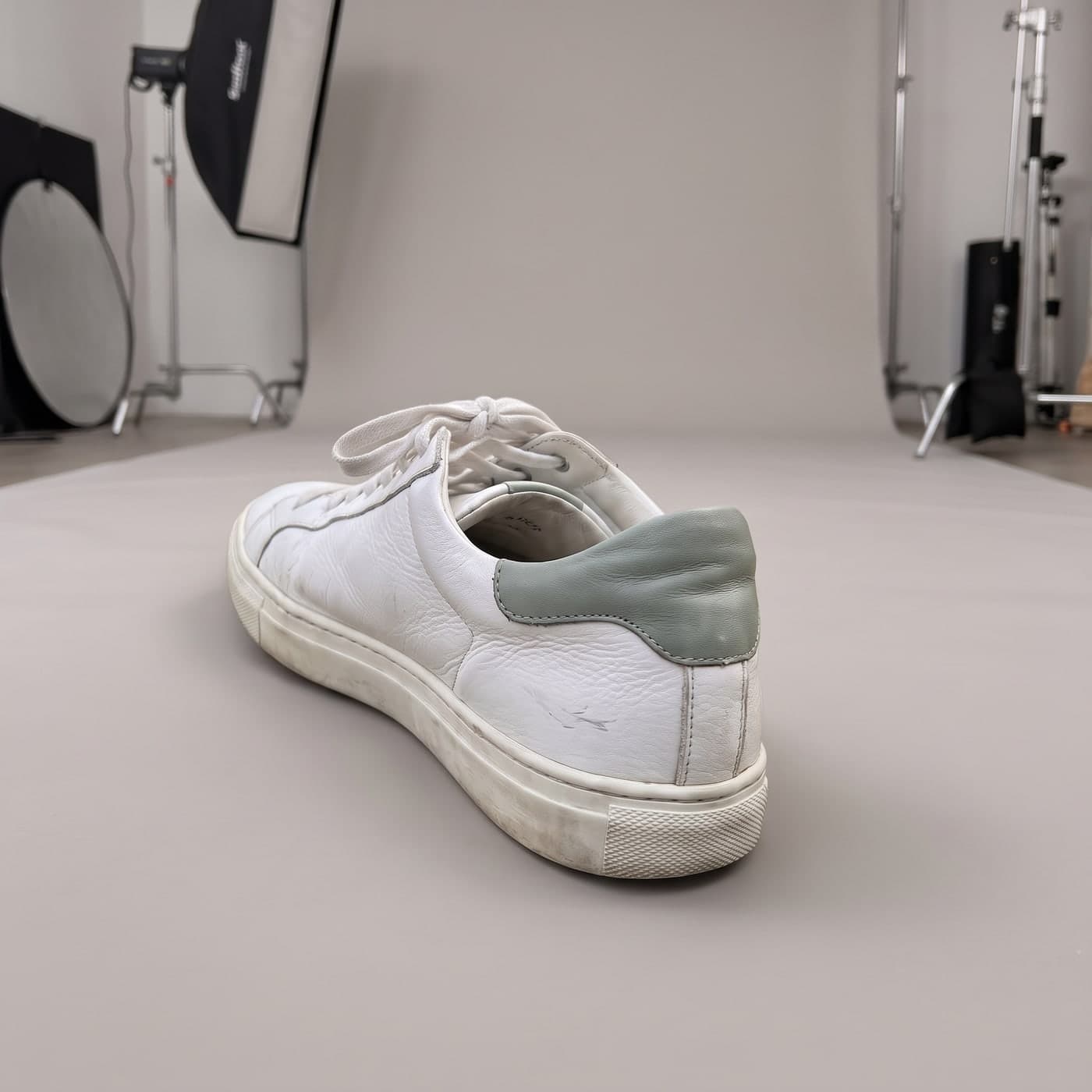
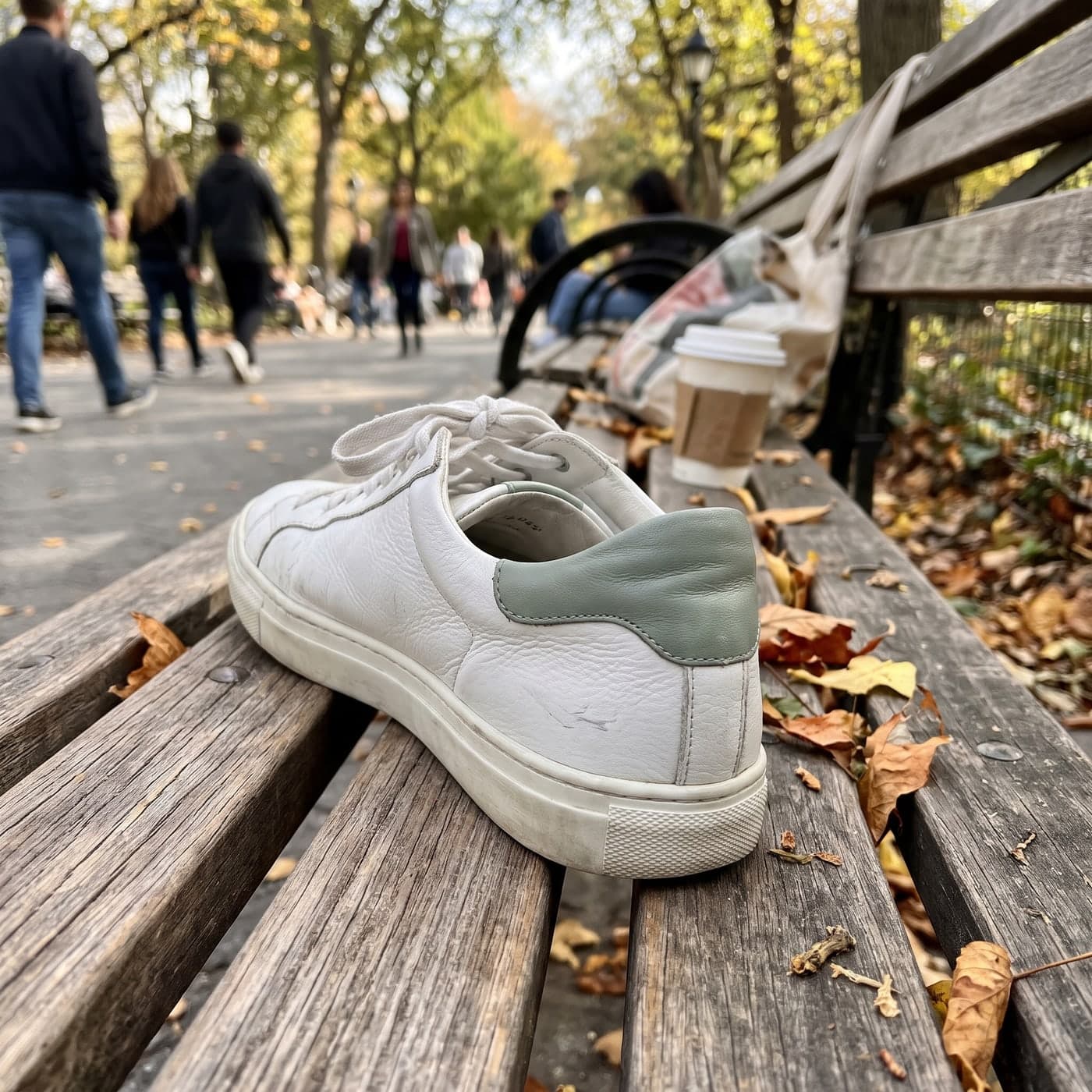
Clean edges, real-looking results
Built for product listings, profile pictures and marketing graphics.
Transparent PNG
Precise cut-outs, including hair and fine edges, ready for any design tool.
New backgrounds
White, grey, beige or black, a photo studio, a street, a beach, or your own description.
Subject untouched
The person or product is kept exactly as it is. Only the background changes.
Full resolution
The output keeps the size of your original image.
How to remove a background
One click for a cut-out, two for a new scene.
01
Upload a photo
Any product or portrait photo. The main subject is detected automatically.
Get a transparent PNG, or choose a new background for your subject.
02
Remove or replace
Get a transparent PNG, or choose a new background for your subject.
03
Download
Use it in your store, your slides or your next design.
More examples
Every example was generated with PhotoBgAi. Drag the slider to compare before and after.
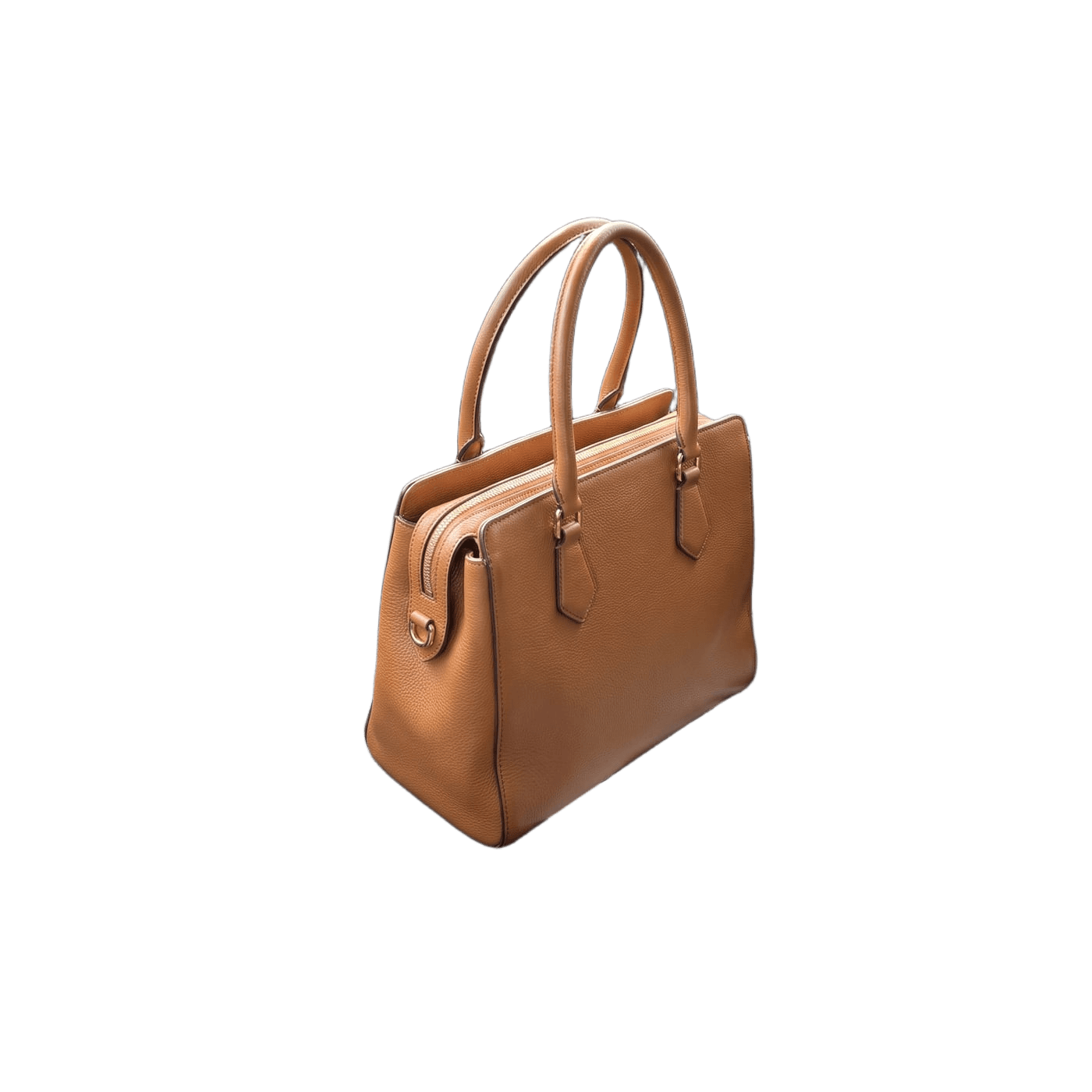
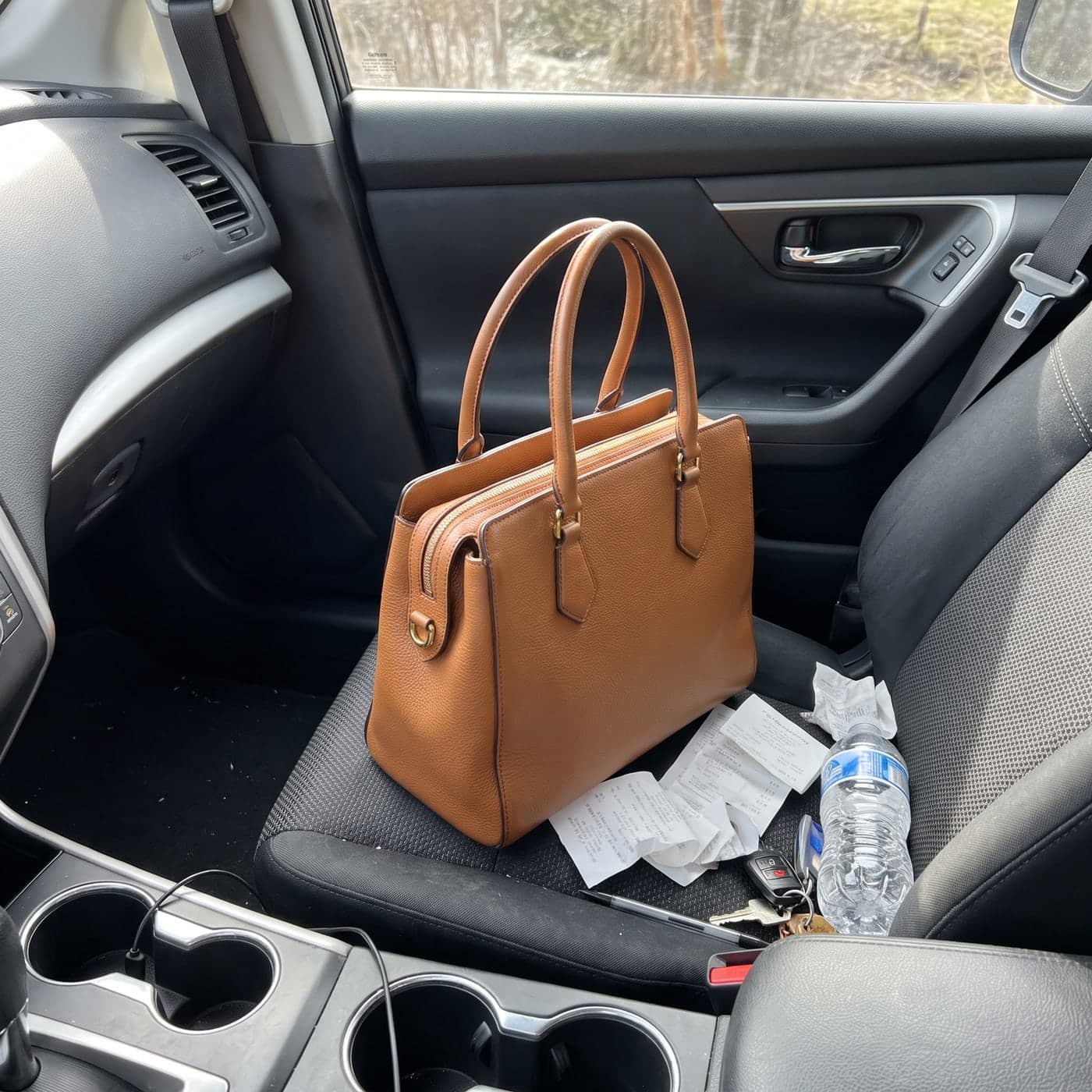
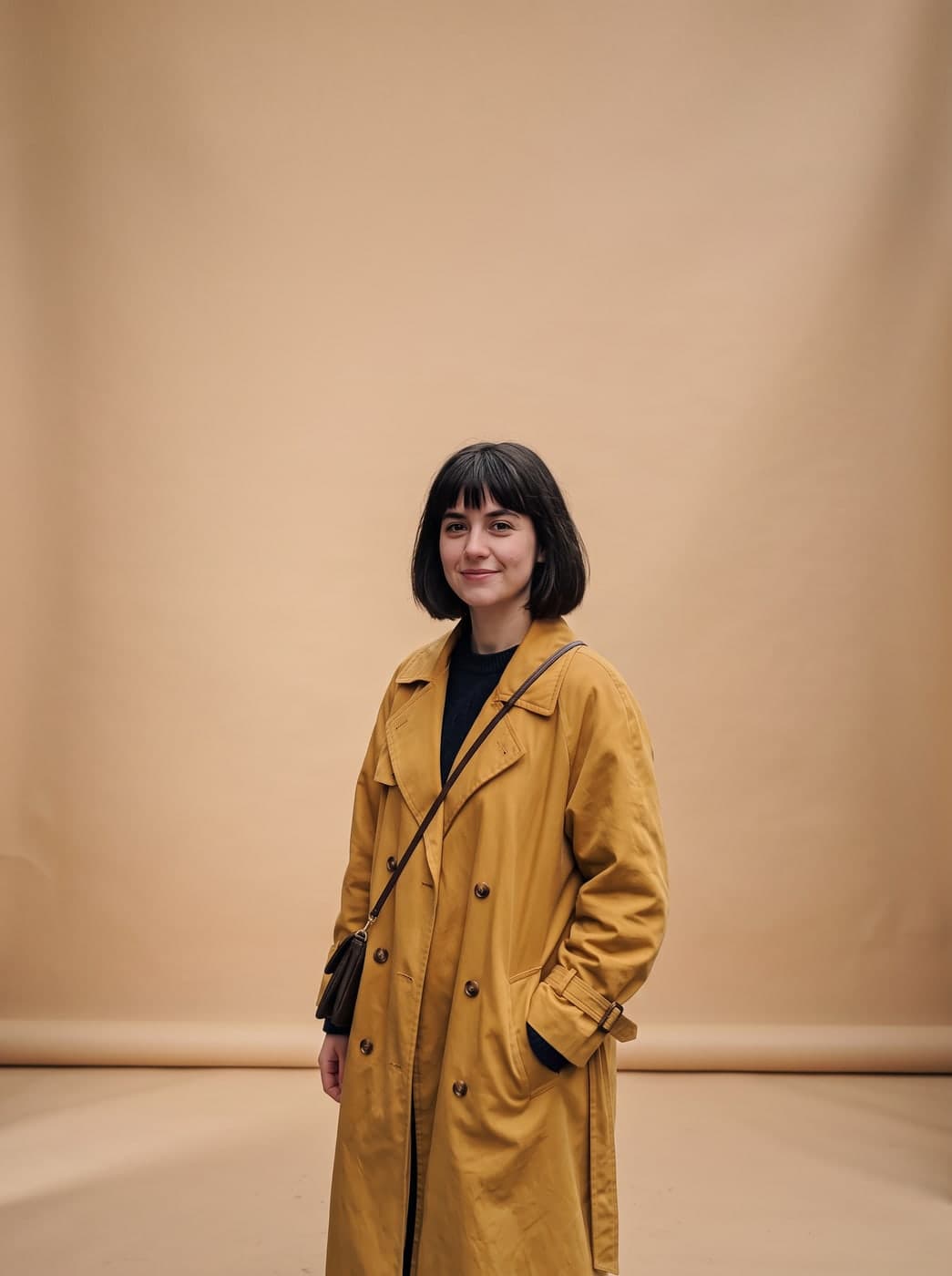
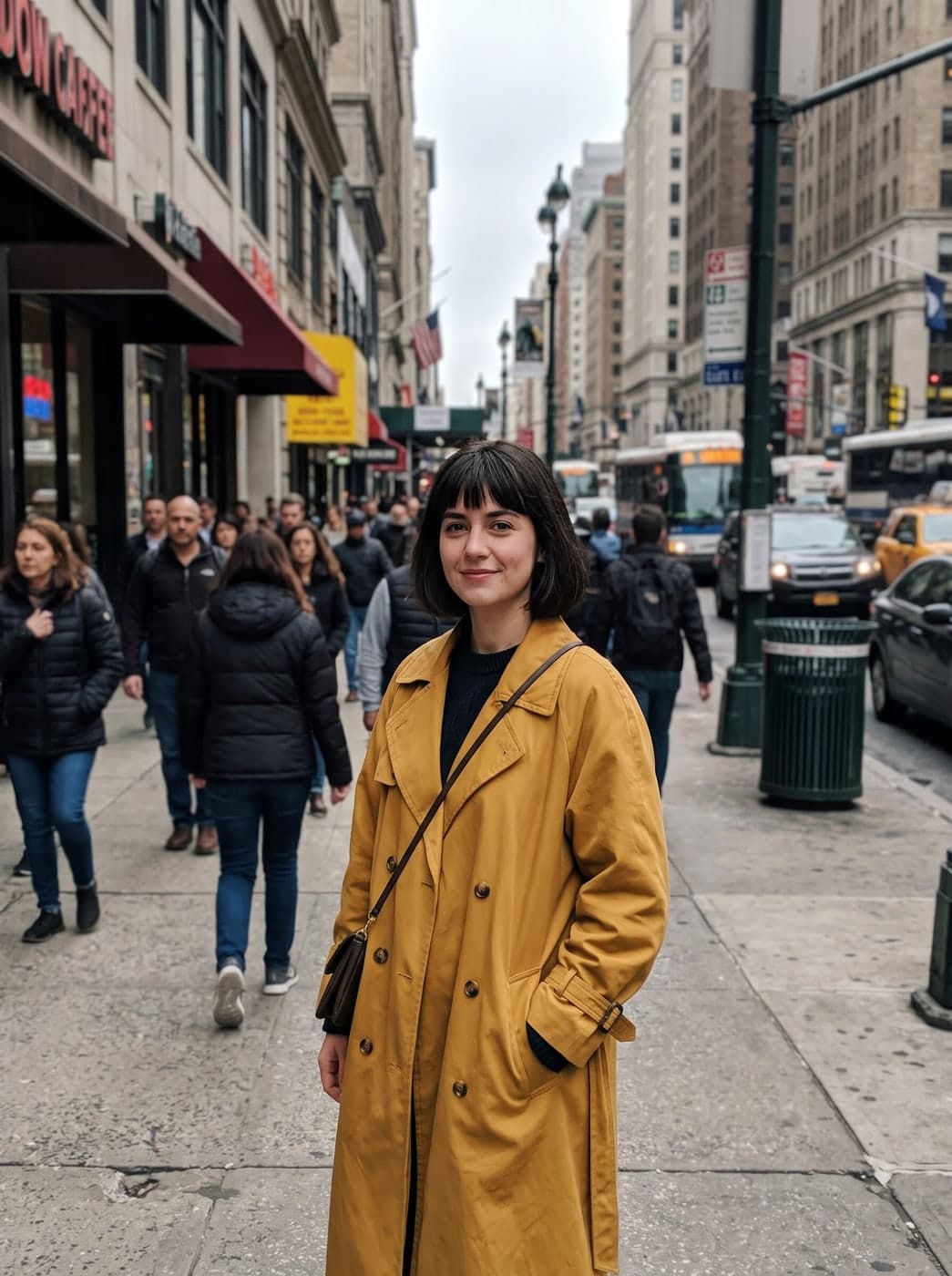 Original
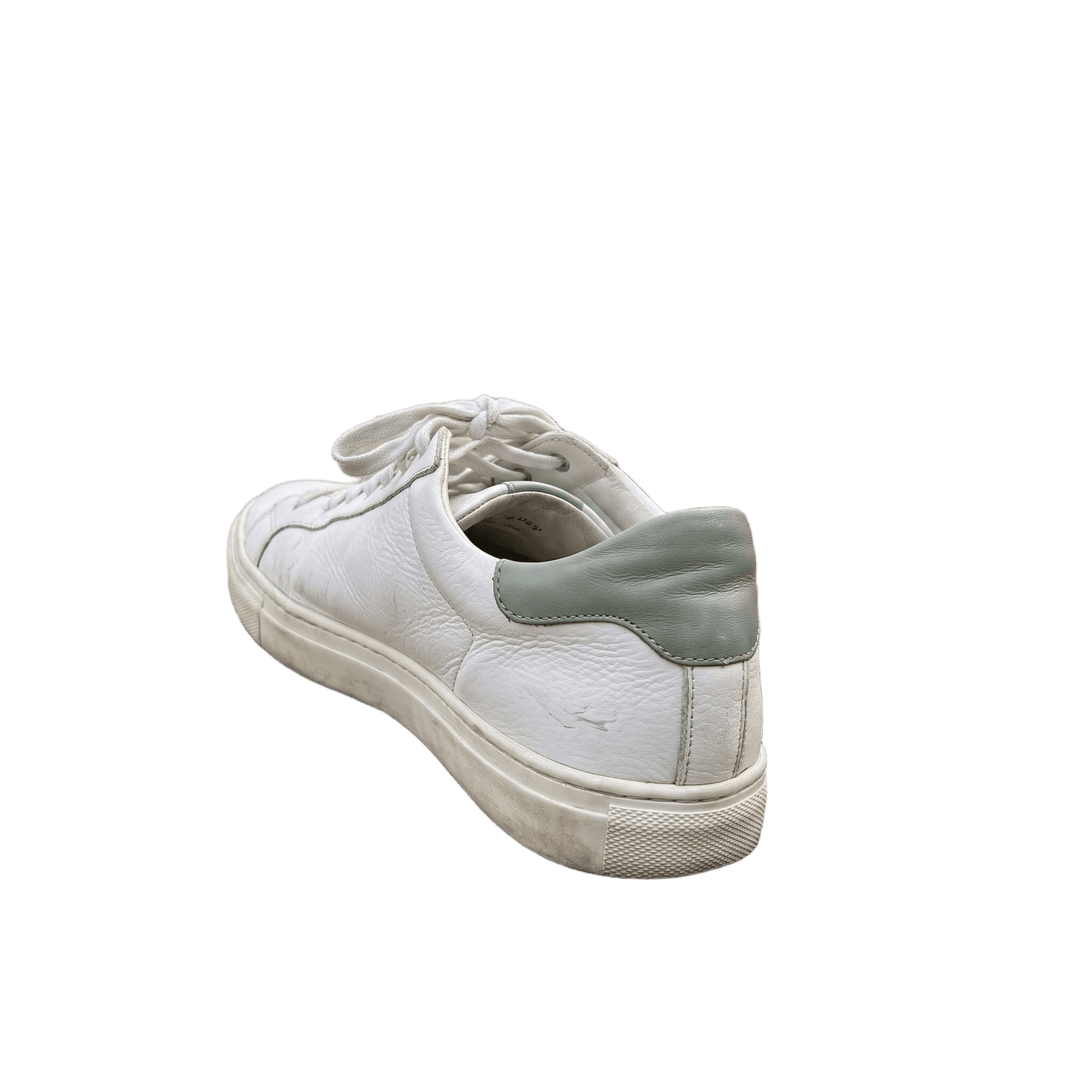 Transparent
 PNG
A clean cut-out, ready for any design
Drop the result into Canva, Figma or your store's theme and it fits any background.
Need a full scene instead? Replace the background with lighting that matches your subject.
More tools in this studio
Send any result straight to the next tool.
Ready to take control of your
fashion imagery?
Create photorealistic on-model images in seconds, from the photos you already have.
FAQ
Frequently asked questions
How much does background removal cost?
Removing a background costs 1 credit. Replacing it with a new AI-generated background costs 2 credits per image.
What format do I get?
Removed backgrounds are saved as transparent PNG files at the size of your original image.
Does it work with hair and fur?
Yes. The model is trained to keep fine detail like hair, fur and semi-transparent edges.
Can I use the images commercially?
Yes. You own the images you generate and can use them on your store, marketplaces, ads and social media, provided you have the rights to the photos you upload.
How many credits does a generation use?
Credits depend on the tool: background removal costs 1 credit, most images cost 2–3 credits, and videos are charged per second. You always see the exact cost before generating, and credits for failed generations are refunded automatically.
Are my uploads private?
Yes. Your uploads and results are only visible in your own account and are never used to train AI models.
Still have questions? Contact us