AI fashion models
Your own models,
ready in seconds
Design photorealistic models that fit your brand: choose gender, age, ethnicity, body type, hair, outfit and shot type. Save the ones you love and dress them in your products with Virtual Try-On.
20 free credits · No credit card required
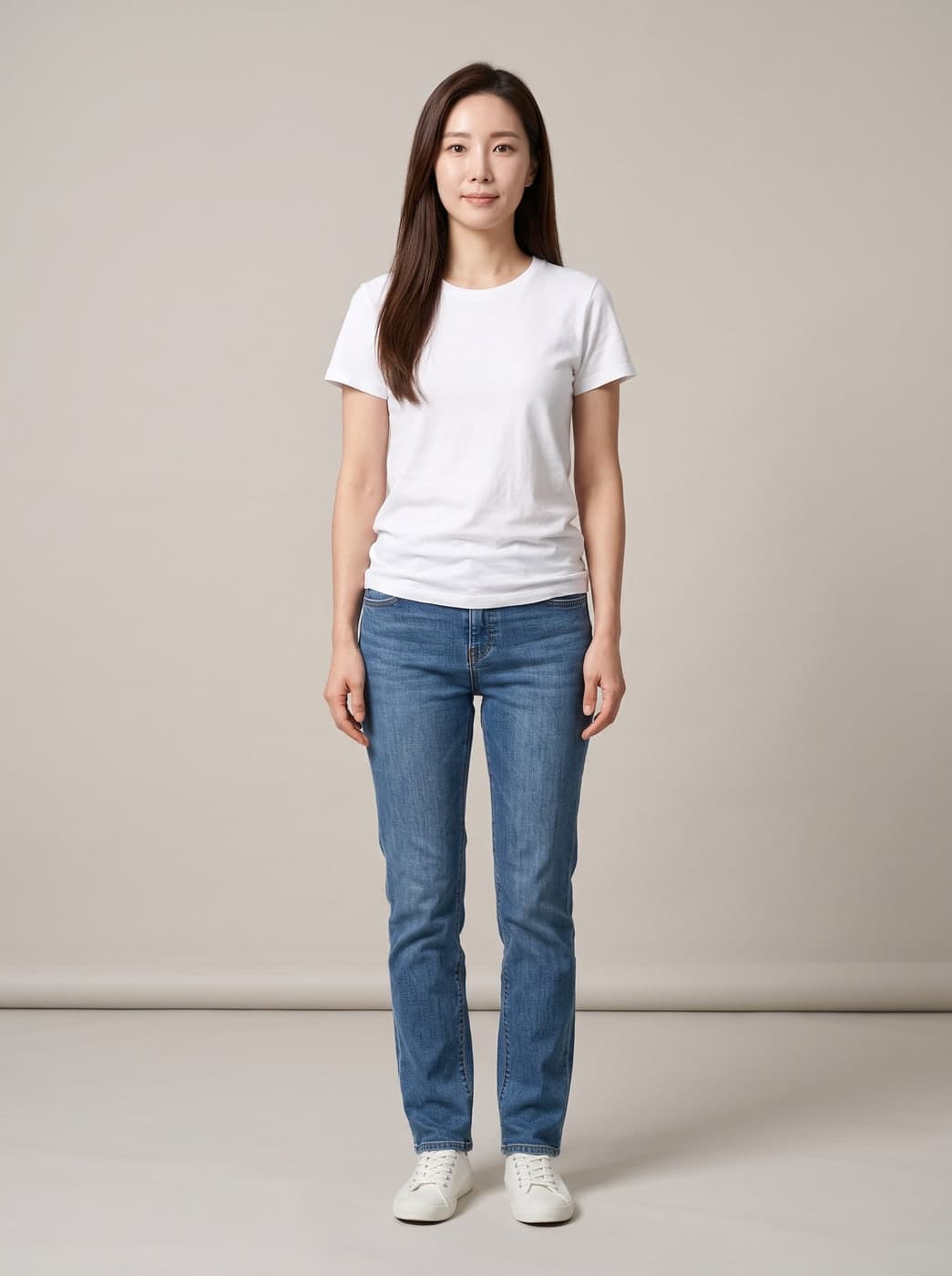
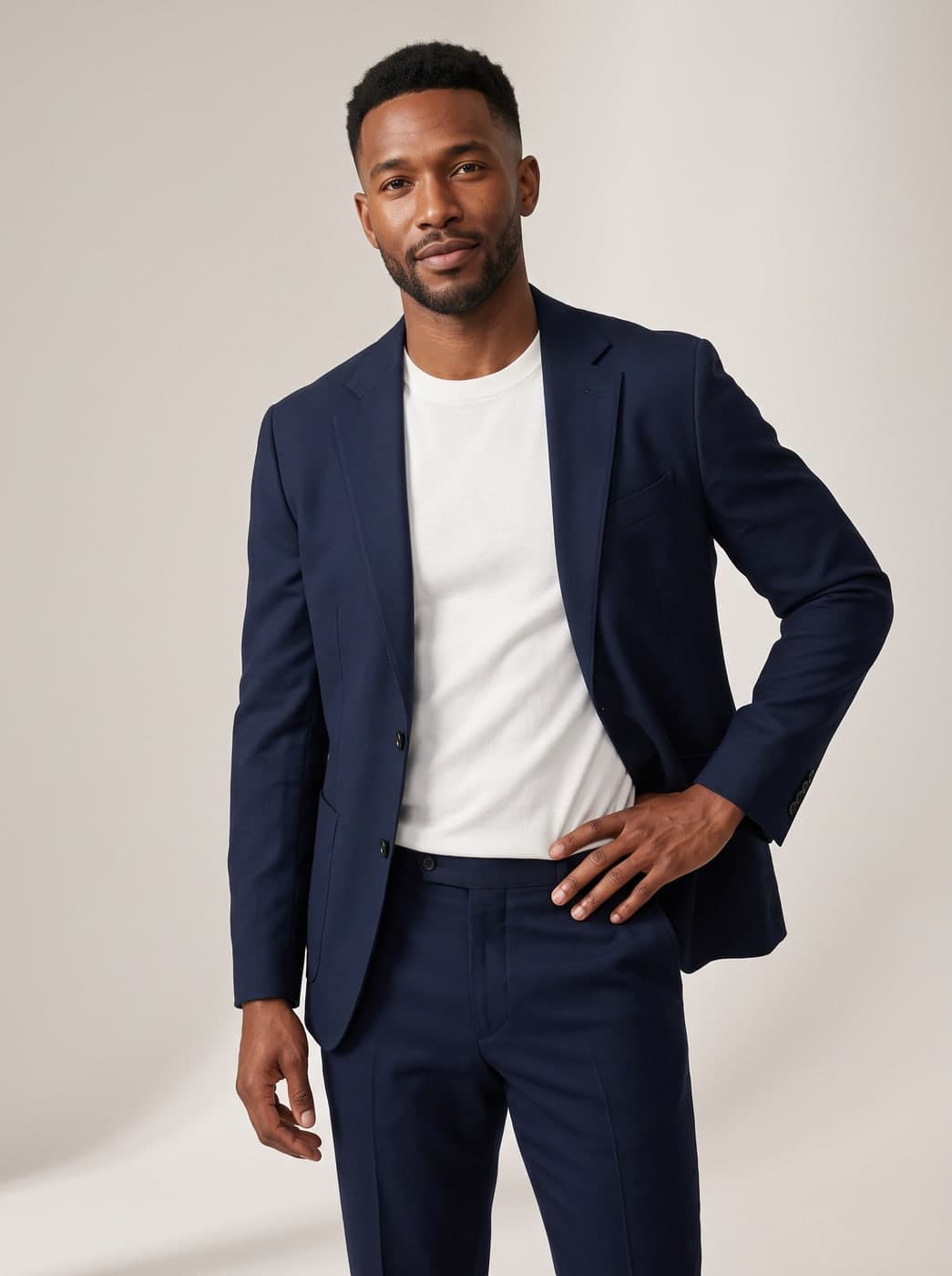
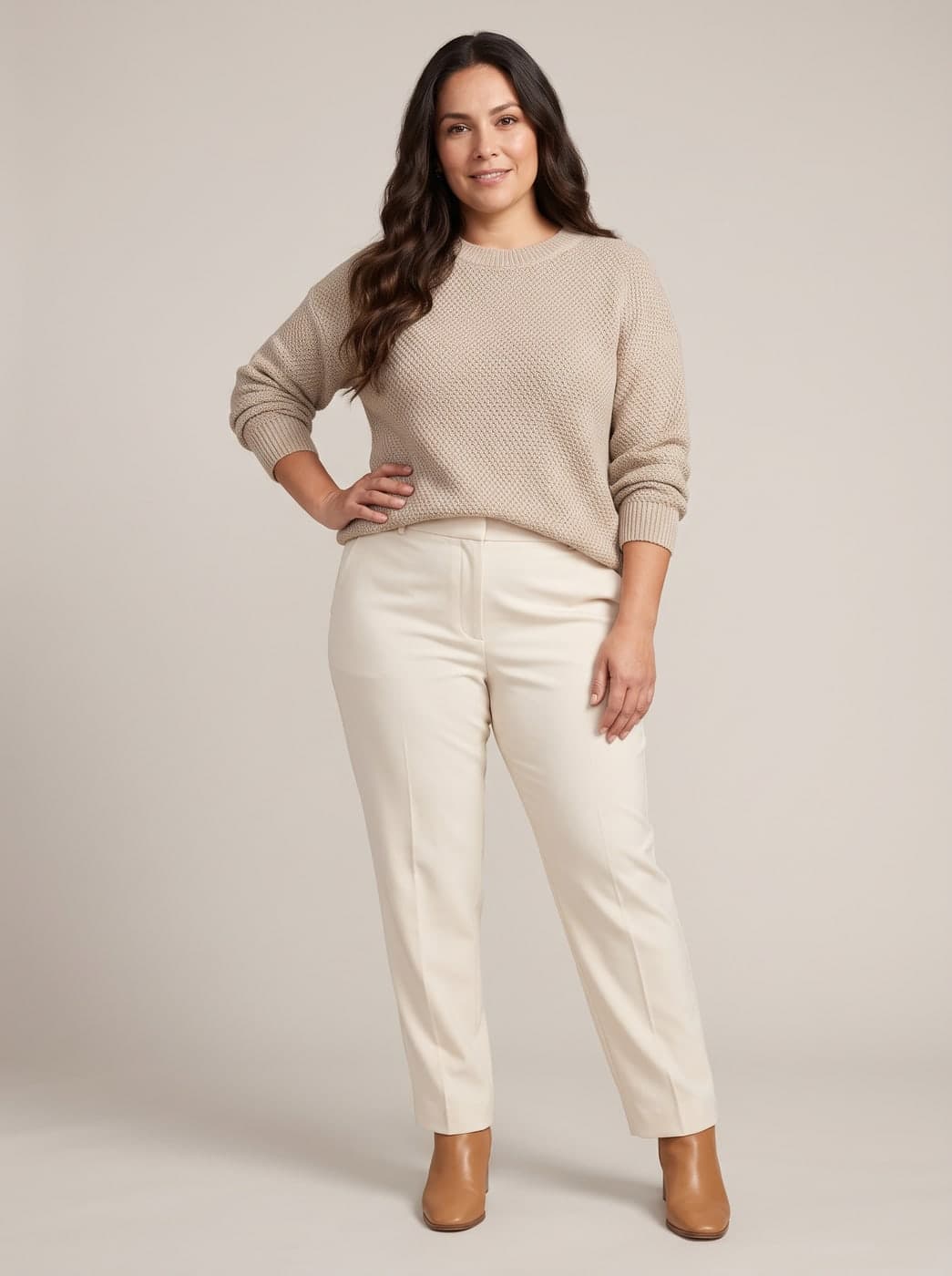
Models for every customer
Show your products on people who look like your shoppers, without casting or model fees.
Fully customizable
Gender, age, ethnicity, body type, hair, base outfit, pose and background.
Size-inclusive
Slim, athletic, average, curvy and plus-size bodies for a catalog that fits everyone.
Save and reuse
Keep your favorite models in My Models and use them across Try-On and new poses.
Commercial use
Every model is fictional and generated for you, so there are no usage rights to negotiate.
How to create an AI fashion model
From an idea to a reusable model in three steps.
01
Describe your model
Pick gender, age, ethnicity, body type and hair, or start from a model you saved.
Full body, 3/4 length or headshot, with a neutral base outfit that is easy to dress.
02
Choose the shot
Full body, 3/4 length or headshot, with a neutral base outfit that is easy to dress.
03
Save your favorite
Generate up to four options, save the best one and use it in Virtual Try-On.
More examples
Every example was generated with PhotoBgAi. The small thumbnails show what went in.
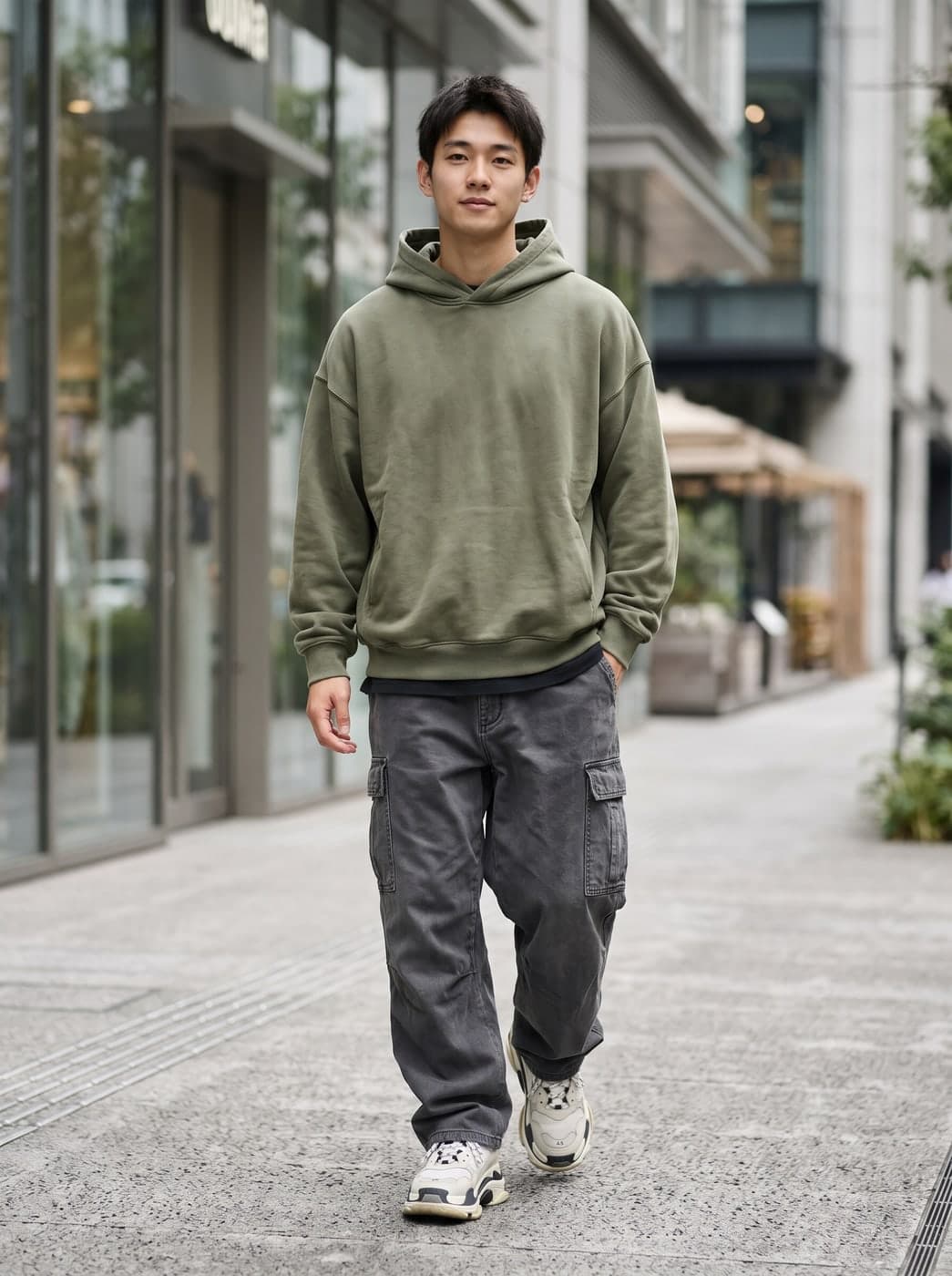
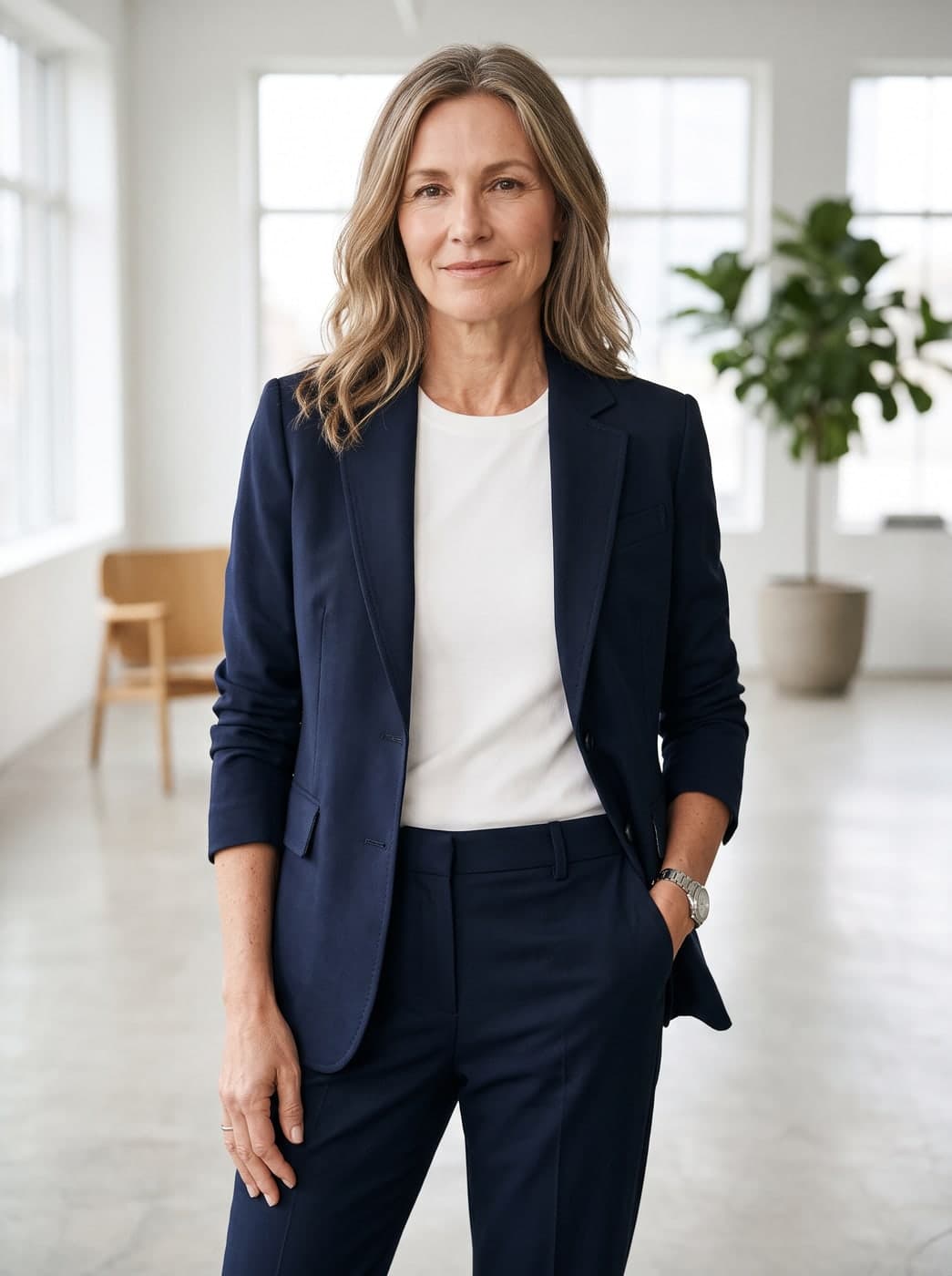
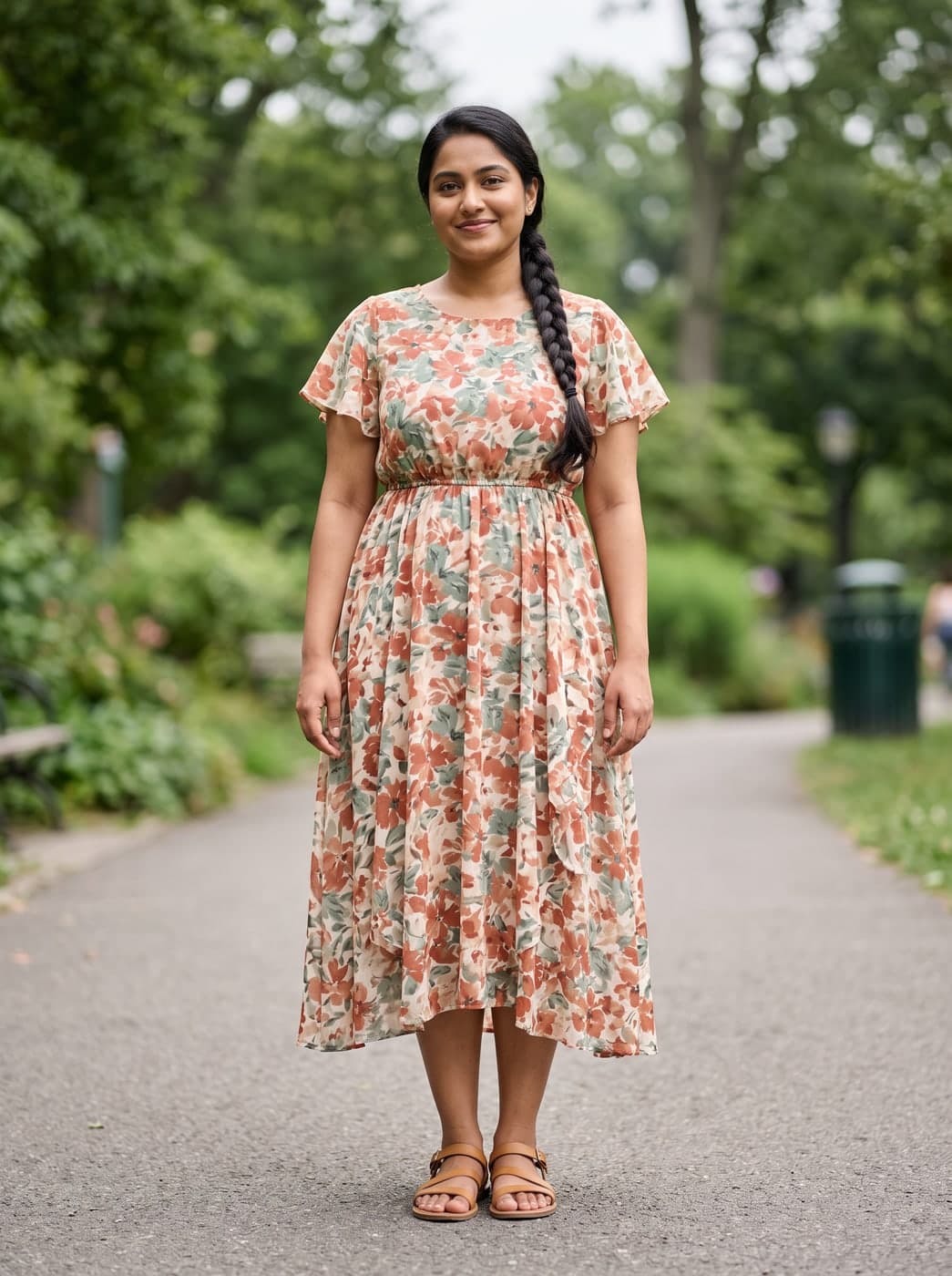
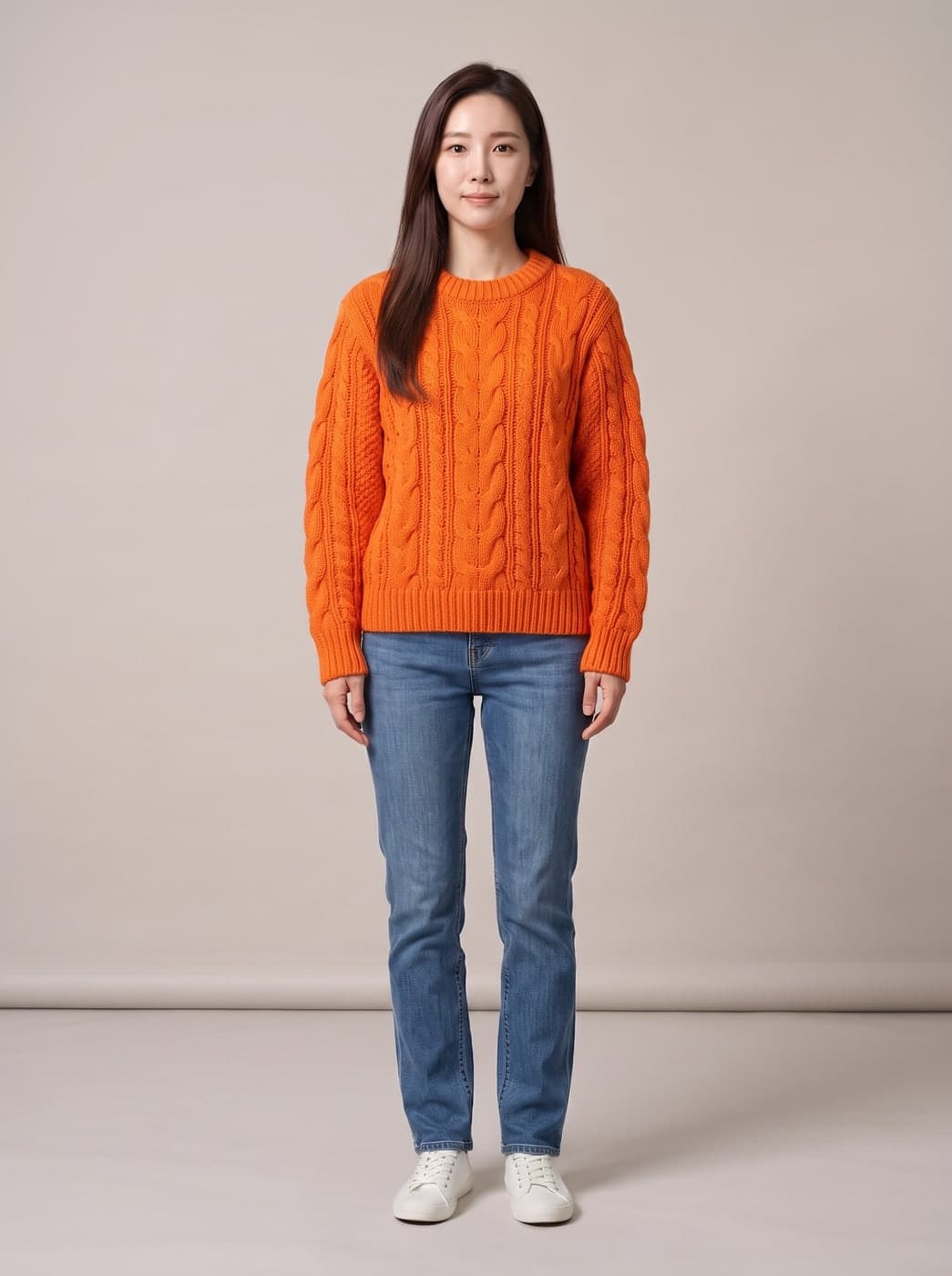 ResultModel
Works with Virtual Try-On
One model, your whole catalog
Send a saved model straight to Virtual Try-On and dress them in every new arrival for a consistent storefront.
Need another angle? Generate new poses of the same model while keeping the face and body identical.
More tools in this studio
Send any result straight to the next tool.
Ready to take control of your
fashion imagery?
Create photorealistic on-model images in seconds, from the photos you already have.
FAQ
Frequently asked questions
Are AI models real people?
No. Every model is a fictional person generated by AI, so you don't need model releases or usage agreements.
Can I keep the same model across photos?
Yes. Save a model to My Models, then use “From a saved model” to create new poses or send them to Virtual Try-On.
Why does the model wear a plain outfit?
A simple base outfit like a white tee and jeans gives the best results when you later dress the model in your own garments.
Can I use the images commercially?
Yes. You own the images you generate and can use them on your store, marketplaces, ads and social media, provided you have the rights to the photos you upload.
How many credits does a generation use?
Credits depend on the tool: background removal costs 1 credit, most images cost 2–3 credits, and videos are charged per second. You always see the exact cost before generating, and credits for failed generations are refunded automatically.
Are my uploads private?
Yes. Your uploads and results are only visible in your own account and are never used to train AI models.
Still have questions? Contact us