AI lifestyle photos
You, in all the places
you'd love to be
Upload a few selfies and get natural, candid-looking photos of you at a Parisian café, on a Santorini terrace, at golden hour or out with a dog. Made for Instagram, dating apps and every social profile.
20 free credits · No credit card required
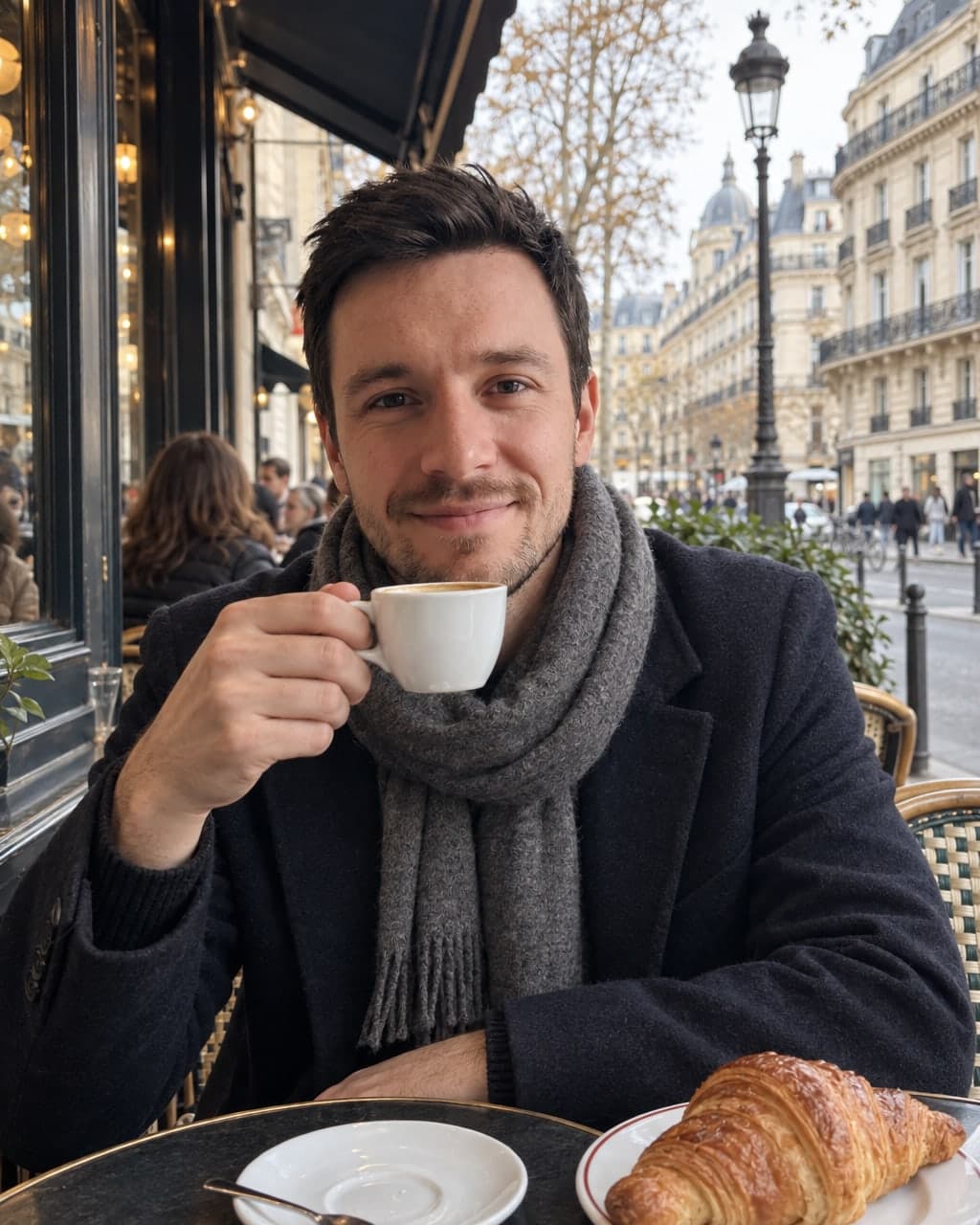 Result
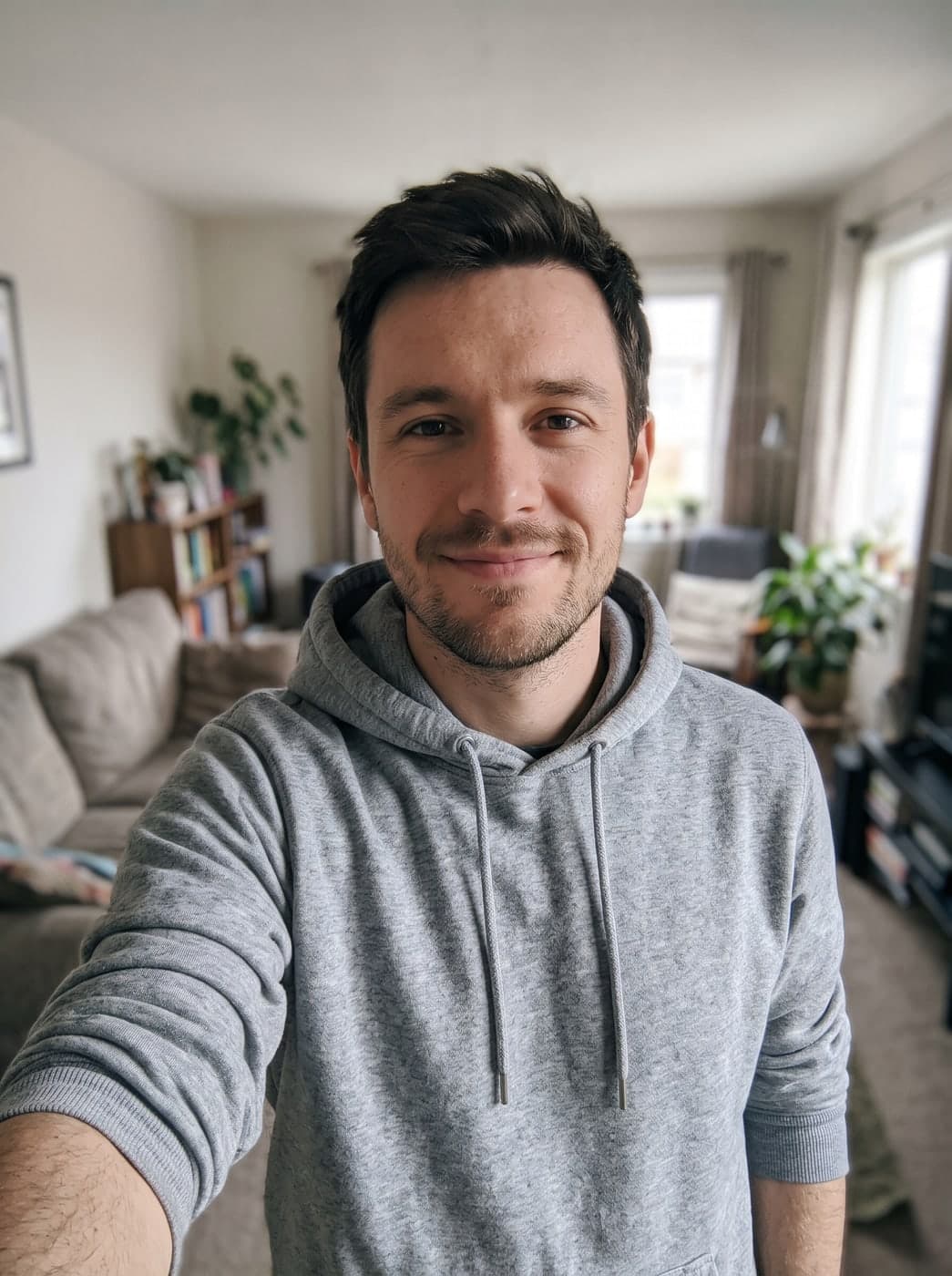 Selfie
Photos that feel real
Candid shots, natural light, and your own face.
14 scenes
Travel, cafés, beach, city nights, the gym, hiking, cooking and more.
Looks like a friend took it
Natural light and authentic expressions, not an airbrushed studio look.
Your likeness kept
Face, skin tone and features are preserved, so it's still you.
Sized for social
4:5 for feeds and dating apps, 9:16 for Stories, 1:1 for profile pictures.
How to create lifestyle photos
Pick the scenes, we'll take care of the rest.
01
Upload 1–3 selfies
Clear photos of your face. Different angles work best.
Pick up to four scenes and, optionally, describe your outfit.
02
Choose your scenes
Pick up to four scenes and, optionally, describe your outfit.
03
Post
Download and share on Instagram, Hinge, Bumble or anywhere else.
More examples
Every example was generated with PhotoBgAi. The small thumbnails show what went in.
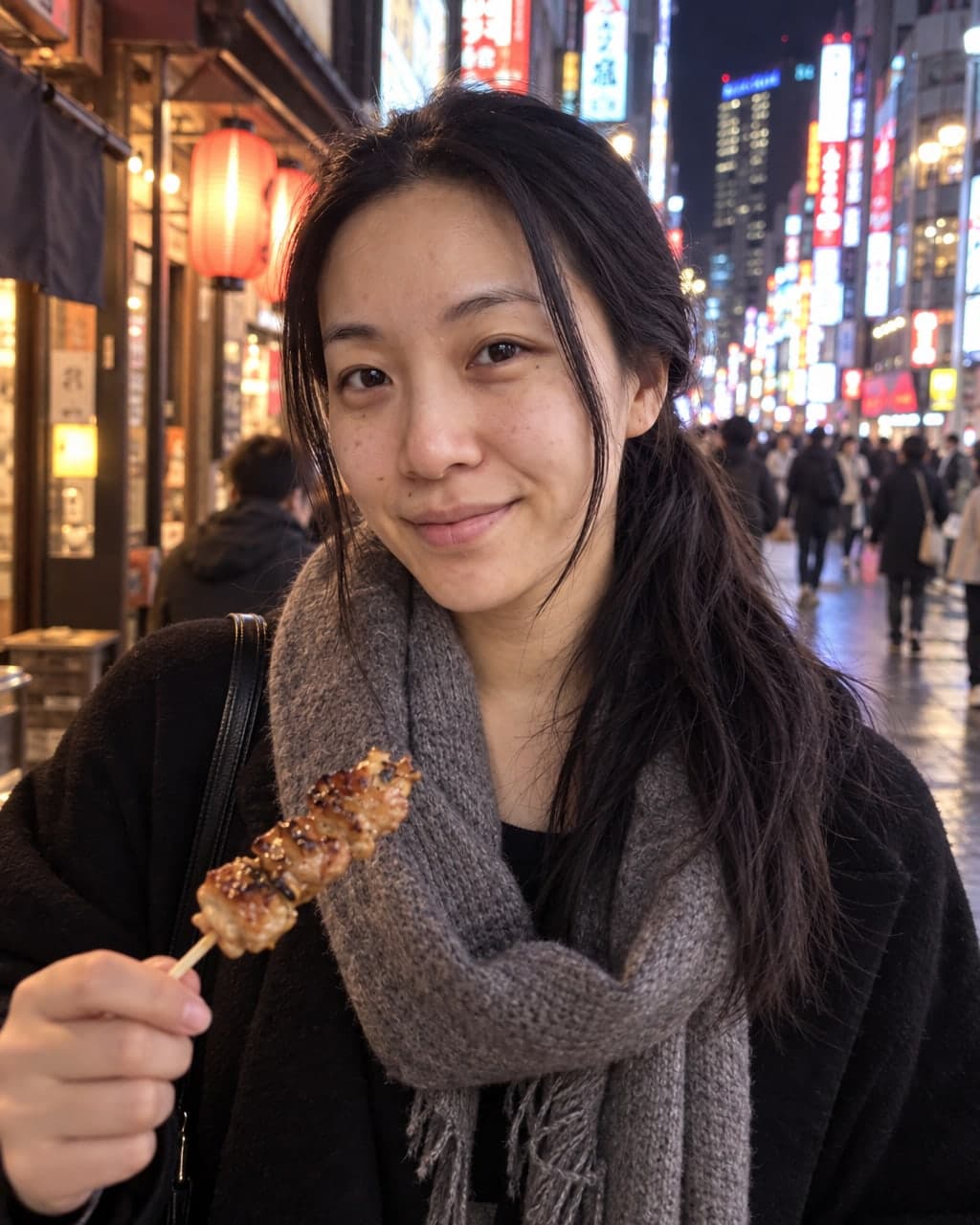
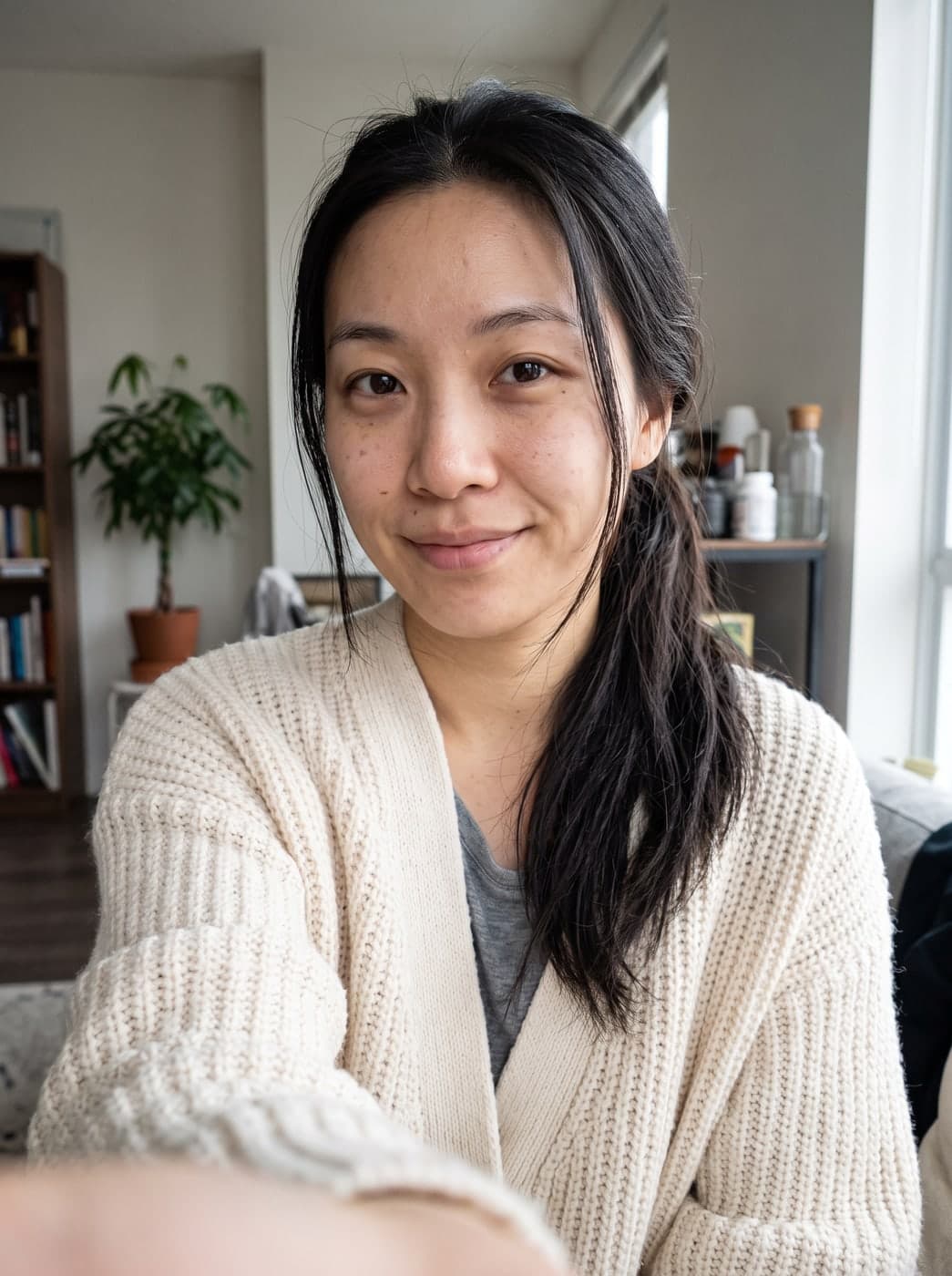
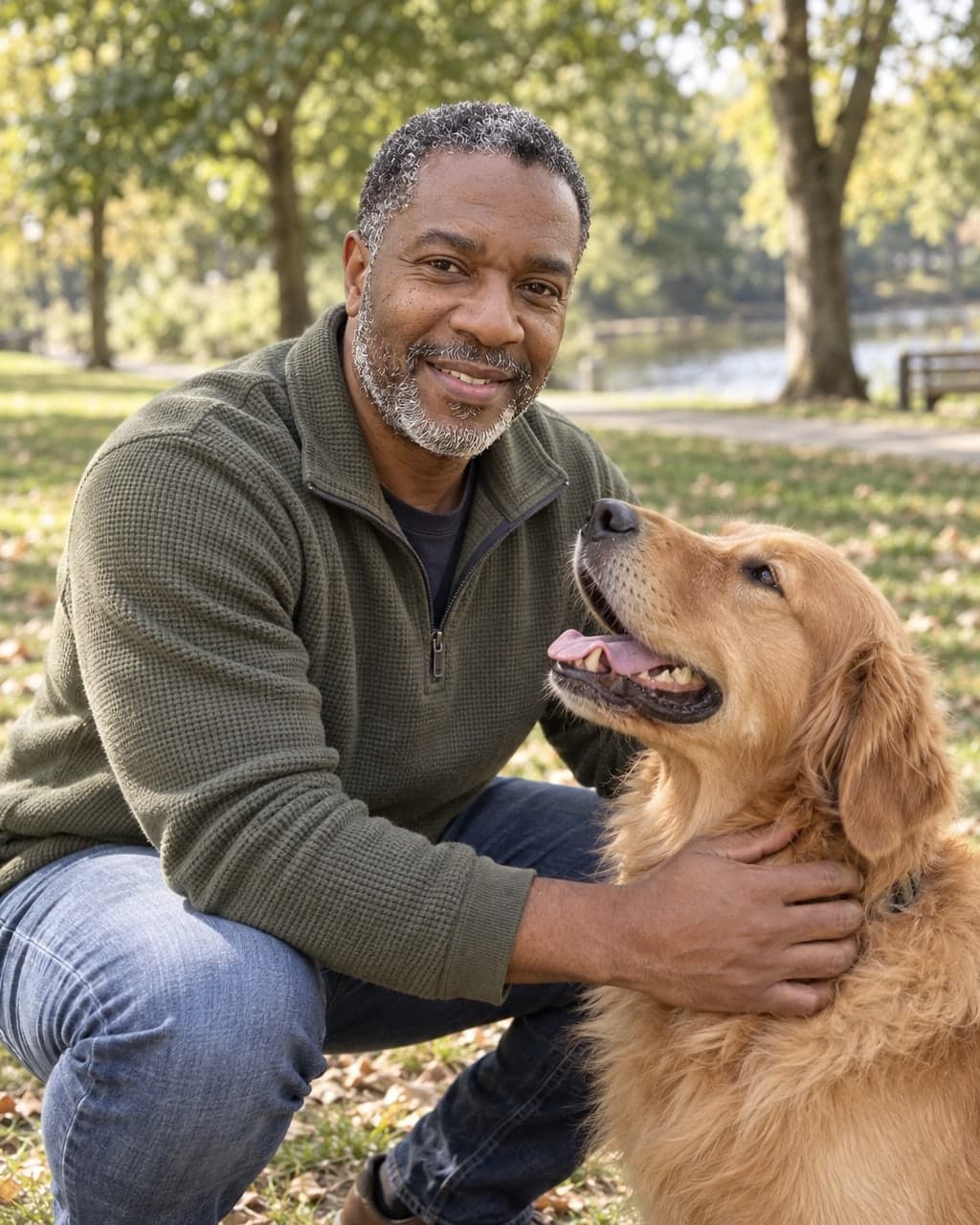
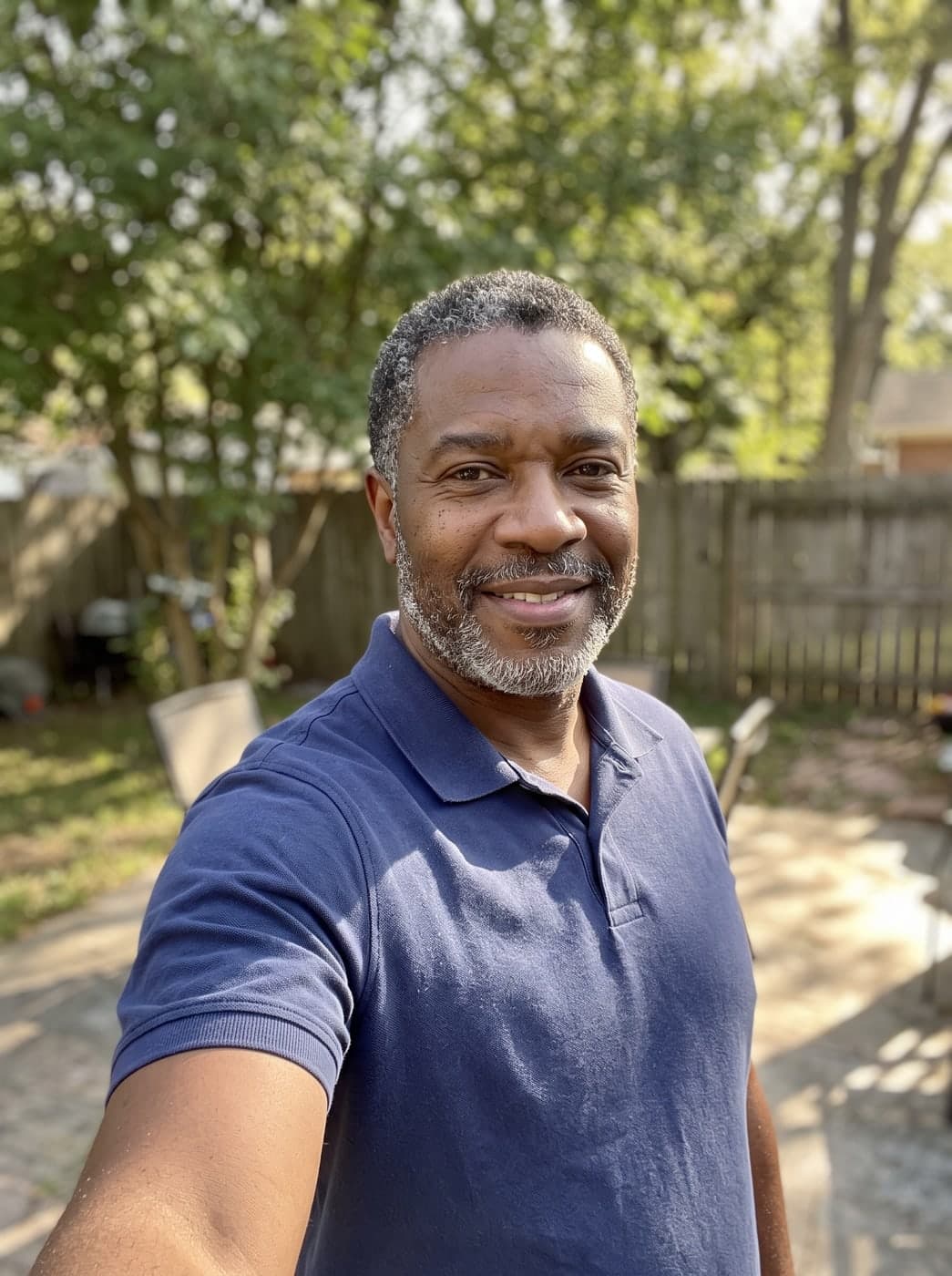 Selfie
 Result
Social and dating
Fresh photos for every profile
Refresh your Instagram grid or dating profile with natural photos in places that show your personality.
Keep it authentic: we keep your face exactly as it is so your photos still look like you in real life.
More tools in this studio
Send any result straight to the next tool.
Ready to take control of your
fashion imagery?
Create photorealistic on-model images in seconds, from the photos you already have.
FAQ
Frequently asked questions
Are the photos realistic?
They are designed to look like candid photos with natural light. Generate a few and keep the ones that feel most like you.
Can I use them on dating apps?
You can, as long as the photos are of you. We keep your face as it is, so the photos stay honest about how you look.
Can I choose my outfit?
Yes. Describe an outfit in the advanced settings, or let the AI pick one that suits the scene.
Can I use the images commercially?
Yes. You own the images you generate and can use them on your store, marketplaces, ads and social media, provided you have the rights to the photos you upload.
How many credits does a generation use?
Credits depend on the tool: background removal costs 1 credit, most images cost 2–3 credits, and videos are charged per second. You always see the exact cost before generating, and credits for failed generations are refunded automatically.
Are my uploads private?
Yes. Your uploads and results are only visible in your own account and are never used to train AI models.
Still have questions? Contact us