AI product video
Product photos
that move
Turn a single product photo into a short, polished video with smooth camera motion. Ideal for TikTok and Meta ads, Amazon listings and Shopify product pages.
20 free credits · No credit card required
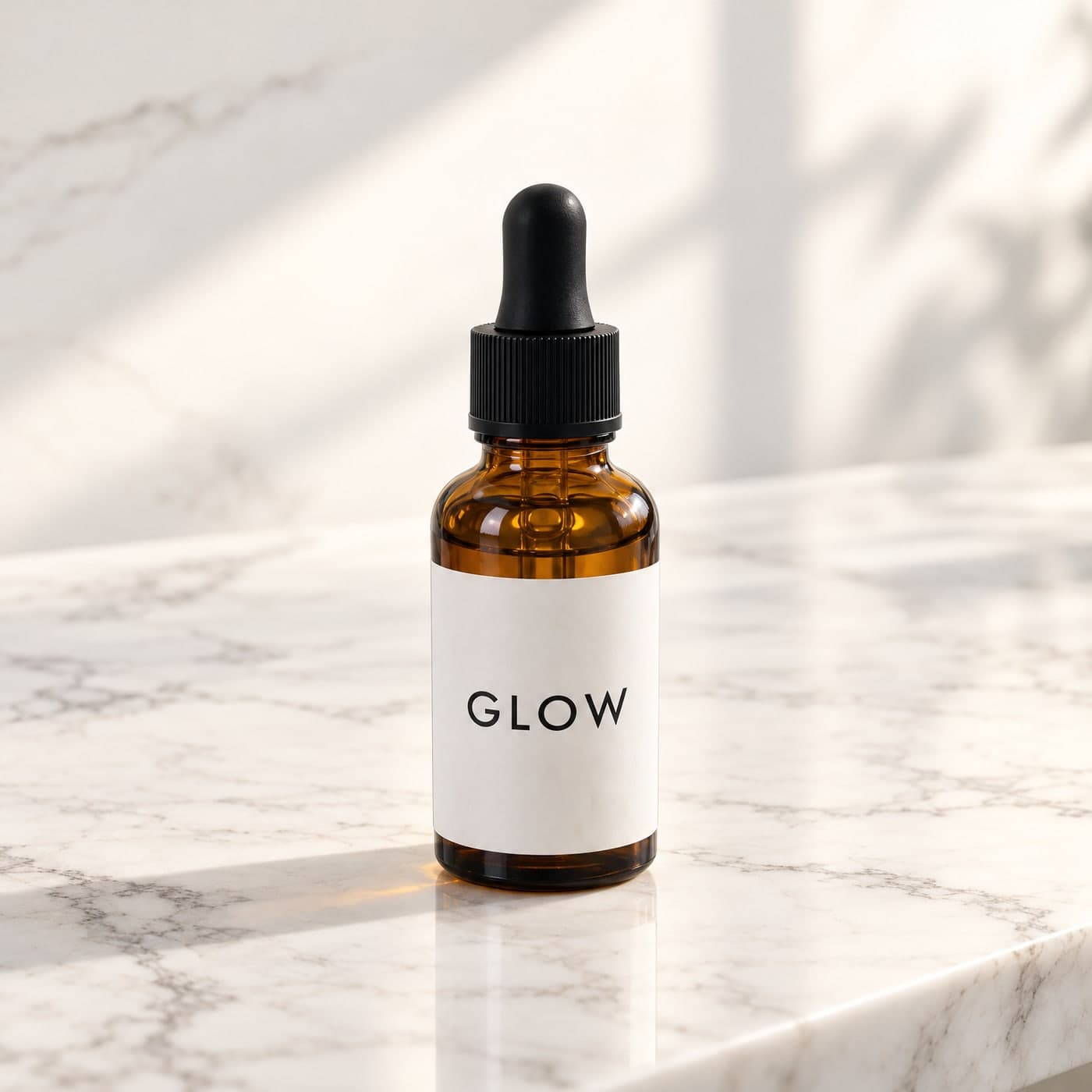 Photo
Video without a video shoot
Motion stops the scroll. Now every product can have it.
Four camera moves
360° orbit, cinematic push-in, floating product or a light sweep.
Every format
9:16 for TikTok and Reels, 1:1 for feeds, 16:9 for websites and YouTube.
Product stays consistent
Shape, colors and labels are kept as in your photo throughout the clip.
Optional sound
Add an ambient soundtrack that matches the scene, or keep it silent.
How to make a product video
Start from any clean product photo.
01
Choose a photo
Upload a product shot, or send one from AI Product Photography.
Choose a camera move, length, resolution and format.
02
Pick the motion
Choose a camera move, length, resolution and format.
03
Download the clip
Videos are ready in a few minutes and saved to your library.
More examples
Every example was generated with PhotoBgAi. The small thumbnails show what went in.
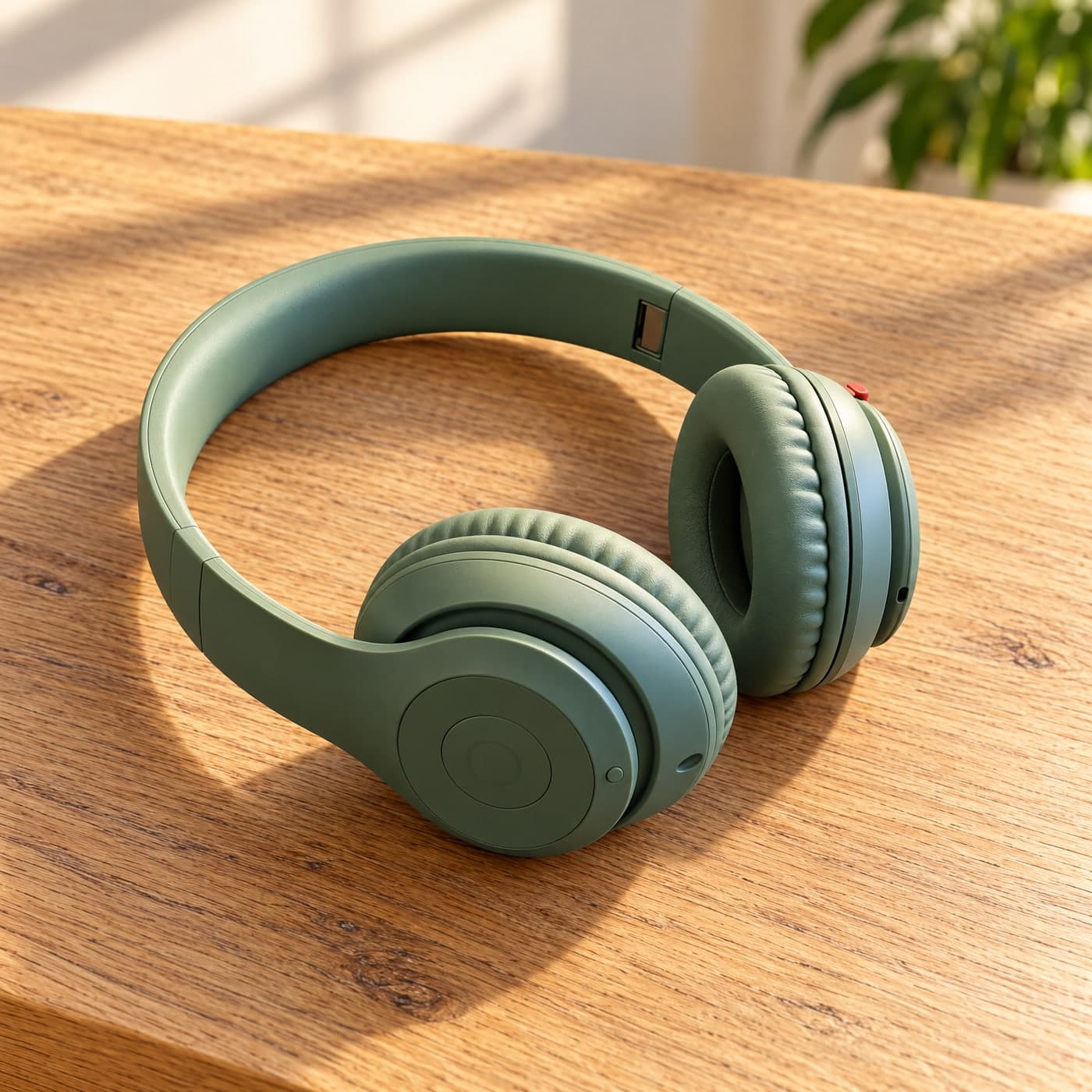
Ads and listings
Short clips for every channel
Use 9:16 clips for TikTok, Reels and Stories ads, and 1:1 or 16:9 for product pages and marketplaces that support video.
Combine with AI Product Photography: create a styled scene first, then bring it to life.
More tools in this studio
Send any result straight to the next tool.
Ready to take control of your
fashion imagery?
Create photorealistic on-model images in seconds, from the photos you already have.
FAQ
Frequently asked questions
How long does a video take?
Usually 1–5 minutes, sometimes longer at busy times. You can leave the page; the video is saved to your library.
How are videos priced?
Per second of video: 2 credits at 480p, 4 at 720p and 8 at 1080p. A 5-second 720p clip costs 20 credits.
Can I use the videos in ads?
Yes. You own the videos you generate and can use them commercially, as long as you have the rights to the product photo you upload.
Can I use the images commercially?
Yes. You own the images you generate and can use them on your store, marketplaces, ads and social media, provided you have the rights to the photos you upload.
How many credits does a generation use?
Credits depend on the tool: background removal costs 1 credit, most images cost 2–3 credits, and videos are charged per second. You always see the exact cost before generating, and credits for failed generations are refunded automatically.
Are my uploads private?
Yes. Your uploads and results are only visible in your own account and are never used to train AI models.
Still have questions? Contact us